Capacitive Touch Screen Panels for Industrial HMI and Embedded Displays
PCAP capacitive touch screens for industrial HMIs, embedded displays, smart panels and modern multi-touch interface applications.
Capacitive touch screens help product teams build modern touch interfaces when multi-touch interaction, smooth front-surface touch feel, optical clarity and front-panel design are important.
LMTEK provides capacitive touch screen and PCAP touch panel options for industrial HMIs, embedded displays, smart building controls, energy devices, appliance interfaces and custom TFT touch projects. Your capacitive touch screen project can be selected by size, touch structure, cover lens material, cover thickness, controller IC, touch interface, FPC orientation, bonding method, surface treatment, matched TFT display and mechanical stack-up.
Project Review Focus
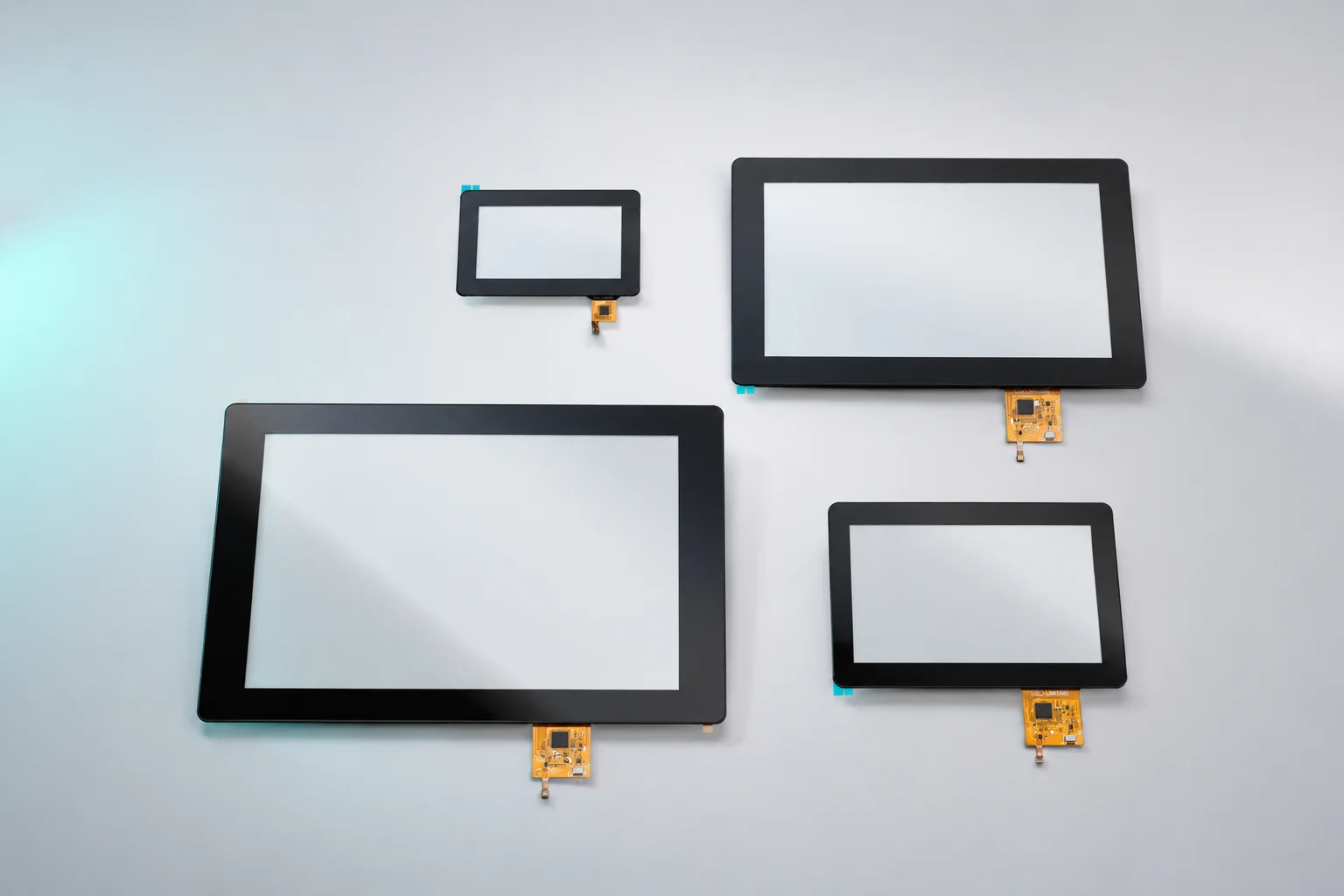
PCAP Touch Panels for Modern Embedded Display Interfaces
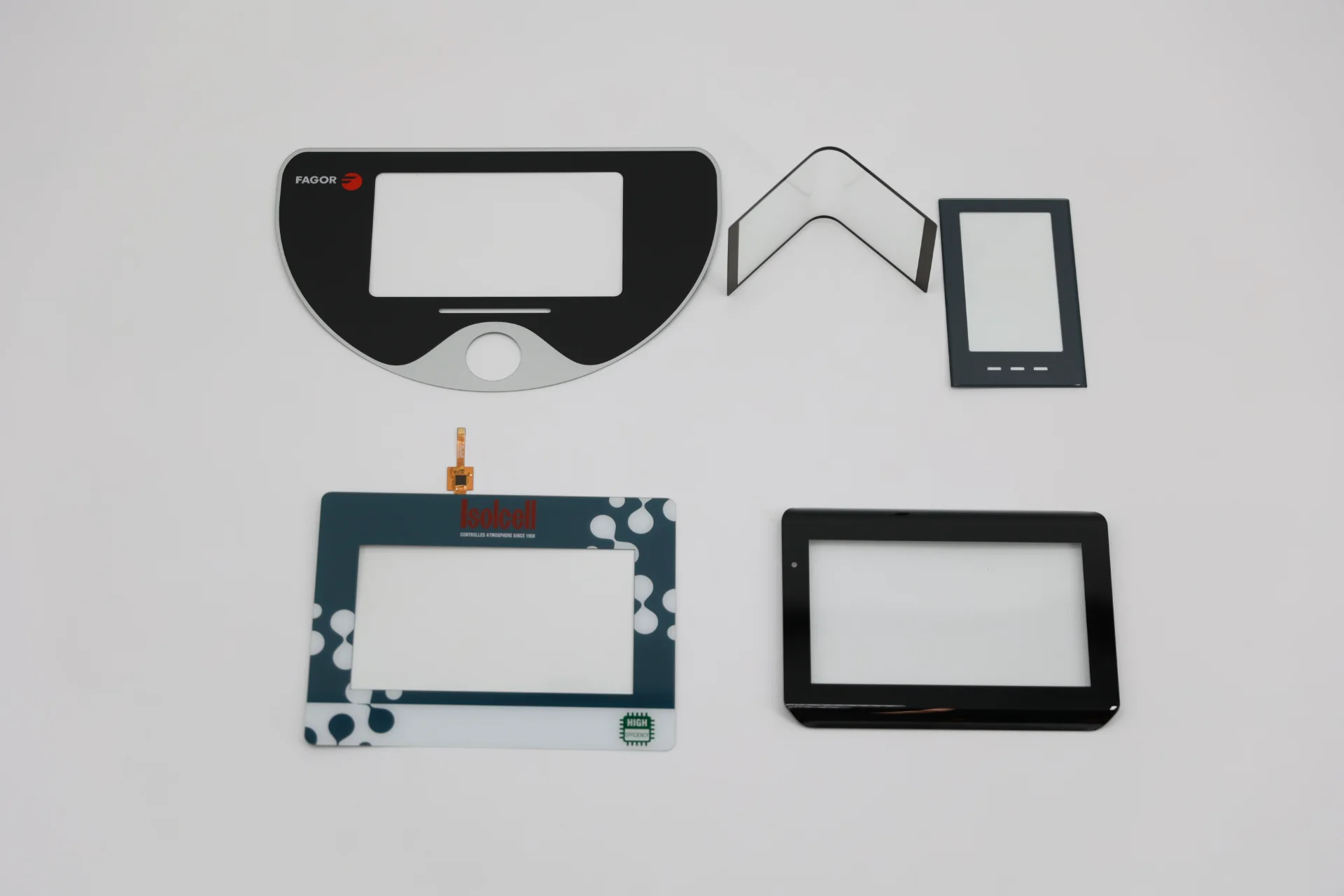
Key Selection Parameters
What Is a Capacitive Touch Screen?
A capacitive touch screen detects touch input by sensing changes in capacitance when a finger or compatible conductive input approaches or touches the surface. In industrial and embedded display projects, projected capacitive touch screens, also called PCAP touch screens, are commonly used for modern touch interfaces.
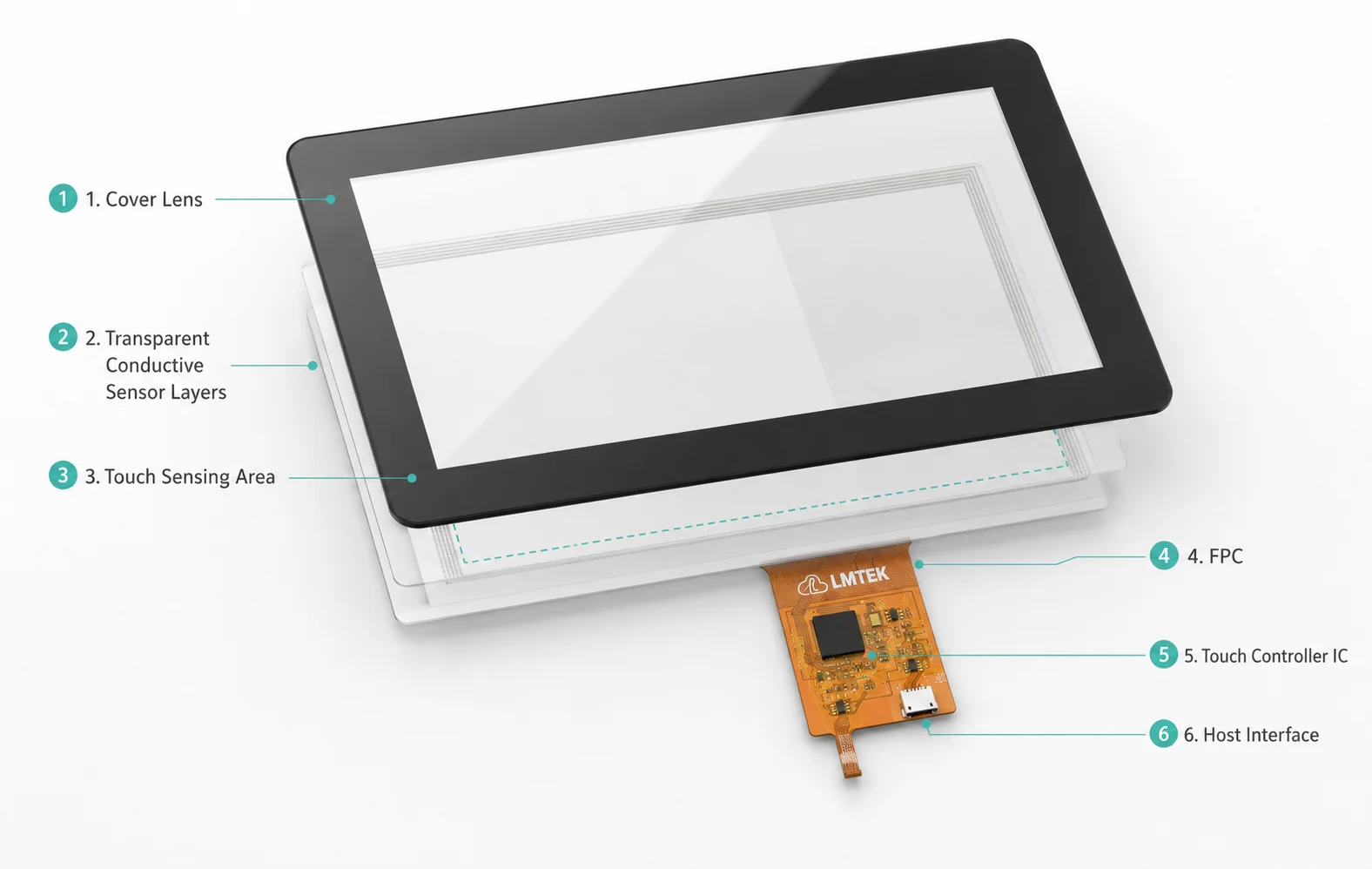
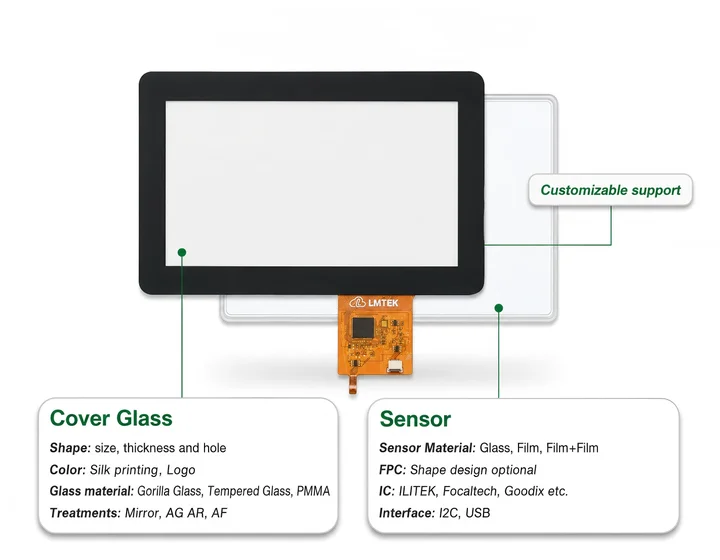
Typical PCAP Touch Panel Structure
A typical PCAP touch panel may include a cover lens, transparent conductive sensor layers, sensor pattern, FPC and touch controller IC. The controller processes touch signals and sends touch data to the host system through an interface such as I²C or USB, depending on the selected controller solution.
Why PCAP Touch Screens Are Selected
PCAP touch screens are often selected for multi-touch operation, smooth front design, improved visual appearance and gesture-based user interaction.
- Multi-touch operation and gesture support
- Smooth front surface -- no moving parts or pressure required
- Improved optical clarity and visual appearance
- Cleaner front-panel industrial design
- Gesture-based user interaction (swipe, pinch, zoom)
Validation Required
Final touch performance, glove operation, wet touch, cover thickness, EMI behavior, controller interface and operating conditions should always be verified by the selected model datasheet and project validation.
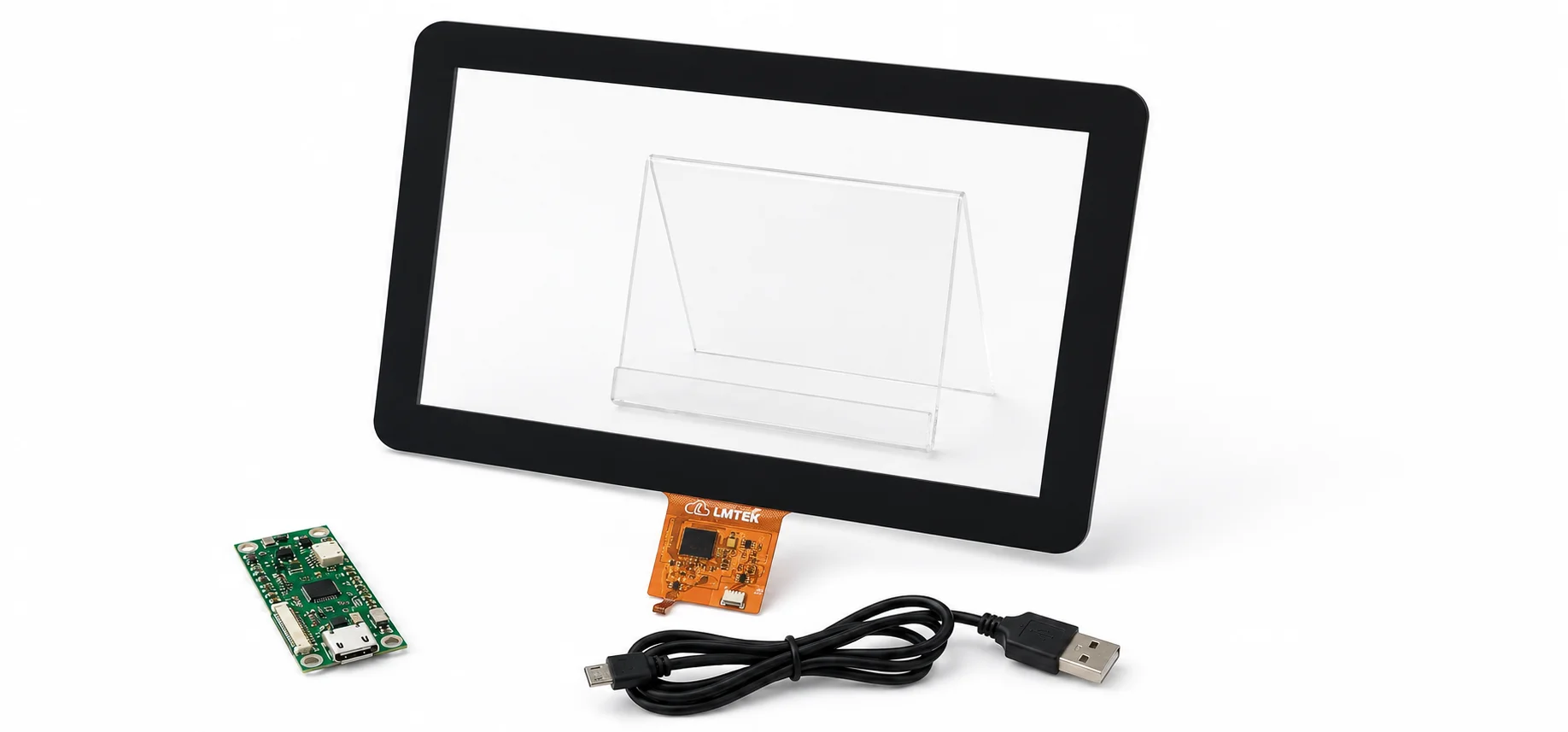
Projected Capacitive Touch Screen Options
Projected capacitive touch screens can be reviewed by touch size, sensor structure, cover lens design, controller IC, FPC direction, touch interface and bonding method. Glove touch, wet touch, water rejection and EMI performance should be confirmed by controller IC, firmware tuning, grounding, cover lens thickness and system-level validation.
When to Choose a Capacitive Touch Screen
Choose a capacitive touch screen when your product needs a modern touch experience, multi-touch interaction, a smooth front surface or a cleaner visual design.
Capacitive Touch Fit at a Glance
| Choose Capacitive Touch When | Consider Resistive Touch When |
|---|---|
|
Your UI requires multi-touch gestures
|
Your application needs pressure-based input
|
|
Your product needs a smooth front-surface touch experience
|
Users may operate mainly with stylus or heavy gloves
|
|
Optical clarity and front-panel appearance matter
|
The interface is simple: buttons, values or settings
|
|
Your interface uses modern GUI interaction
|
Cost control and simple touch input are the main priorities
|
|
The device is used in smart panels, HMIs or commercial interfaces
|
The product is a compact controller, instrument or basic equipment panel
|
Capacitive touch screens are often selected for industrial and embedded products where multi-touch input, smooth front glass, optical clarity and modern UI interaction are important. If your project requires pressure-based input, stylus-focused operation or a simple control interface, a resistive touch screen may be more suitable.
Projected Capacitive Touch Screen Panels
Projected capacitive touch screen panels are suitable for selected embedded displays, industrial HMIs and smart control interfaces that require modern touch interaction and clean front-panel design.
Request PCAP Touch Screen Options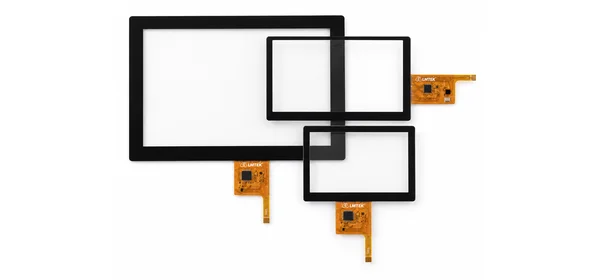
Capacitive Touch Screen with Cover Lens
A capacitive touch screen with cover lens can support customized front-panel design, printing, surface treatment and mechanical integration. Cover lens material, thickness, edge design and touch performance should be reviewed by project.
Review Cover Lens Options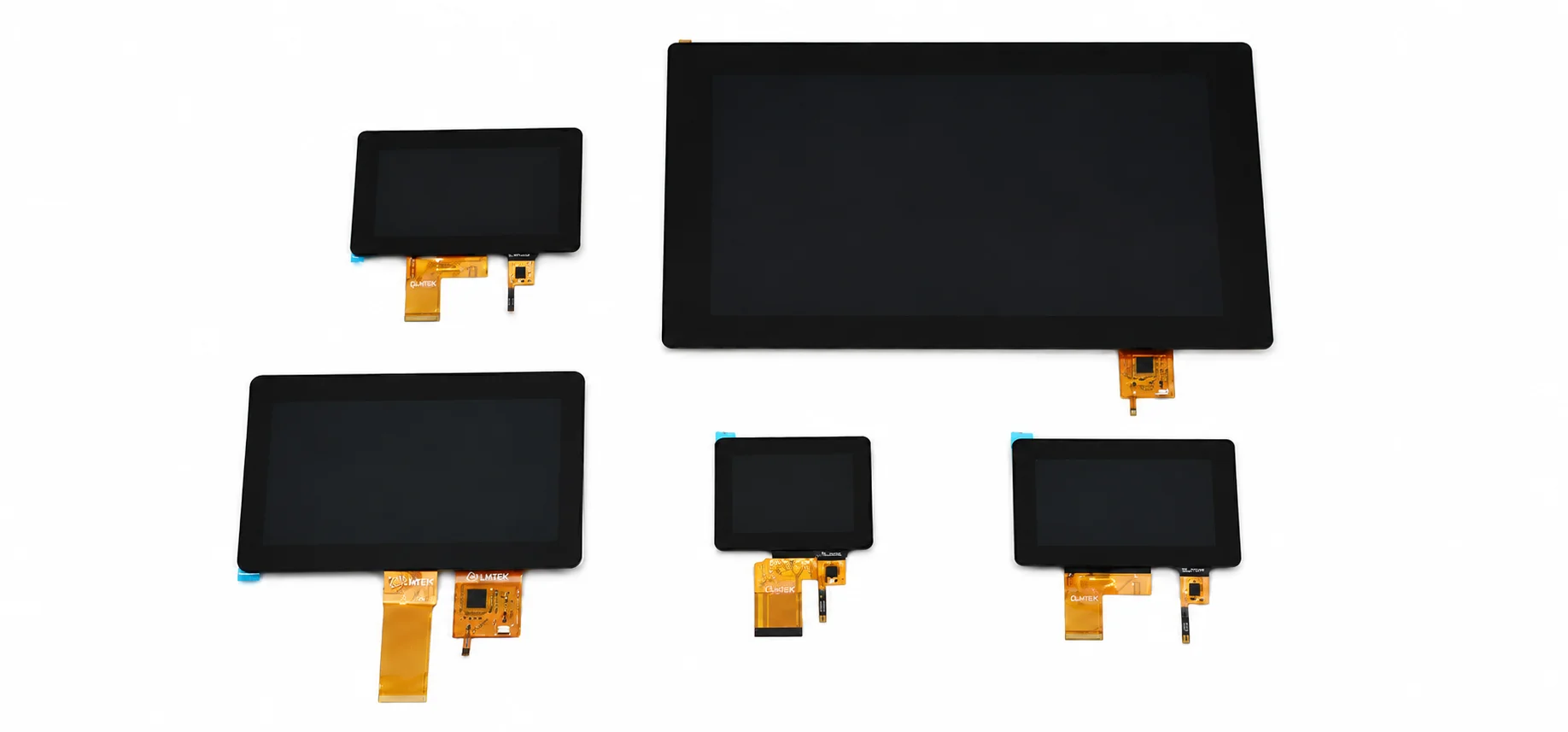
Capacitive Touch Screen with TFT LCD Matching
A capacitive touch screen with TFT LCD matching helps reduce alignment risk between touch area, display active area, front-panel opening, bonding layer and enclosure structure.
Review TFT Matching OptionsKey Advantages of Capacitive Touch Screens
Multi-Touch and Modern UI Interaction
Capacitive touch screens are often selected for multi-touch input, gesture-based operation and modern graphical interfaces. Final touch points and gesture support should be confirmed by controller IC, firmware and project requirements.
Smooth Front Surface and Clean Visual Design
PCAP touch panels can support a smooth front surface and cleaner industrial design. They are suitable for products where appearance, touch feel and user experience are important.
Cover Lens and Surface Treatment Options
Capacitive touch projects may include glass, chemically strengthened glass, PMMA, acrylic, polycarbonate or other front protection options depending on the structure. Surface treatments such as anti-glare, anti-reflection, anti-fingerprint, hard coating, UV-resistant printing and sealing design can be reviewed by project.
Flexible Matching with TFT LCD Modules
LMTEK helps align capacitive touch screen selection with TFT LCD size, cover lens, FPC direction, controller IC, touch interface, bonding method, front-panel structure and mechanical stack-up.
Ready to Evaluate Your Project?
Contact LMTEK to discuss touch panel selection, TFT matching, sample validation and production planning for your application.
Typical Applications of Capacitive Touch Screens
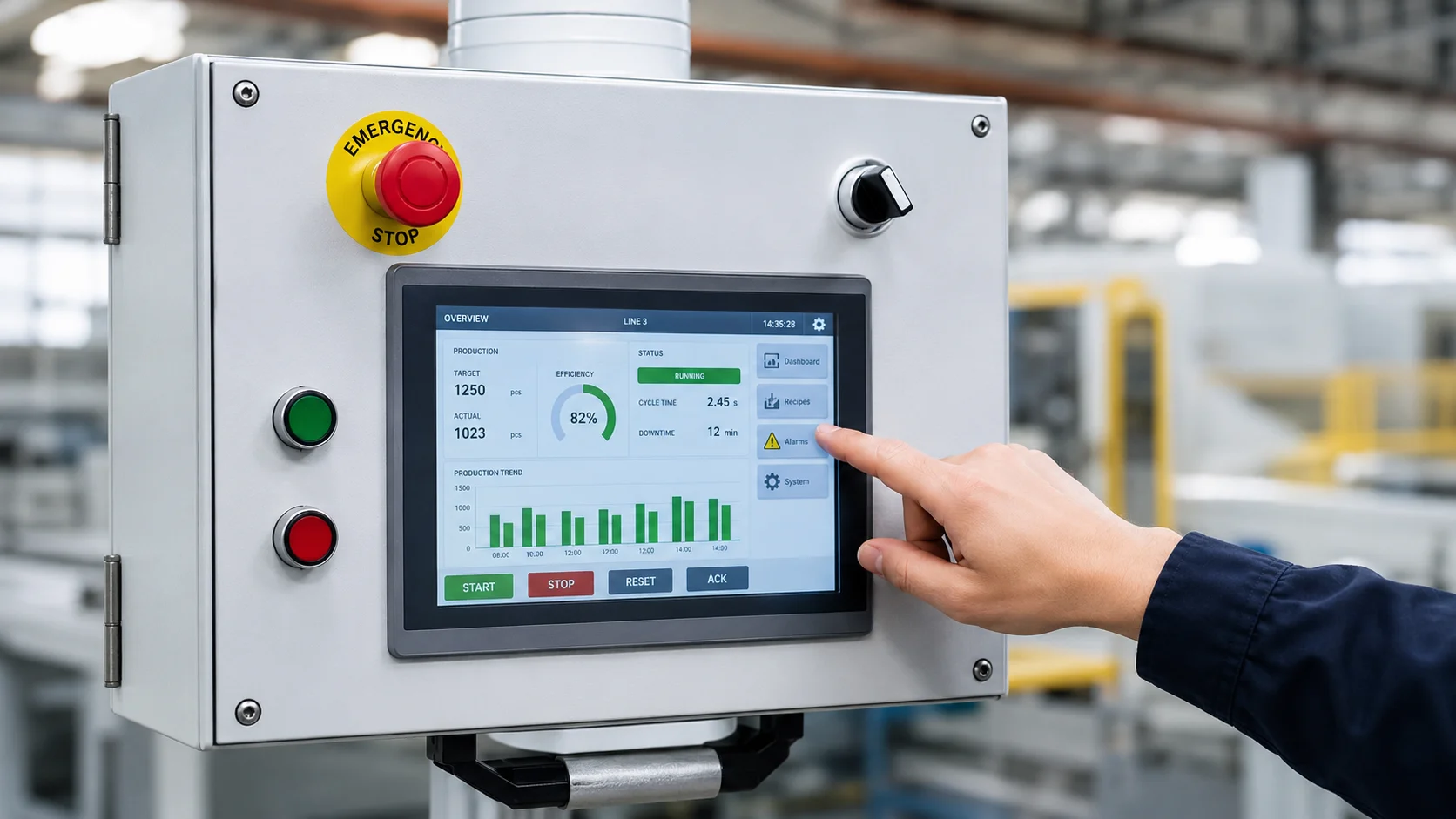
Capacitive Touch Screen for Industrial HMI Panels
Capacitive touch screens can be used in industrial HMI panels, operator terminals, machine interfaces and equipment control systems that require modern touch interaction.
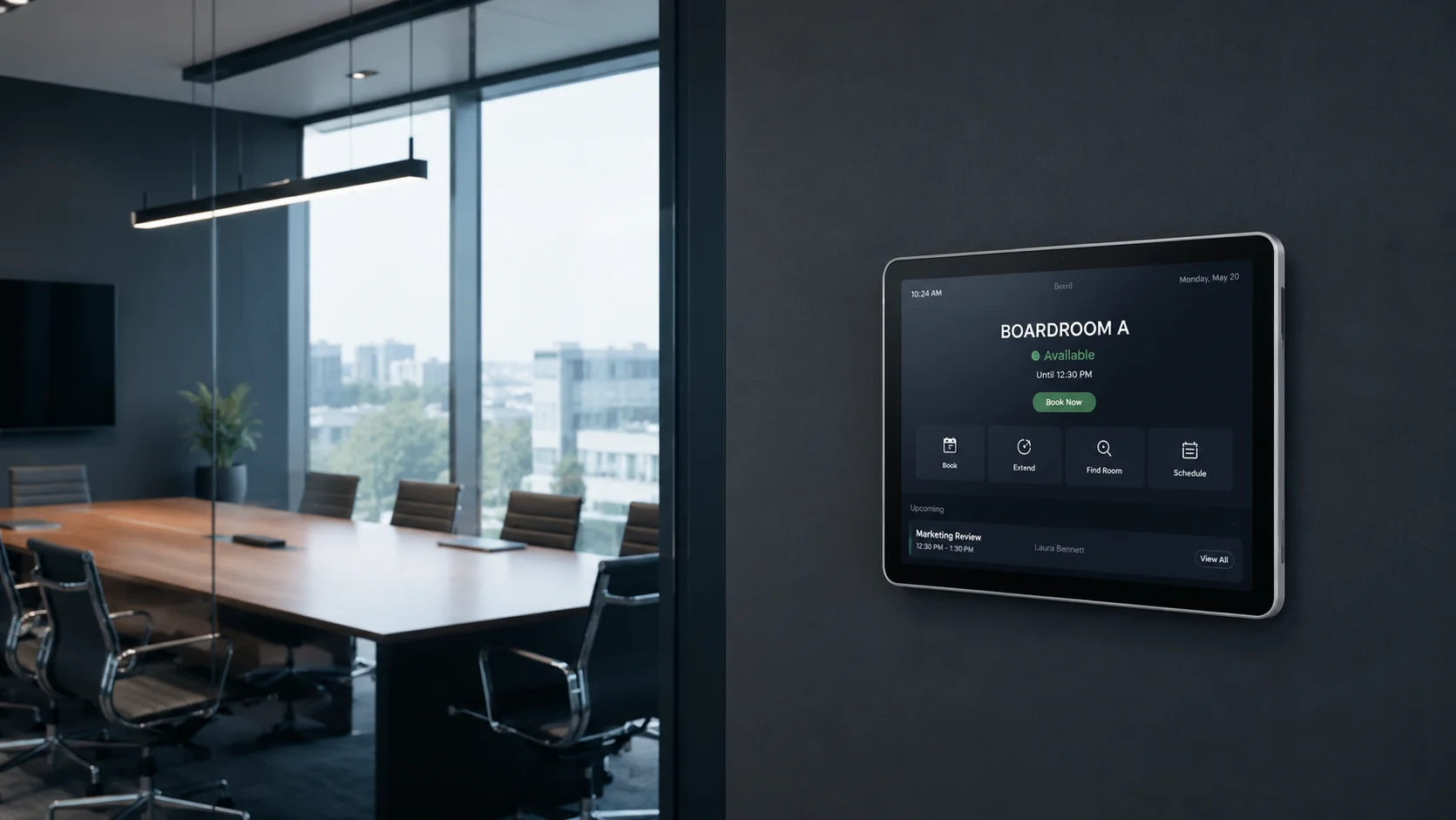
PCAP Touch Panel for Smart Building Controls
PCAP touch panels are suitable for smart thermostats, lighting controls, HVAC panels, BMS terminals and wall-mounted control devices.
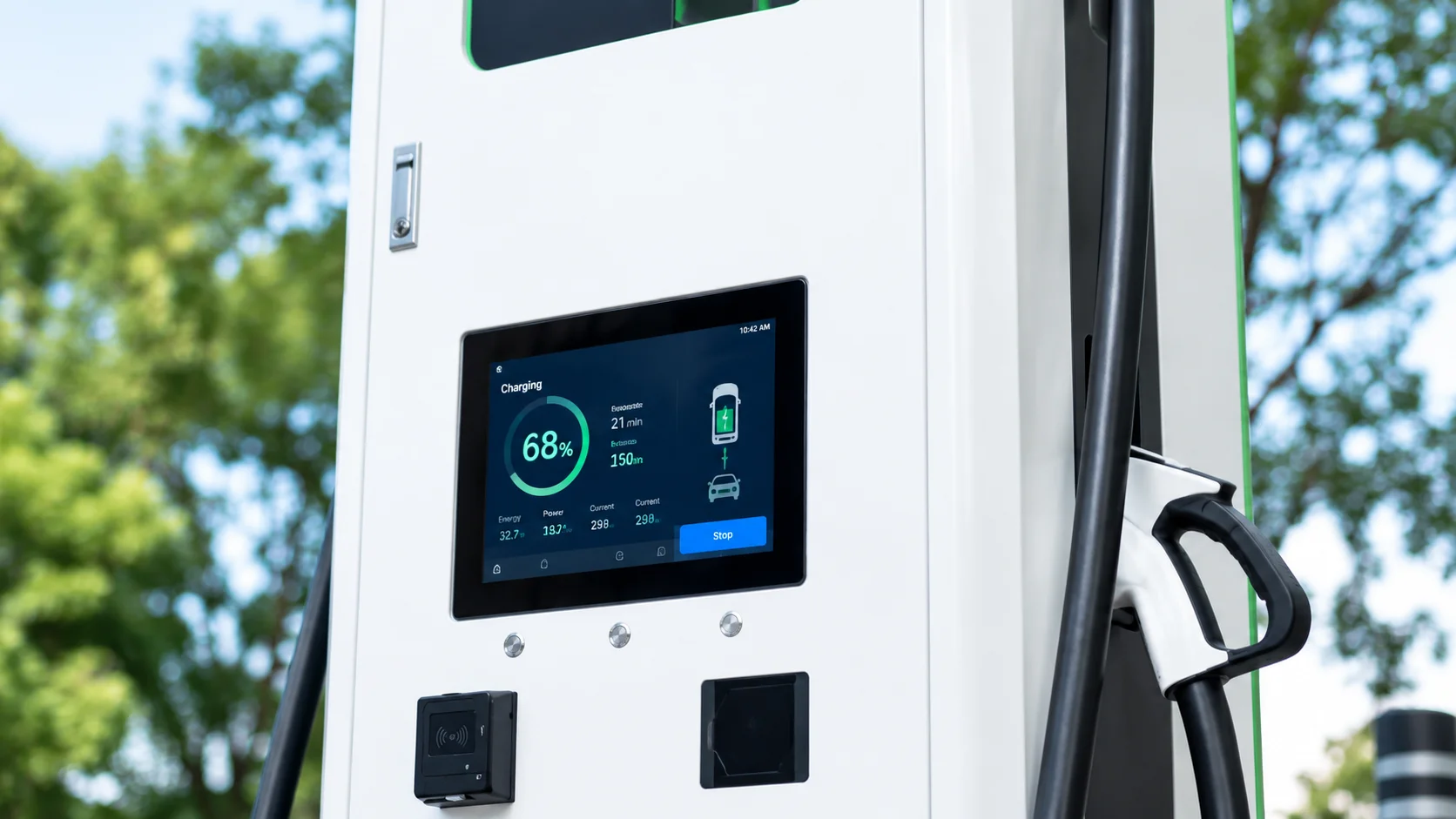
Capacitive Touch Display for Energy and EV Charging Devices
Capacitive touch displays may be considered for EV charging interfaces, energy management terminals and power monitoring panels where local interaction and clean front-panel design matter.
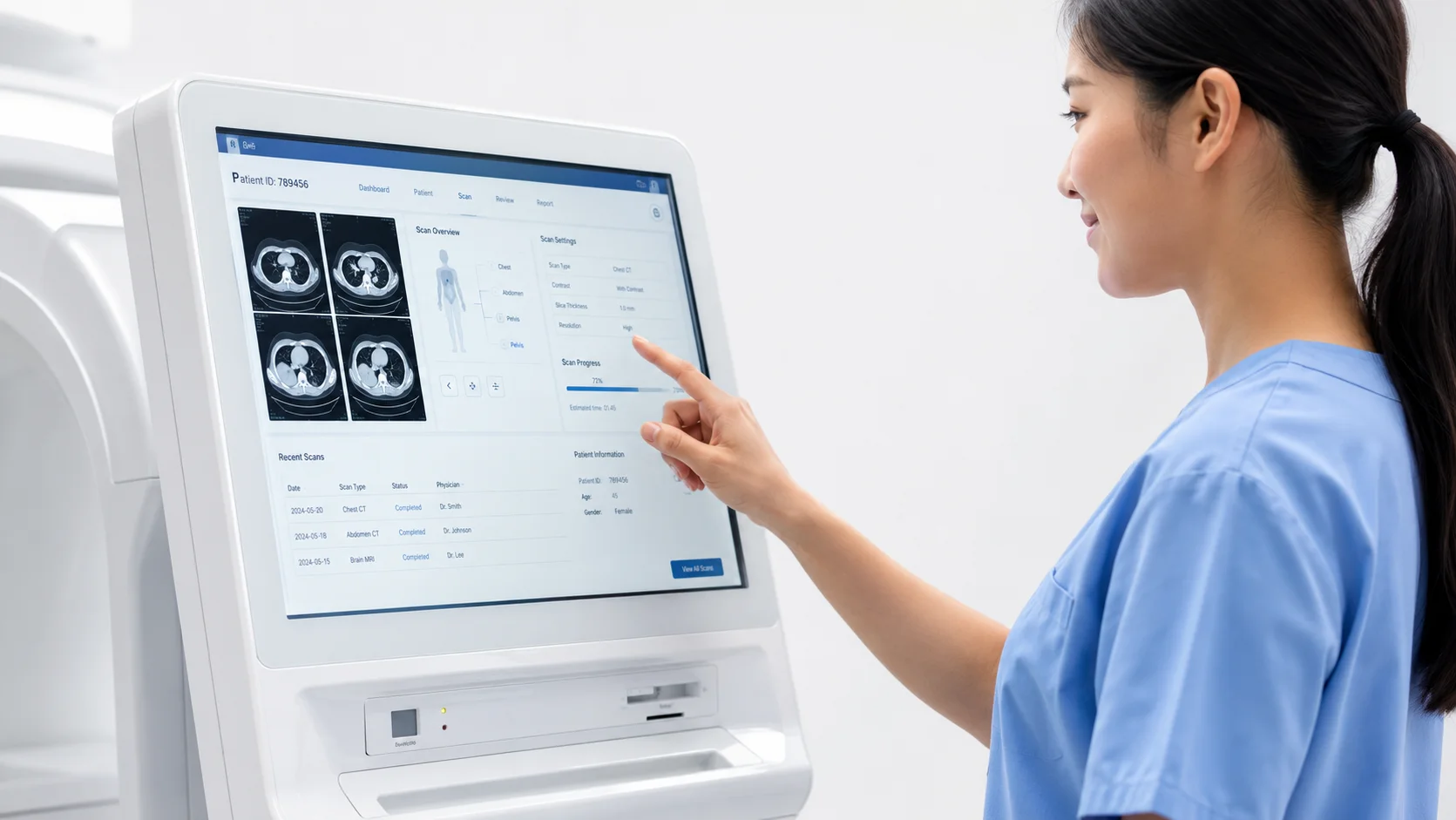
Capacitive Touch Screen for Healthcare-Related Interfaces
Selected healthcare-related devices may use capacitive touch screens for clear display interaction and modern interface design. Any medical or compliance requirement should be confirmed by project.

Capacitive Touch Screen for Appliances and Commercial Devices
Capacitive touch screens can support appliances, white goods, commercial electronics and control panels where a smooth front surface and modern UI are required.
How to Select a Capacitive Touch Screen
A capacitive touch screen should not be selected by size alone. Your team should confirm touch structure, cover lens design, controller IC, touch interface, bonding method, TFT matching and operating environment together.
Touch Size and Active Area
Confirm touch size, active area, viewing area, display active area and front-panel opening. Touch and display alignment should be reviewed before sample validation.
PCAP Sensor Structure and Touch Performance
Review the PCAP sensor structure, touch points, controller IC, response behavior and target user interaction. Multi-touch support, glove operation or wet-touch performance should be confirmed by controller tuning and project validation.
Cover Lens Material and Thickness
Confirm cover lens material, thickness, edge shape, printing area, cutouts and mounting structure. Typical project discussions may include glass, chemically strengthened glass, PMMA, acrylic or polycarbonate front protection.
Cover thickness can affect touch sensitivity, controller tuning and touch performance. Final material choice should be evaluated together with optical performance, durability, scratch resistance, chemical exposure, impact requirement, bonding method and enclosure design.
Touch Controller and Host Interface
Confirm controller IC, touch interface, firmware support, driver availability and calibration needs. Common project discussions may include I²C or USB touch interface, but the final host connection should be confirmed by model and controller solution.
Glove Touch, Wet Touch and EMI Considerations
If glove touch, wet touch, water rejection or noise immunity is required, confirm it early. These capabilities depend on controller IC, firmware tuning, grounding, cover lens thickness, panel structure and system-level validation.
These functions should be validated on the final system, because grounding, enclosure design, display noise, cover lens thickness and firmware tuning can affect touch performance.
Bonding Method
Confirm whether the project needs air bonding, optical bonding or an undecided stack-up for early evaluation. Bonding choice should consider readability, optical performance, mechanical strength, cost, repairability and environment.
Surface Treatment and Front Protection
Review anti-glare, anti-reflection, anti-fingerprint, hard coating, UV-resistant printing, black mask, sealing design and front-panel protection requirements based on your application environment.
TFT LCD Matching and Mechanical Stack-Up
Check the capacitive touch panel together with the TFT LCD, cover lens, bonding layer, bezel, enclosure and tolerance stack-up before moving into validation.
Need a Custom Capacitive Touch Screen?
Project-Based Support for Cover Lens, FPC, Bonding and TFT Matching
If your project requires more than a standard capacitive touch panel, LMTEK can evaluate selected customization needs based on project feasibility and production requirements.
Typical requirements may include custom outline, active area, cover lens material, cover thickness, edge design, printing, cutouts, FPC direction, tail length, controller IC discussion, touch interface, bonding method, surface treatment, TFT matching and mechanical stack-up.
For detailed customization options, please visit our Custom Touch Screen or Custom TFT Display page.
Related Touch and Display Categories
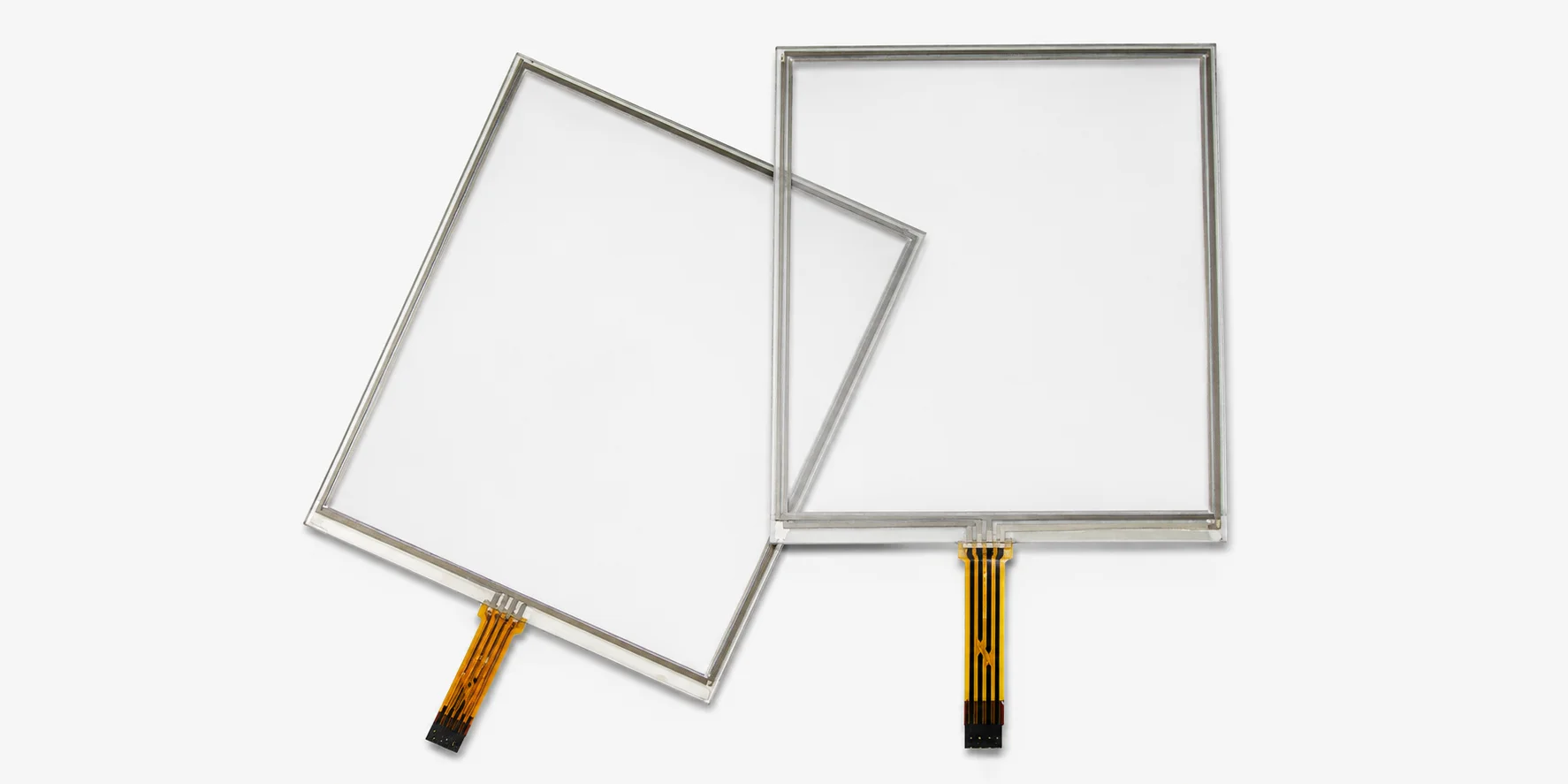
Resistive Touch Screens
Review resistive touch screen options for pressure-based input, glove or stylus operation, simple UI and industrial control interfaces.
View Resistive Touch Screens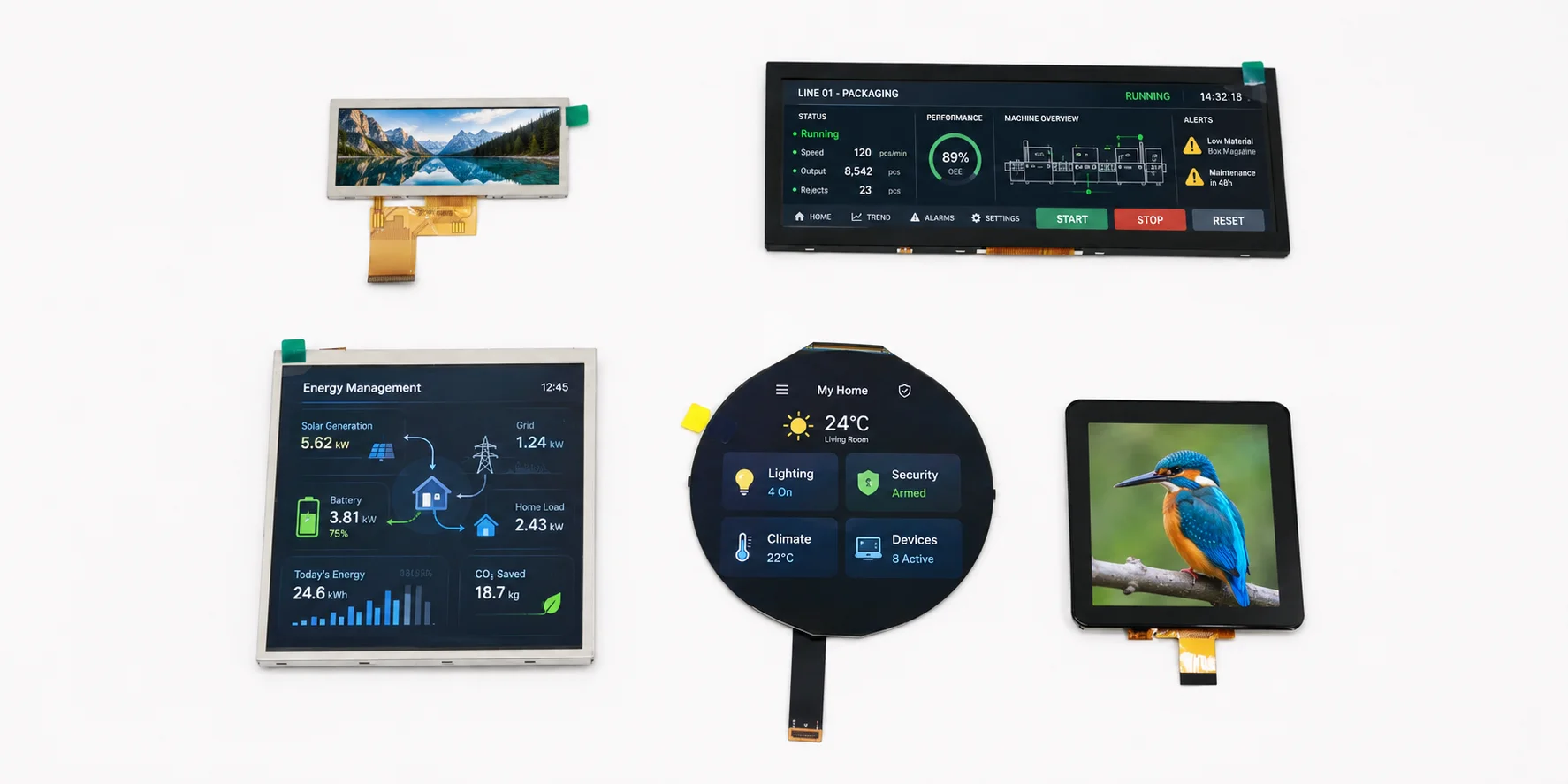
TFT Displays
Explore TFT display modules that can be matched with capacitive or resistive touch panels for embedded and industrial applications.
View TFT Displays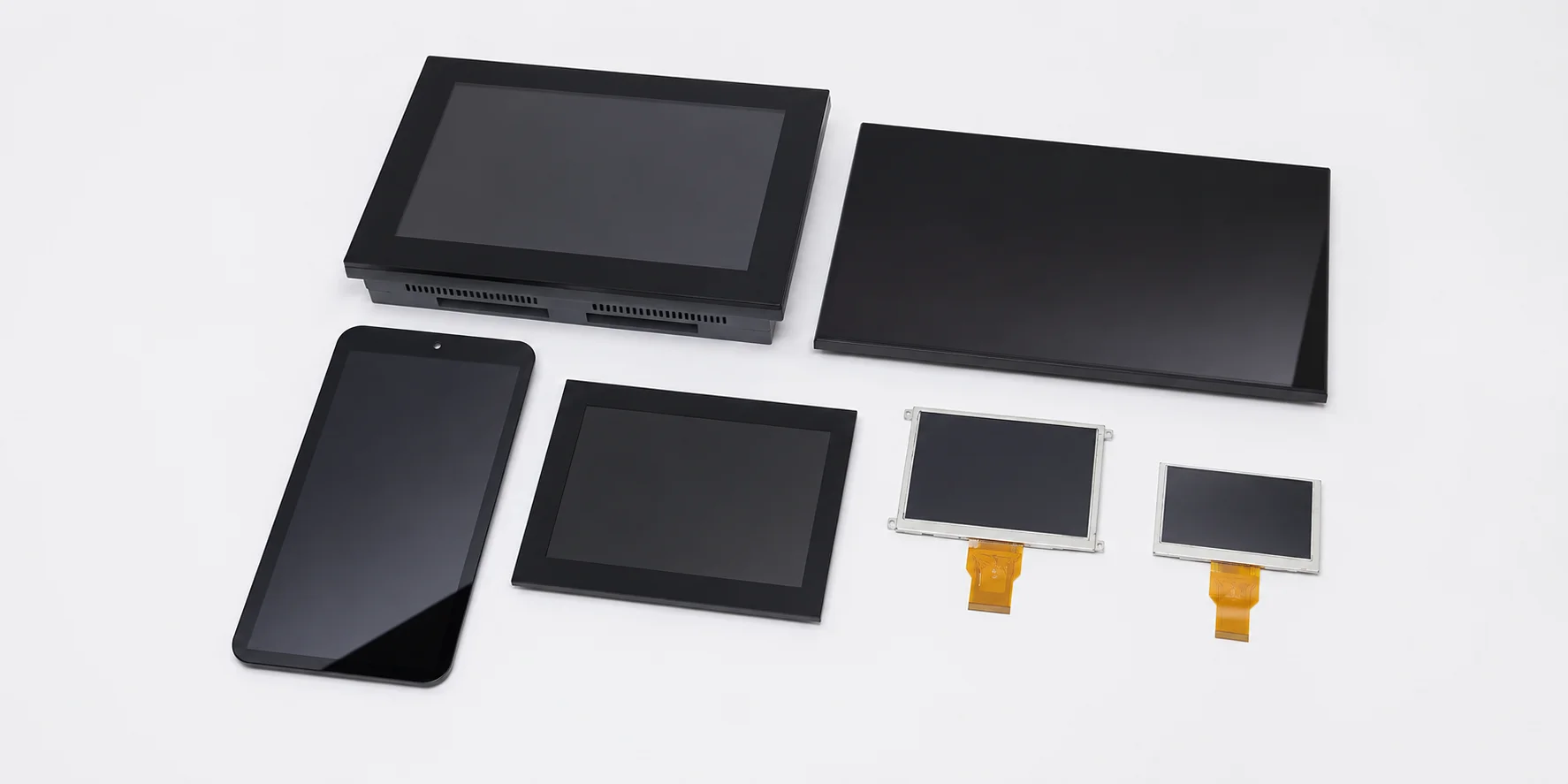
HMI / HMI-Ready Platform
Explore display, touch, embedded SBC, I/O and mechanical integration support for platform-based HMI development.
Explore HMI-Ready PlatformsCapacitive Touch Screen FAQ
What is a capacitive touch screen?
What is a PCAP touch screen?
What is the difference between capacitive touch screen and resistive touch screen?
Can capacitive touch screens support gloves or wet touch?
Can capacitive touch screens support thick cover glass?
Can capacitive touch screens be bonded to TFT LCD modules?
What cover materials can be used with capacitive touch screens?
Can LMTEK customize the FPC, cover lens or bonding method for capacitive touch screens?
Share Your Capacitive Touch Screen Requirements
Send us your target specifications and application details. LMTEK will review your touch size, matched TFT display, cover lens requirement, controller interface, bonding method and operating environment to help recommend a suitable capacitive touch screen option or customization path.
Recommended Information to Submit
- Target touch size
- Matched TFT LCD size or model
- Active area and outline dimension
- Viewing area and front-panel opening
- Cover lens material and thickness requirement
- Printing, cutout or edge design requirement
- FPC direction and tail length
- Controller IC requirement, if any
- Touch interface: I2C / USB / other
- Touch points requirement, if any
- Glove touch, wet touch or EMI requirement
- ESD requirement, if any
- Bonding method: air bonding / optical bonding / undecided
- Surface treatment or front protection requirement
- Operating environment
- Application and expected annual volume
- Existing datasheet or reference panel
- Sample and production timeline