HDMI Display Modules for Embedded Systems and Industrial HMIs
HDMI TFT LCD modules with controller board options for SBC platforms, industrial HMIs and embedded display projects.
HDMI displays help product teams connect a TFT LCD module to an HDMI source without starting from a bare panel interface.
LMTEK provides HDMI Display module options for embedded display evaluation, industrial HMI development, SBC platforms, machine panels and project-based integration. Your HDMI Display project can be selected by size, resolution, HDMI input, controller board, touch option, power input, brightness, mounting structure and enclosure fit.
Project Review Focus
HDMI TFT LCD Modules for Faster Embedded Display Integration
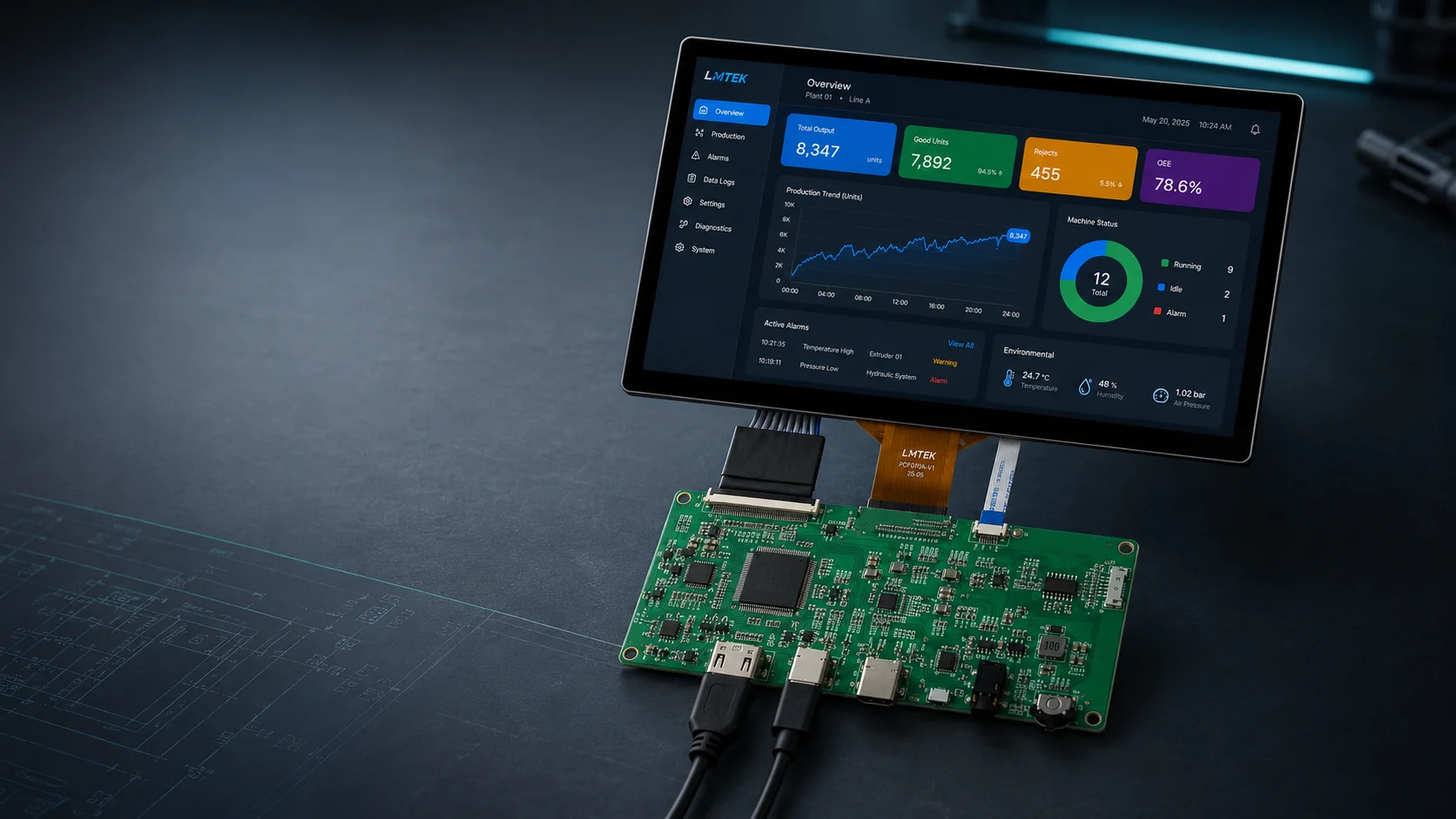
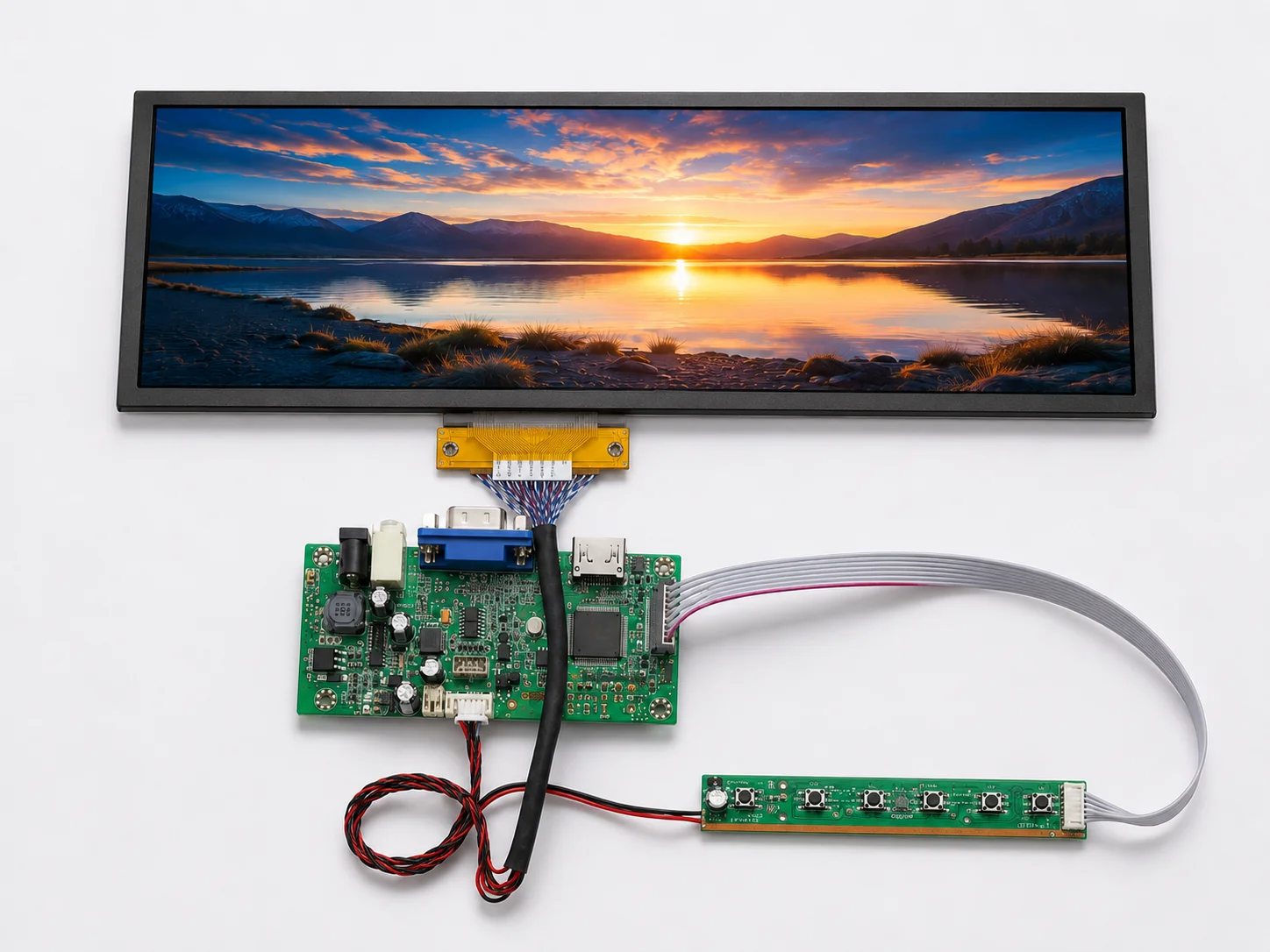
LMTEK supplies HDMI Display modules for product teams developing embedded systems, industrial HMI devices, control panels and display-based equipment. An HDMI TFT LCD module is typically selected when your host platform already provides HDMI output and your project needs a faster display bring-up path.
Compared with using a bare RGB, MIPI or LVDS TFT panel, an HDMI display module with controller board can reduce low-level display timing, initialization and interface conversion work during prototype and sample validation.
If you are looking for an HDMI Display manufacturer for an OEM/ODM project, LMTEK can help match the display, controller board, touch option, brightness, power input and mechanical structure to your application and production plan.
These modules are intended for embedded and industrial display projects, including HMI validation, SBC-based development and project-based display integration.
What Is an HDMI Display Module?
Understanding how HDMI Display modules work and where they fit in your embedded display project.
Module Architecture
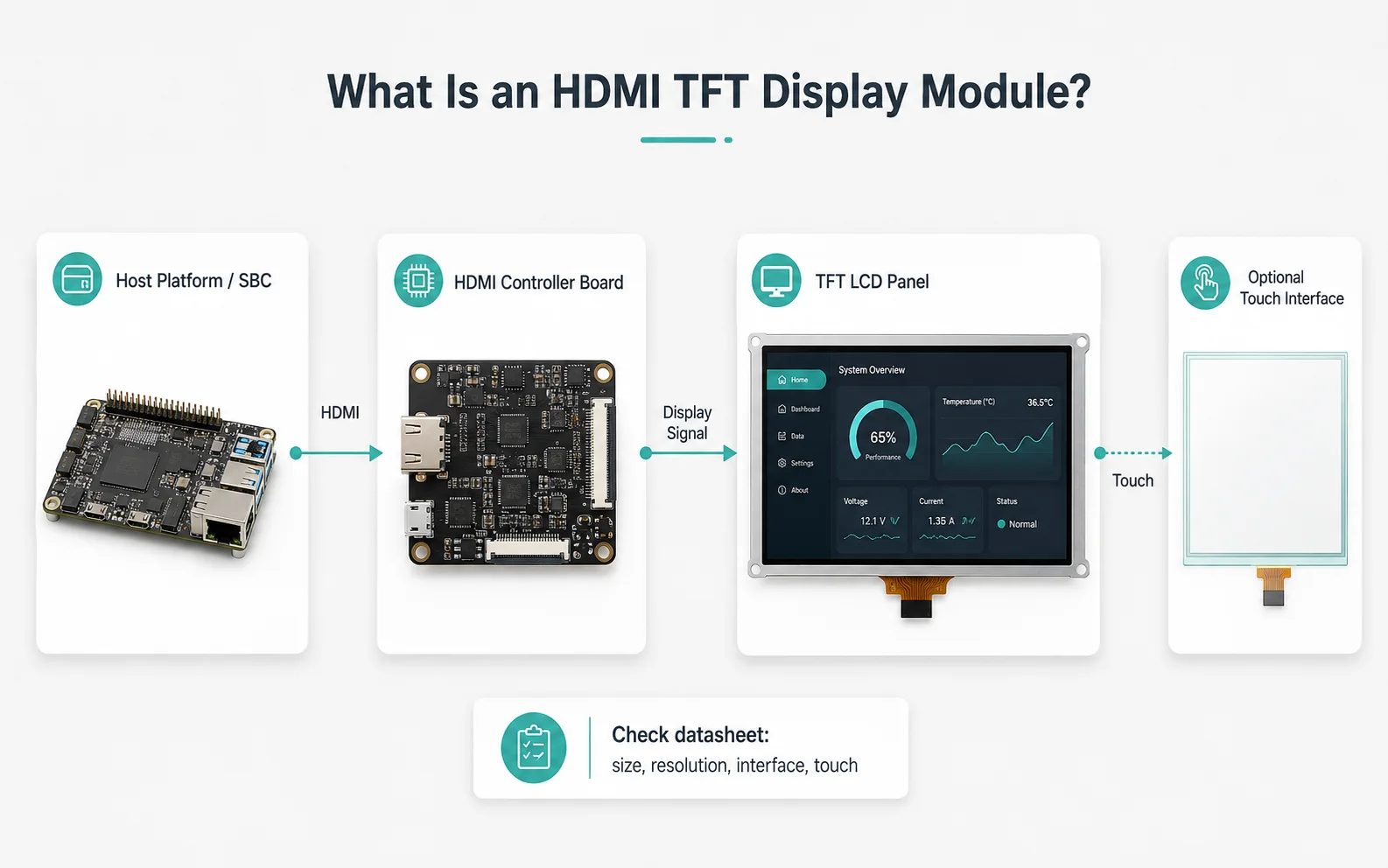
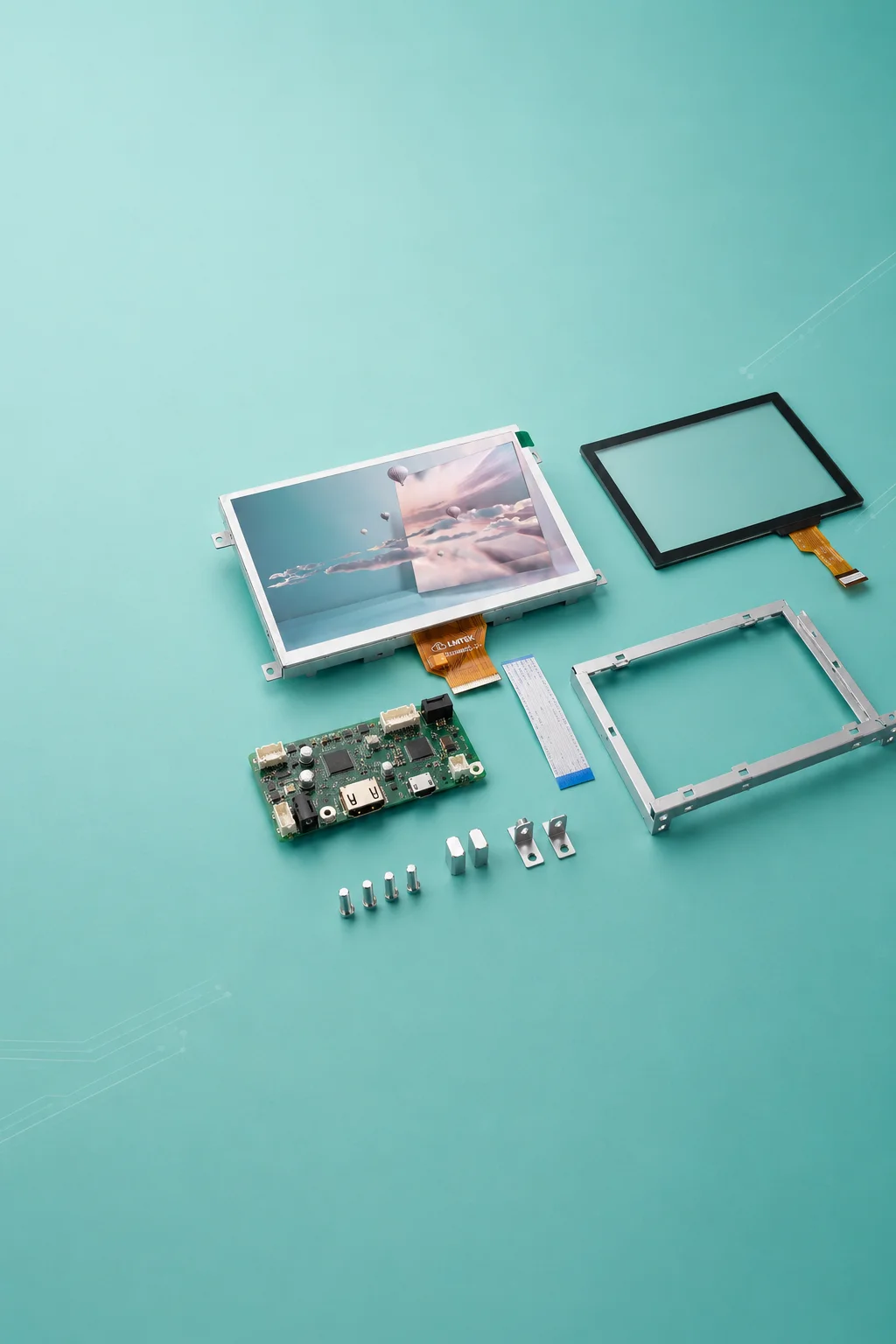
An HDMI Display module usually combines a TFT LCD panel with an HDMI controller board or HDMI input board. The controller board receives an HDMI signal from the host platform and converts it to the panel interface required by the selected TFT display.
Typical Host Platforms
HDMI Display modules are often used with SBCs, embedded computers, industrial PCs, Linux / Android boards and HMI development platforms. They are useful when your team wants to display a GUI quickly without managing bare-panel timing at the early project stage.
Touch Interface & Verification
Touch, if available, is usually handled through a separate USB or I²C touch interface depending on the selected model and controller board. HDMI / DVI compatibility, input resolution, scaling behavior, power input, touch driver and controller board details should be verified by datasheet.
Verify by Datasheet
Need help matching the right HDMI Display module to your project? Our engineering team can review your requirements and recommend the right configuration.
Share Your RequirementsWhen to Choose an HDMI Display
Choose an HDMI Display when your host platform already has HDMI output and your project needs a faster way to validate the display, GUI or HMI interface.
HDMI display modules are especially useful during prototype, demo, software debugging and sample validation stages, where your team wants to reduce LCD timing and driver bring-up work.
Interface Fit at a Glance
| Choose HDMI Display When | Consider Other Interfaces When |
|---|---|
|
Your host platform already has HDMI output
|
Your product needs a thin panel-level interface
|
|
You want faster sample validation
|
Your design needs direct MIPI DSI integration
|
|
You use an SBC, industrial PC or embedded computer
|
Your system requires LVDS / eDP panel-level routing
|
|
You want to reduce LCD timing bring-up work
|
Your enclosure cannot fit a controller board
|
|
You need GUI demo or engineering validation
|
Your final product needs a highly compact custom module
|
Note: HDMI is not automatically the best choice for every project. If your product needs a compact, low-power, panel-level design, MIPI, LVDS, RGB or eDP may be more suitable for production.
LMTEK HDMI Display Product Series
LMTEK offers HDMI Display product series for embedded products that require HDMI input, controller-board-based integration, touch matching, brightness review or project-based mechanical support.
For faster evaluation, request the available model list, datasheet, controller board information, input resolution range, pinout and mechanical drawing for your selected HDMI Display series.
Final specifications should be verified by confirmed LMTEK model number, datasheet and project requirements. HDMI input, controller board, controller IC, input resolution, HDMI / DVI compatibility, touch interface, brightness, power input and operating temperature are model-dependent.
Project Support: LMTEK can support model selection, sample validation and production planning based on your application, host platform, enclosure design and project timeline.
HDMI Display with Controller Board
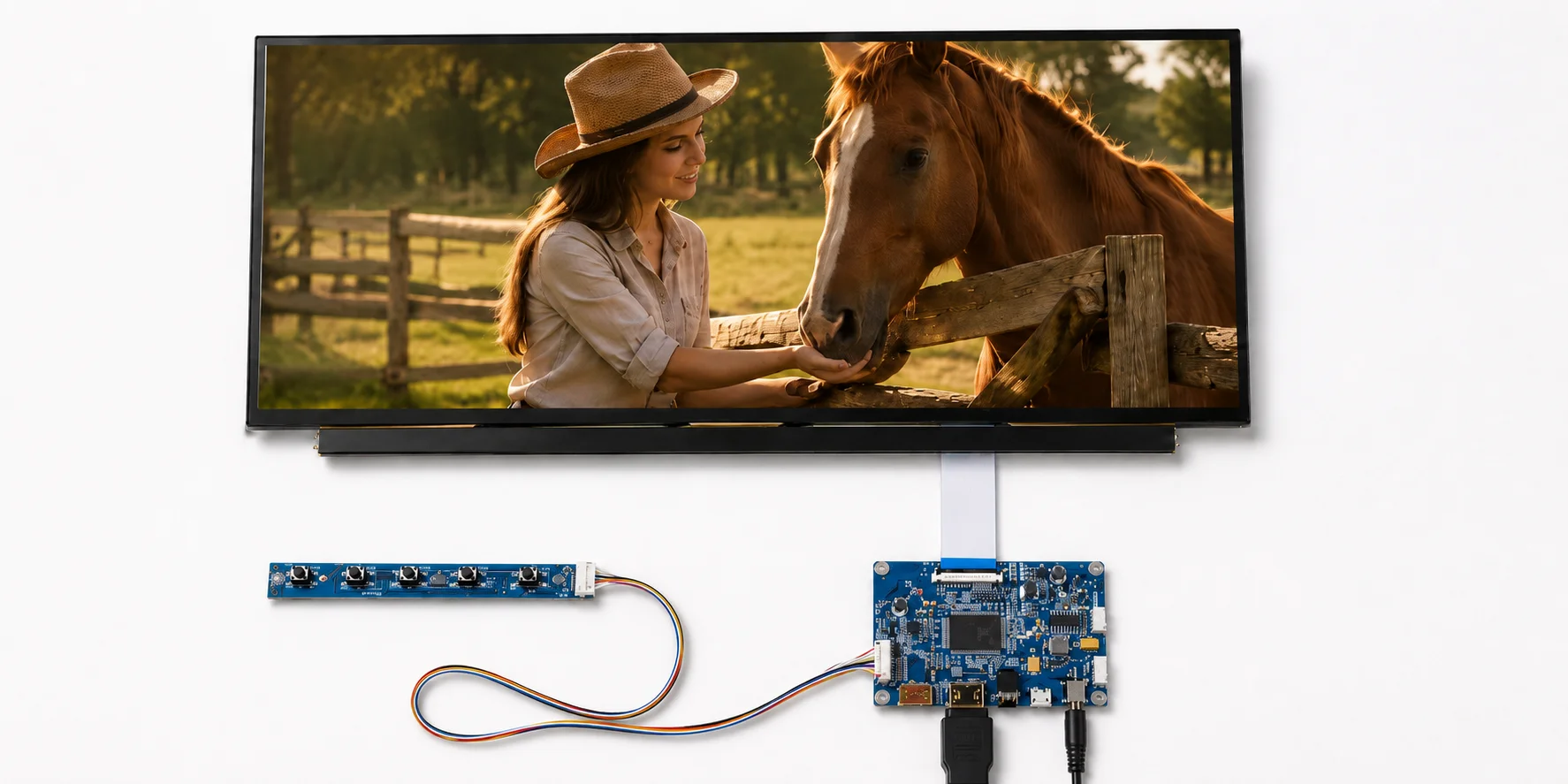
HDMI Display modules with controller board help reduce the need to design a separate display driving circuit during prototype or sample validation. Your team should confirm input resolution, controller IC, controller board size, power input and mounting requirements before selection.
Request HDMI Controller Board Options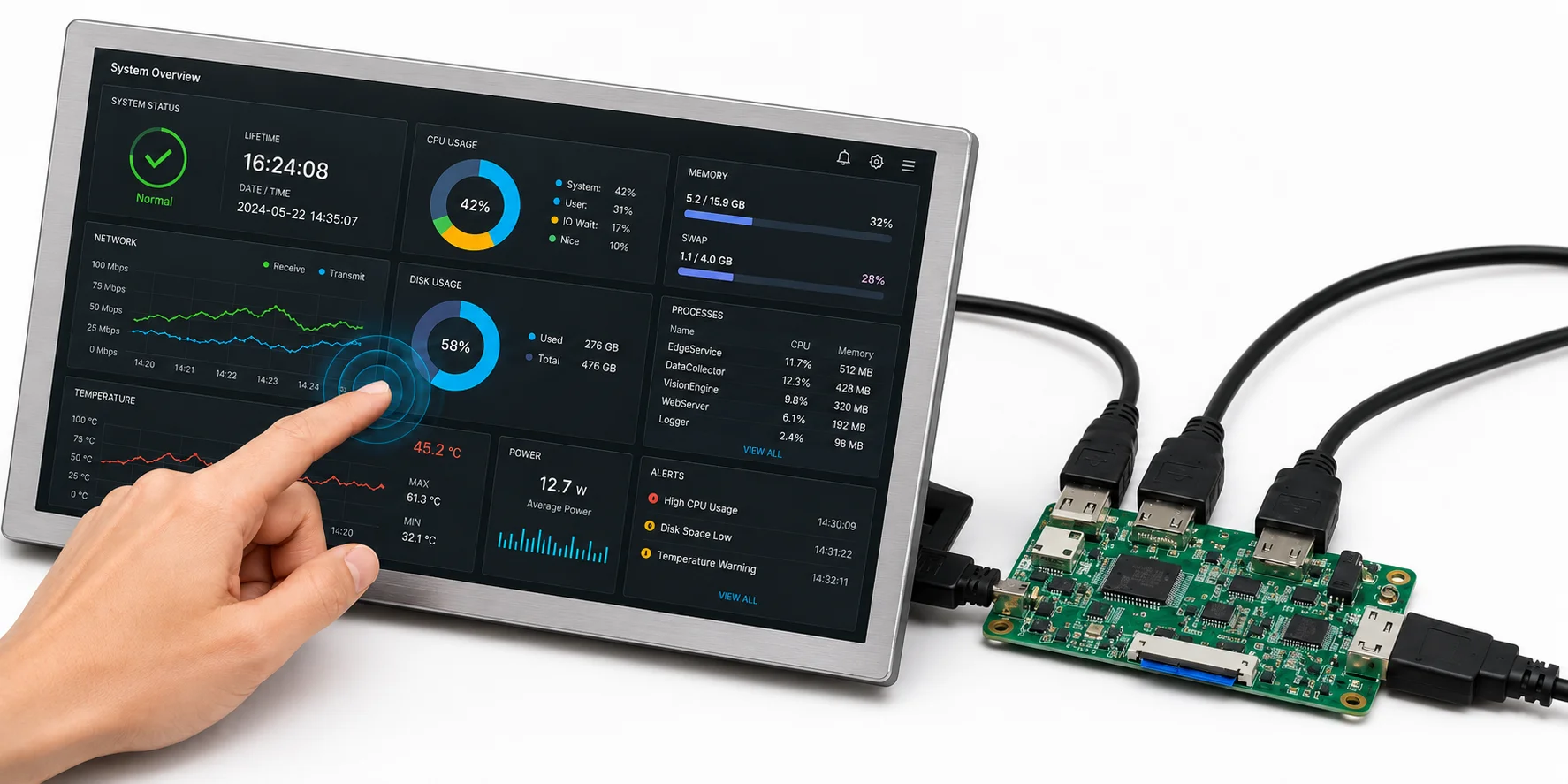
HDMI Display with Touch
An HDMI Display with touch is suitable when your project needs direct user interaction. Touch selection should be checked together with USB or I²C touch interface, touch driver support, cover lens design, bonding method and operating environment.
Review HDMI Touch Display Options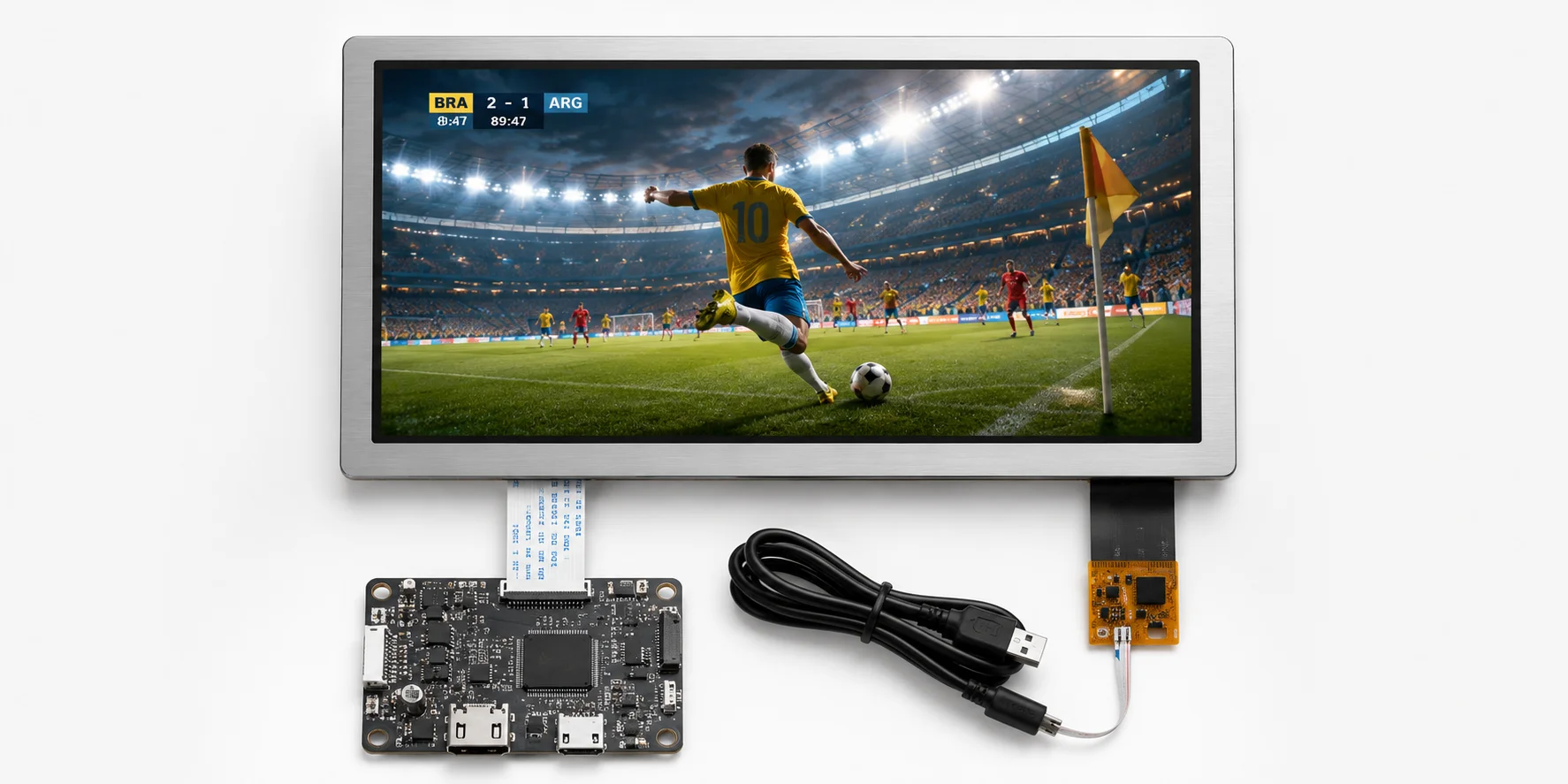
HDMI Display Modules for SBC and Industrial PC Platforms
HDMI display modules can be used with SBCs, embedded computers and industrial PC platforms that provide HDMI output. Host resolution setting, operating system, touch driver, power supply and enclosure space should be confirmed during project evaluation.
Check HDMI Display Options for SBC PlatformsKey Advantages of HDMI Displays
Understand how HDMI Display modules support faster integration, broader platform compatibility and flexible project requirements.
Faster Display Bring-Up with HDMI Input
HDMI displays help your team show GUI content from an existing HDMI source without starting from panel-level timing and interface initialization. This can shorten early validation for HMI, control panel and embedded GUI projects.
Controller Board-Based Integration
An HDMI display module uses a controller board to bridge the HDMI source and TFT panel. This helps reduce low-level display interface work, especially when your team is testing software UI or validating an industrial display concept.
Suitable for SBC and Industrial PC Platforms
HDMI TFT LCD modules are practical for SBC platforms, embedded Linux / Android boards and industrial computers that already support HDMI output. Resolution setting, power, touch driver and controller board fit should be confirmed by project.
Touch, Power and Mechanical Support
LMTEK can align HDMI display selection with touch matching, power input, backlight brightness, mounting structure, controller board placement and enclosure fit.
Ready to evaluate an HDMI Display for your project?
Share your host platform, resolution requirement and application details. LMTEK will recommend a suitable model series and support sample validation.
Typical Applications of HDMI Displays
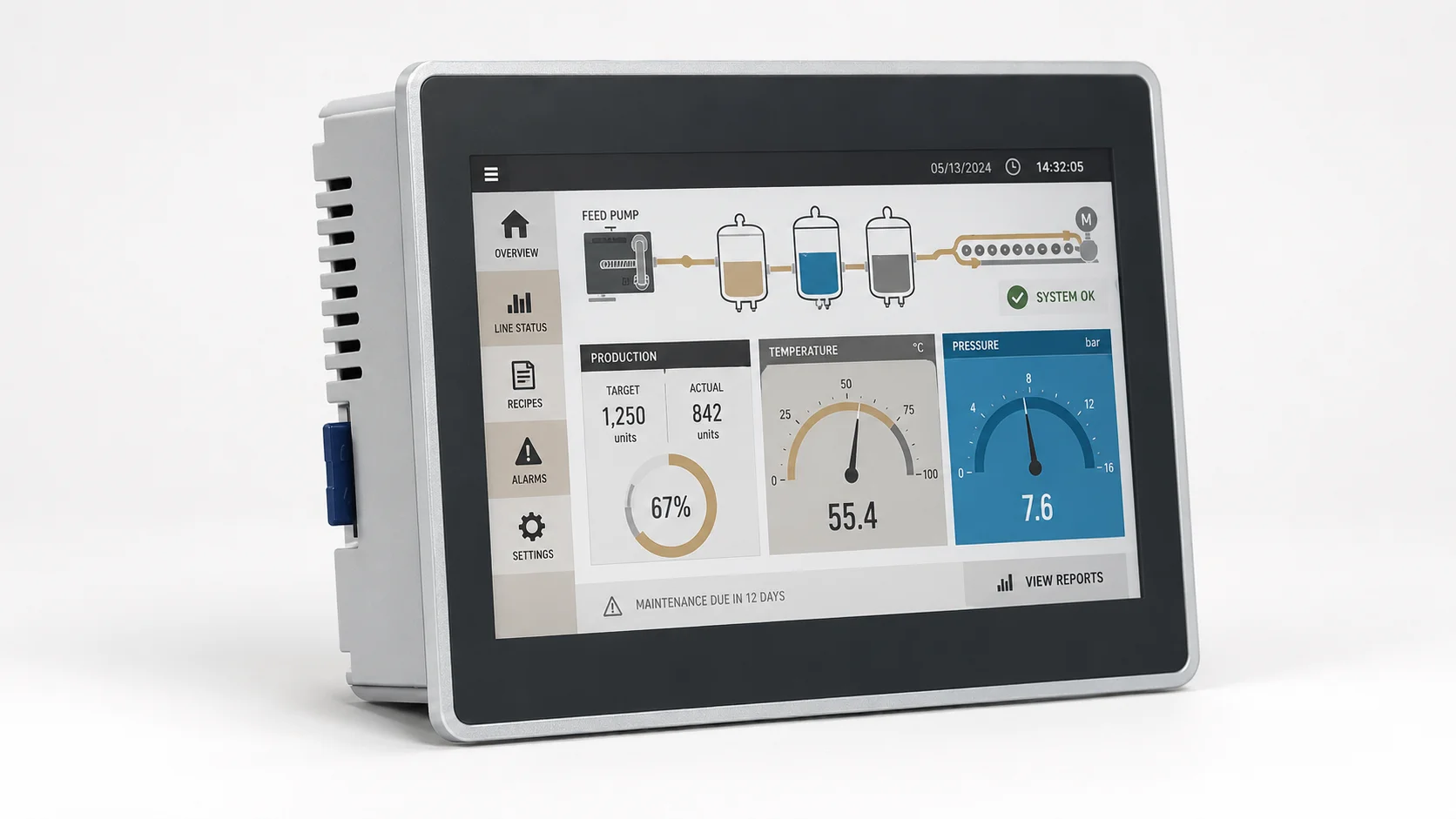
HDMI Display for Industrial HMI Prototyping
HDMI displays can be used for HMI prototype validation, GUI testing, software debugging and operator interface demonstrations.
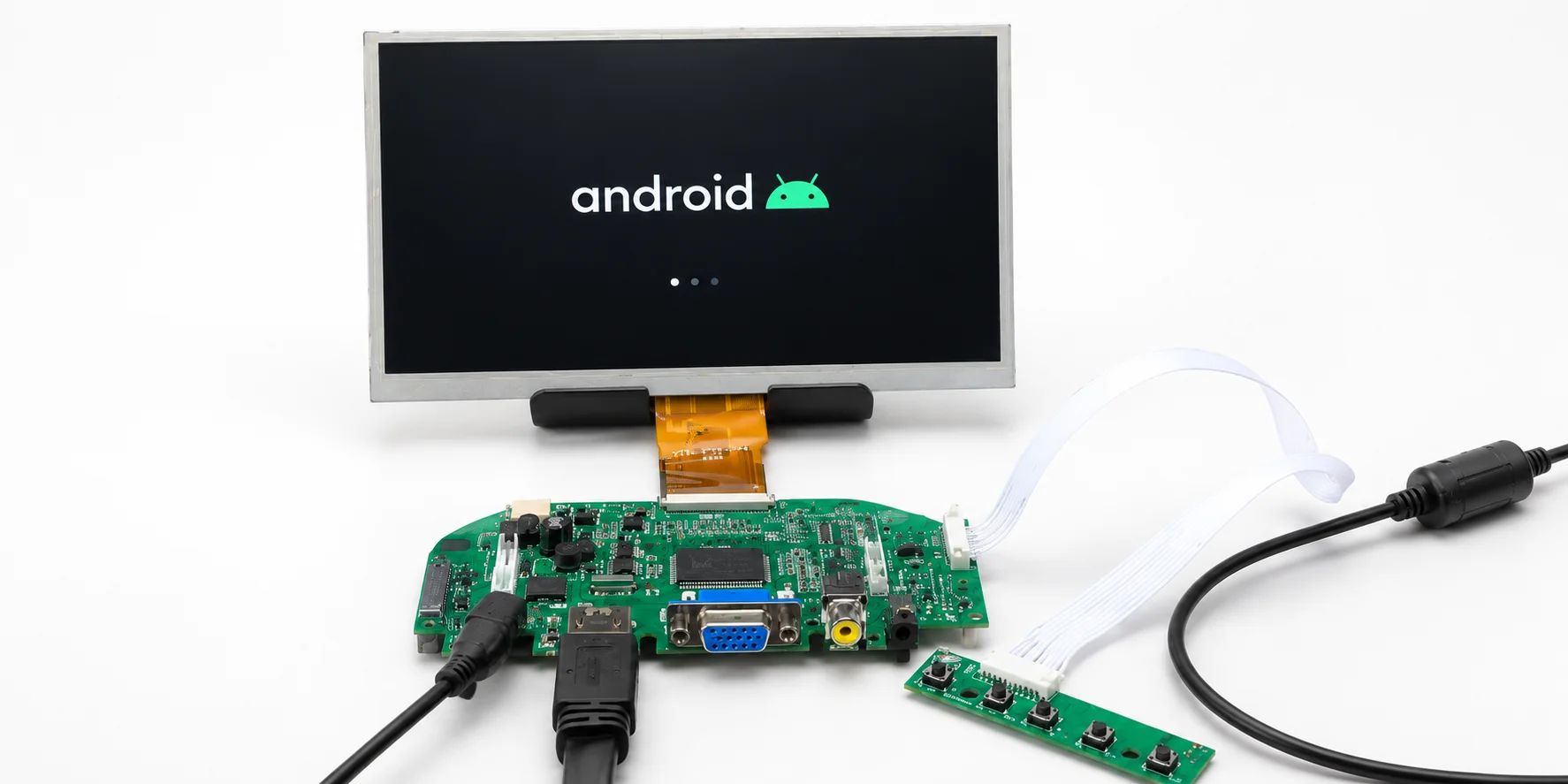
HDMI Display Module for SBC Platforms
HDMI display modules are suitable for SBC-based systems, embedded computers, industrial controllers and Linux / Android display platforms.
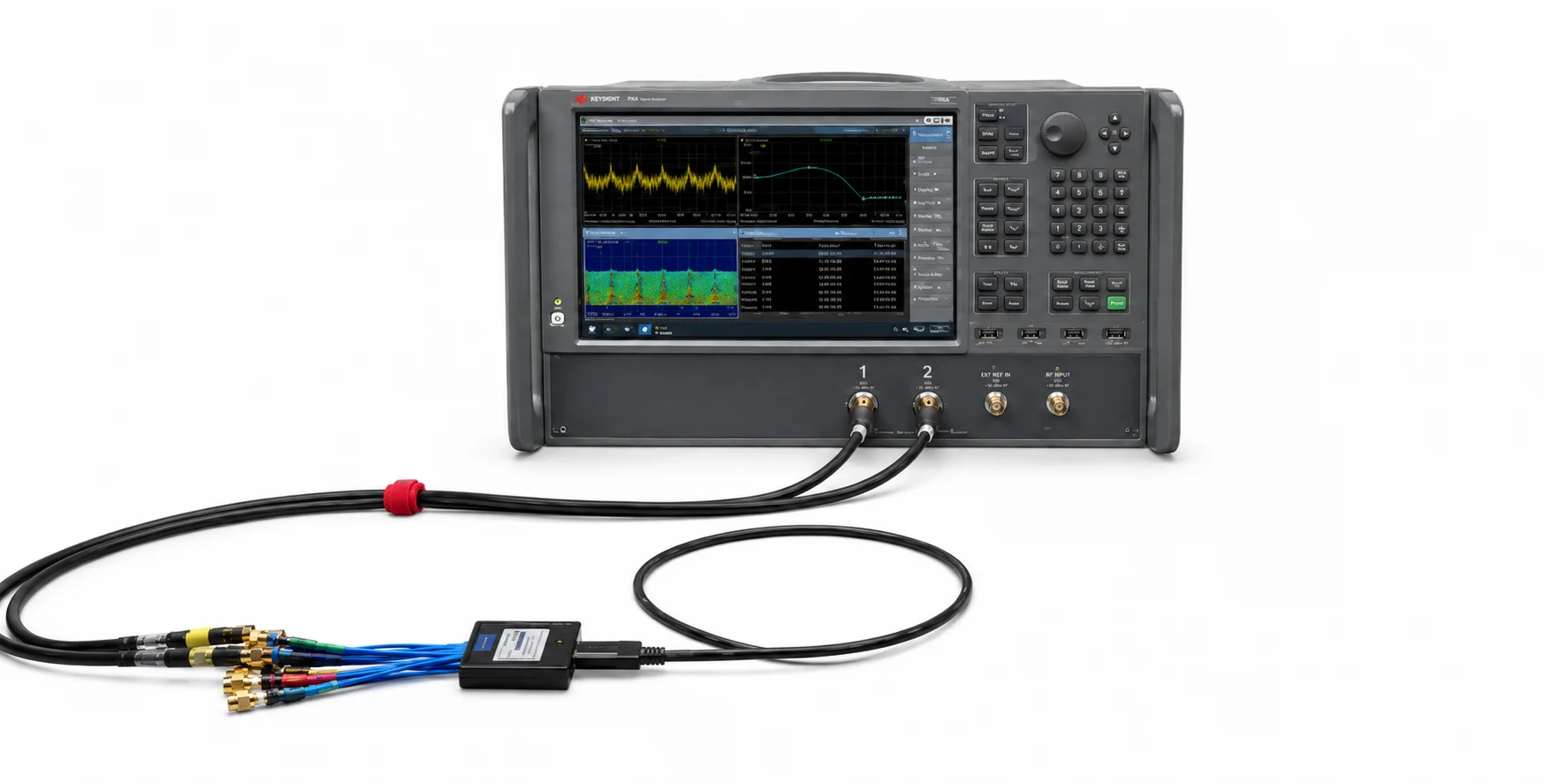
HDMI Display for Machine Control Panels
HDMI TFT LCD modules can support machine panels, equipment terminals, test systems and local control interfaces when the controller board fits your enclosure and production plan.

HDMI Touch Display for Smart Building and Energy Devices
HDMI touch displays may be used in building controls, energy management terminals, EV charger interfaces and local monitoring devices.
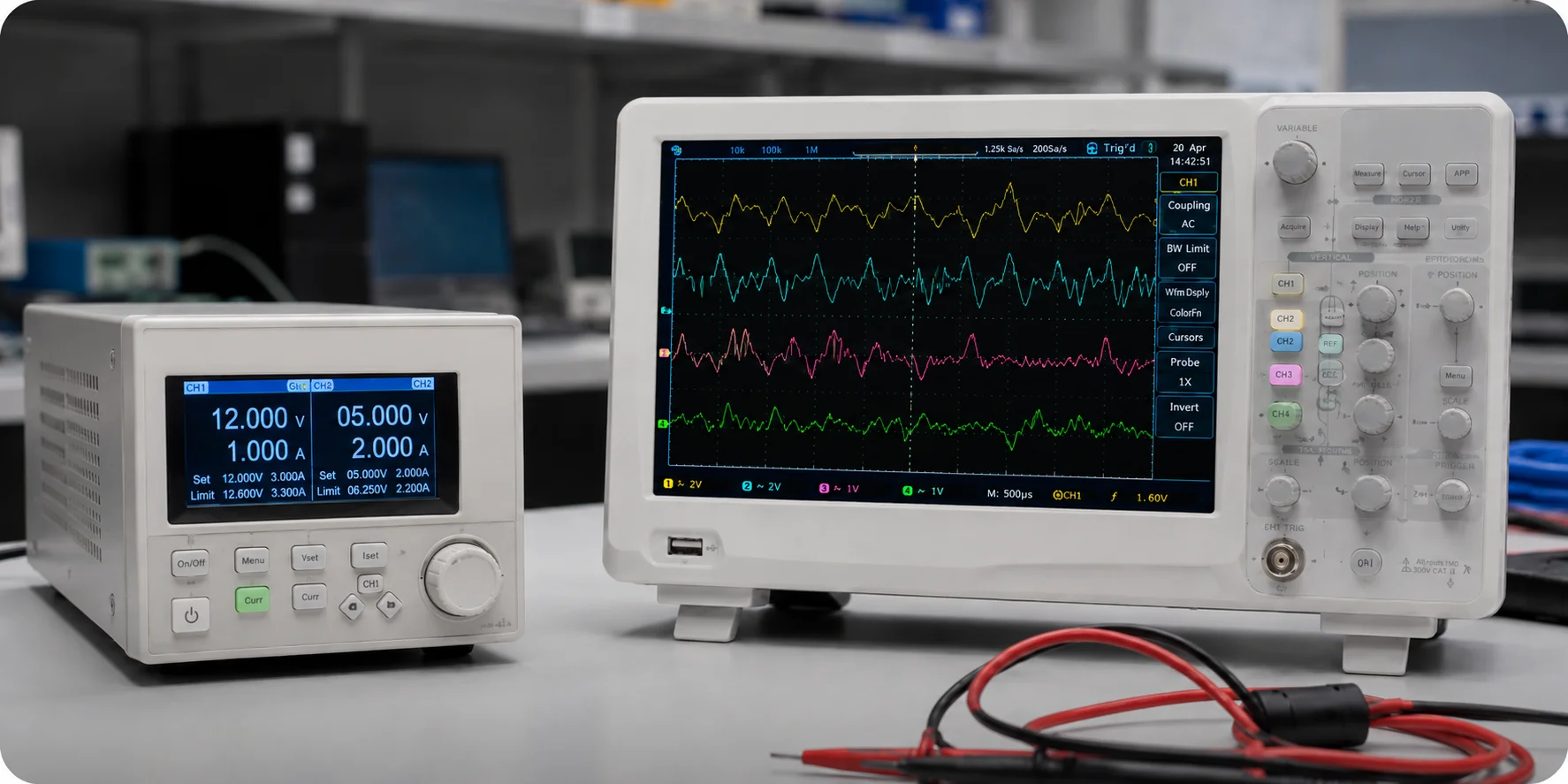
HDMI Display for Engineering Validation
HDMI display modules are useful when your team needs a fast display path for firmware testing, UI review, customer demo or short-term engineering validation.
How to Select an HDMI Display Module
An HDMI Display module should not be selected by size alone. Your team should confirm the display, controller board, touch, power and mechanical requirements together.
Display Size and Resolution
Confirm the target display size, panel resolution, host output resolution and UI layout. Scaling behavior should be verified by controller board and datasheet.
HDMI Input and Controller Board
Confirm HDMI input details, controller board size, controller IC, input resolution range, HDMI / DVI compatibility and board mounting method before sample selection.
Touch Interface
If touch is required, confirm RTP or PCAP, USB or I²C touch interface, touch driver support, cover lens design and bonding method.
Power Input and Backlight Control
Check power input voltage, connector, power budget, backlight brightness and dimming method. Brightness should be confirmed by model and operating environment.
Mechanical Size and Mounting
Review active area, module dimension, controller board size, mounting hole, cable route and enclosure fit before validation.
Host Platform Compatibility
Confirm HDMI output resolution, operating system, touch driver, power interface and available mounting space for your SBC, industrial PC or embedded computer.
Prototype vs Production Path
If an HDMI Display is used for prototype validation, your team should also decide whether the production design will continue with an HDMI controller board or move to MIPI, LVDS, RGB or eDP panel-level integration.
Need a Custom HDMI Display?
Project-Based Support for Touch, Controller Board, Power and Mechanical Fit
If your project requires more than a standard HDMI Display module, LMTEK can evaluate selected customization needs based on project feasibility and production requirements.
For detailed customization options, please visit our Custom TFT Display page.
Related TFT Display Interface Categories
TFT Displays
Explore LMTEK TFT display modules with size, resolution, brightness, touch and interface options for industrial and embedded applications.
View TFT DisplaysMCU TFT Displays
Review MCU TFT display modules for 8080/6800 bus, controller-based UI and compact embedded interfaces.
View MCU TFT DisplaysSPI TFT Displays
Review SPI TFT display options for compact devices, low-pin-count designs and simple graphical interfaces.
View SPI TFT DisplaysRGB TFT Displays
Review RGB TFT display modules for parallel pixel data, PCLK, HSYNC / VSYNC, DE and graphical embedded UI.
View RGB TFT DisplaysMIPI Displays
Explore MIPI DSI display options for compact embedded systems, SoC platforms and panel-level integration.
View MIPI DisplaysLVDS Displays
Review LVDS display options for industrial HMIs, larger TFT panels and applications that need stronger signal stability.
View LVDS DisplayseDP Displays
Review eDP display options for high-resolution embedded computing platforms and industrial display systems.
View eDP DisplaysTouch Screens
Review resistive and capacitive touch screen options with cover lens, surface treatment, bonding and interface support.
View Touch ScreensEmbedded SBC / HMI-Ready Platform
Explore display, touch, embedded SBC, I/O and mechanical integration support for platform-based HMI development.
Explore HMI-Ready PlatformsCustom TFT Displays
Need changes to touch, controller board, brightness, mounting or mechanical fit? Review LMTEK's project-based custom TFT display options.
View Custom TFT DisplaysHDMI Display FAQ
What is an HDMI Display?
An HDMI Display is a TFT LCD module that uses an HDMI input, usually through a controller board, to receive video from an HDMI source such as an SBC, embedded computer or industrial PC.
Does an HDMI Display need a controller board?
In most cases, yes. The controller board receives the HDMI signal and drives the TFT panel interface. Controller board details, controller IC, input resolution, power and mechanical size should be verified by datasheet.
What is the difference between HDMI Display and MIPI display?
HDMI Display is often used with a controller board and standard HDMI source. MIPI DSI is a panel-level interface used directly by SoC platforms. MIPI can be better for compact production designs, while HDMI can simplify prototype and SBC-based integration.
What is the difference between HDMI Display and LVDS display?
HDMI uses a controller-board-based input path. LVDS is a panel-level differential interface often used in industrial display systems. The right choice depends on host platform, enclosure space, validation needs and production plan.
Can HDMI displays support touch?
Yes, selected HDMI Display modules can support touch depending on model and controller board. Touch may use USB, I²C or another interface, and should be checked with cover lens, bonding and driver requirements.
Are HDMI displays suitable for production projects?
HDMI displays can be suitable for selected production projects if the controller board lifecycle, enclosure fit, power design, touch driver, supply plan and target volume match the product requirements. Some projects may later move to MIPI, LVDS, RGB or eDP integration.
Can LMTEK support custom HDMI display integration?
LMTEK can review project-based requirements such as touch matching, controller board alignment, power input, brightness tuning, bonding, mounting structure and enclosure fit. The available scope depends on the selected display platform and production requirements.
Share Your HDMI Display Requirements
Send us your target specifications and application details. LMTEK will review your display size, resolution, HDMI source, controller board needs, touch requirement and mechanical constraints to help recommend a suitable HDMI Display module or customization path.
Recommended Information to Submit
- Target display size
- Resolution requirement
- HDMI source or host platform
- SBC, industrial PC or embedded computer model
- Operating system: Linux / Android / Windows / RTOS
- Touch requirement: no touch / RTP / PCAP
- Touch interface: USB / I2C / other
- Power input requirement
- Brightness requirement
- Backlight control requirement
- Module dimension or enclosure limit
- Mounting hole or cable route requirement
- Operating environment
- Application and expected annual volume
- Existing datasheet or reference panel
- Sample and production timeline