Portrait Display Modules for Vertical HMI and Embedded Interfaces
Vertical TFT LCD modules for smart control panels, industrial HMIs, embedded systems and portrait touch display projects.
A portrait display is selected when your UI is vertical and the front panel has limited width.
LMTEK provides portrait display and vertical TFT LCD module options for smart control panels, industrial HMIs, EV charging interfaces, handheld devices and embedded display projects. Your project can be reviewed by size, resolution, native or rotated orientation, aspect ratio, interface, touch option, brightness, viewing direction, FPC direction and mechanical fit.
Project Review Focus
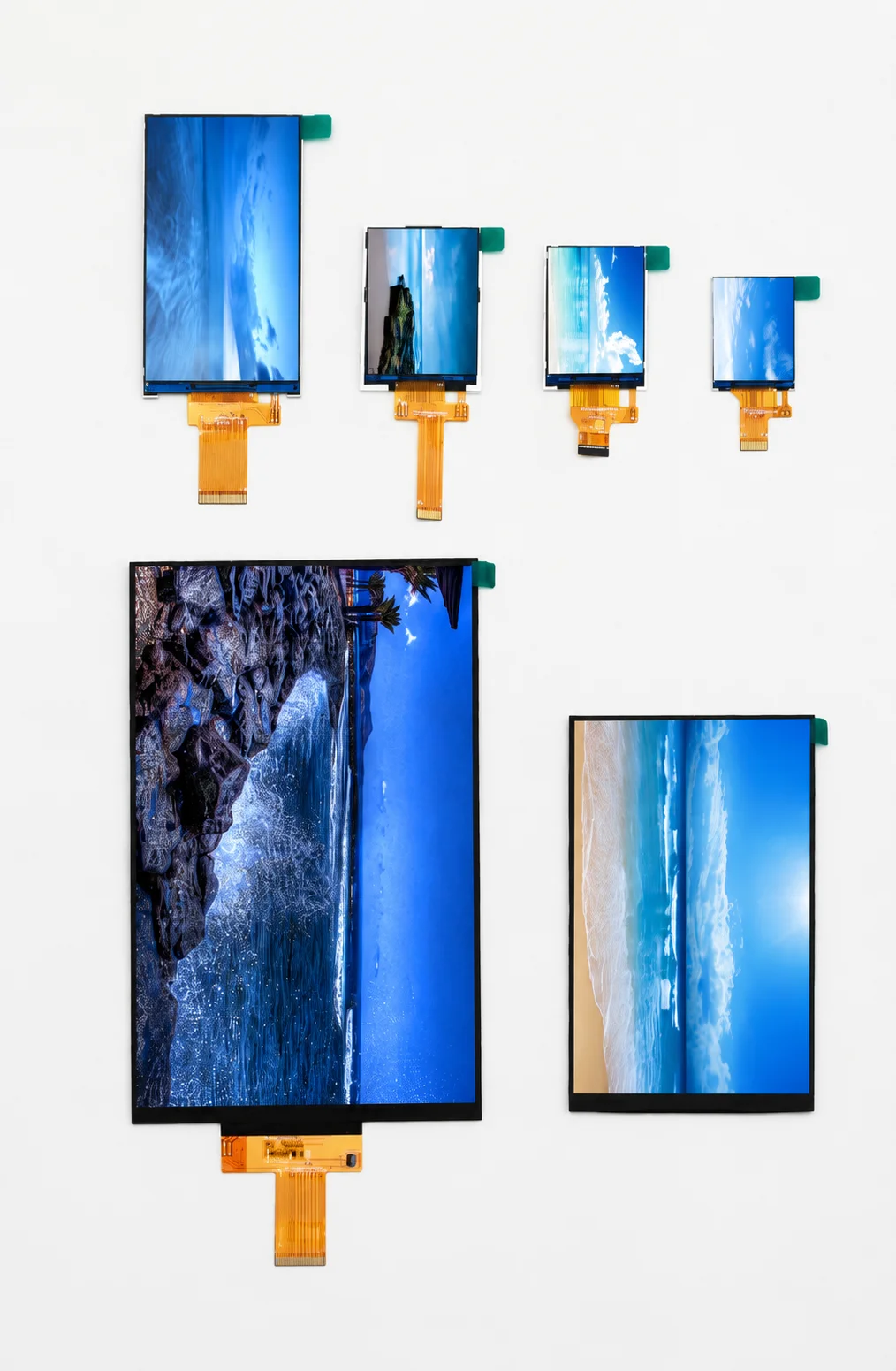
Portrait TFT LCD Modules for Vertical Display Interfaces
LMTEK supplies portrait display modules for product teams building vertical HMI layouts, wall-mounted controls, equipment panels and embedded terminals.
Portrait displays are used when the interface needs vertical menus, status lists, step-by-step workflows or narrow front-panel integration.
Typical check points include size, resolution, active area, module dimension, native portrait orientation, rotation support, interface, touch mapping, brightness, viewing direction, FPC exit direction and enclosure stack-up.
LMTEK can help match display, touch, FPC, interface, backlight and mechanical requirements before sample validation.
Confirm by Project
Typical Application Areas
Vertical HMI Layouts
Industrial control panels with vertical menu navigation and status display.
Wall-Mounted Controls
Building automation, smart home and access control terminal interfaces.
EV Charging Interfaces
Narrow front panel displays for EV charging station user interfaces.
Handheld & Embedded Devices
Portable instruments, scanners and embedded terminals with portrait form factors.
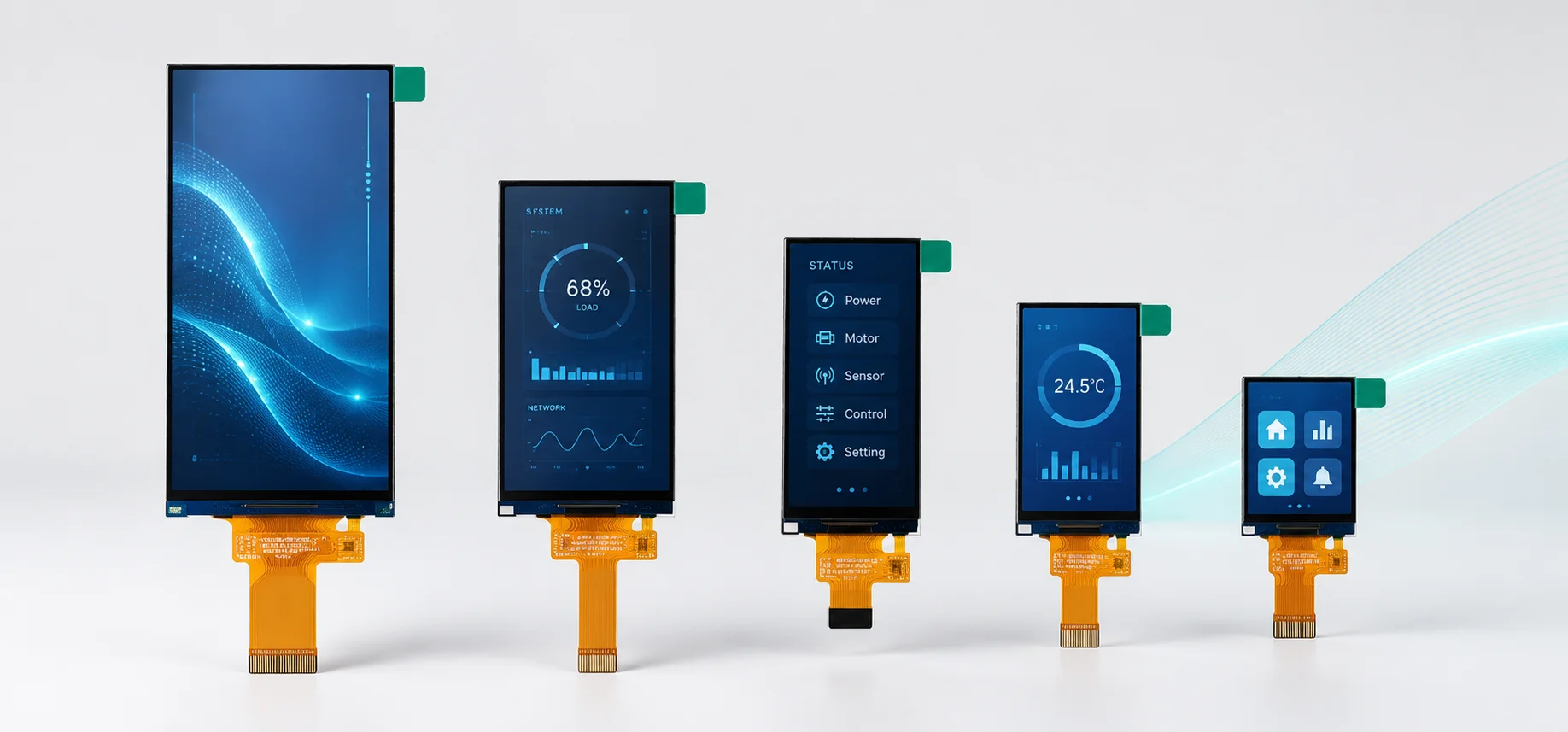
What Is a Portrait Display?
A portrait display is a TFT LCD module used in vertical orientation. The long side is vertical and the short side is horizontal.
A portrait TFT LCD may use native portrait resolution, or a selected TFT display may be rotated by the host system. Common portrait-oriented examples may include 240x320, 480x800 or 720x1280, depending on confirmed model availability.
For production projects, this should not be assumed without validation. Your team should verify pixel direction, viewing direction, touch coordinate mapping, FPC exit direction, connector location and mounting structure.
Native Portrait Display vs Rotated Landscape Display
A native portrait display is usually easier to align with a vertical UI and narrow front panel.
- Pixel direction aligned with vertical UI
- Viewing direction optimized for portrait use
- FPC exit position matches portrait enclosure
- Touch mapping correct without remapping
- Connector location suited to narrow panels
A rotated landscape display may work in software tests, but multiple parameters must be checked before sample selection.
- Controller and host platform rotation support
- Framebuffer rotation must be configured
- Touch coordinate mapping requires remapping
- FPC location may conflict with enclosure
- Viewing direction may not suit vertical use
Confirm by Datasheet
When to Choose a Portrait Display
Choose a portrait display when the product layout is vertical and the UI is designed around single-column information.
Portrait Display Fit at a Glance
| Choose Portrait Display When | Consider Other Display Formats When |
|---|---|
|
UI uses vertical menus, values or status lists
|
UI uses wide charts, camera view or horizontal dashboard
|
|
Product has a narrow or wall-mounted front panel
|
Enclosure requires square, round or bar display layout
|
|
Touch buttons are arranged vertically
|
Navigation depends on landscape interaction
|
|
FPC direction must match vertical assembly
|
Software rotation is enough for a prototype
|
|
Product is a smart control, EV charger or compact HMI
|
Product needs wide-format monitoring
|
Portrait displays are used when vertical layout, touch mapping and mechanical fit must be reviewed together. Software rotation alone does not solve FPC position, viewing angle, cover lens alignment or enclosure tolerance.
LMTEK Portrait Display Product Series
LMTEK offers portrait display product series for vertical UI projects that require TFT LCD matching, touch integration, interface review, FPC alignment, brightness selection and mechanical validation.
For faster evaluation, request the available model list, datasheet, active area, outline drawing, interface information, touch option, touch interface and FPC drawing for your selected portrait display series.
Portrait TFT Displays
High-quality portrait orientation TFT LCD display modules, sorted by size.
Final specifications should be verified by confirmed LMTEK model number, datasheet and project requirements. Size, resolution, native or rotated support, interface, touch option, touch interface, brightness, viewing direction, FPC direction and operating temperature are model-dependent.
Project Support Note
LMTEK can support model selection, touch matching, sample validation and production planning based on your display size, UI orientation, enclosure design and project timeline. For production programs, lifecycle expectations, PCN requirements and alternative model review can also be discussed during project evaluation.
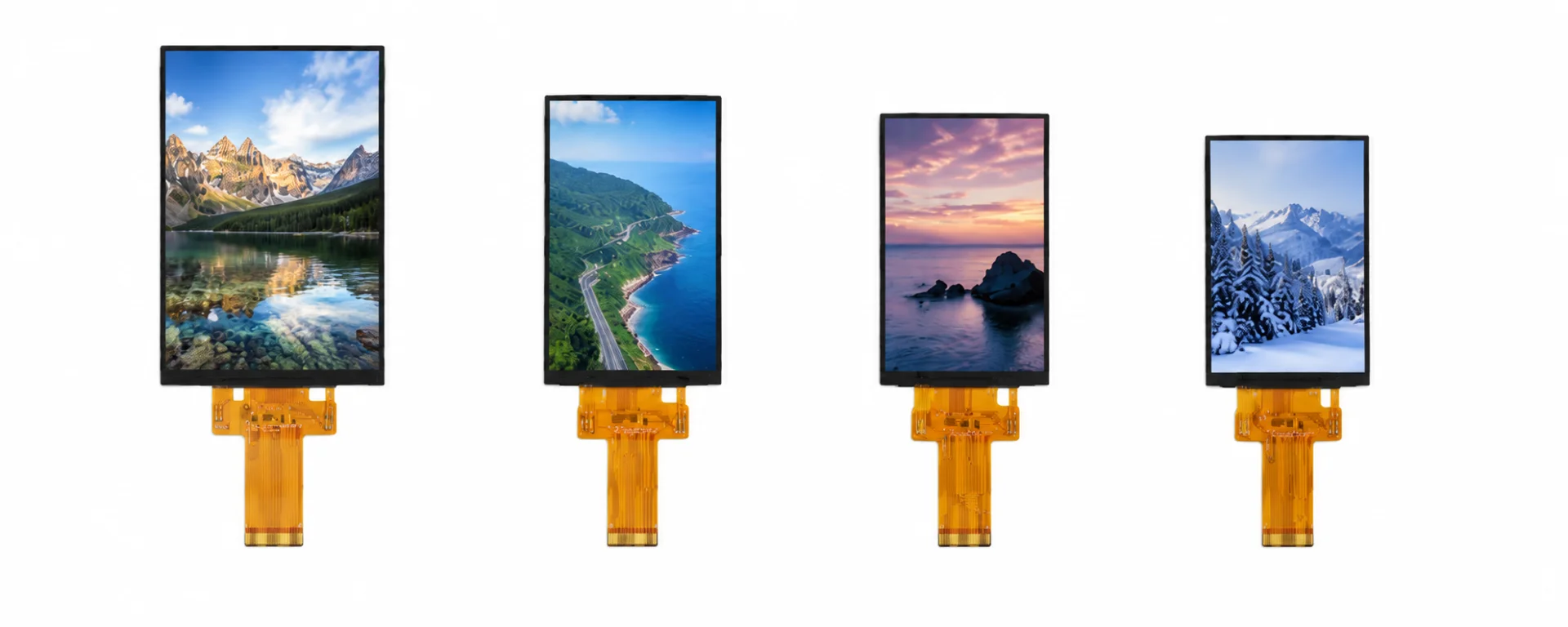
Portrait TFT LCD Modules
Portrait TFT LCD modules are used when the target UI is vertical from the first product design stage.
Check

Portrait Display with Touch
Portrait display with touch should be reviewed by display active area, touch active area, cover lens opening and coordinate mapping.
Check
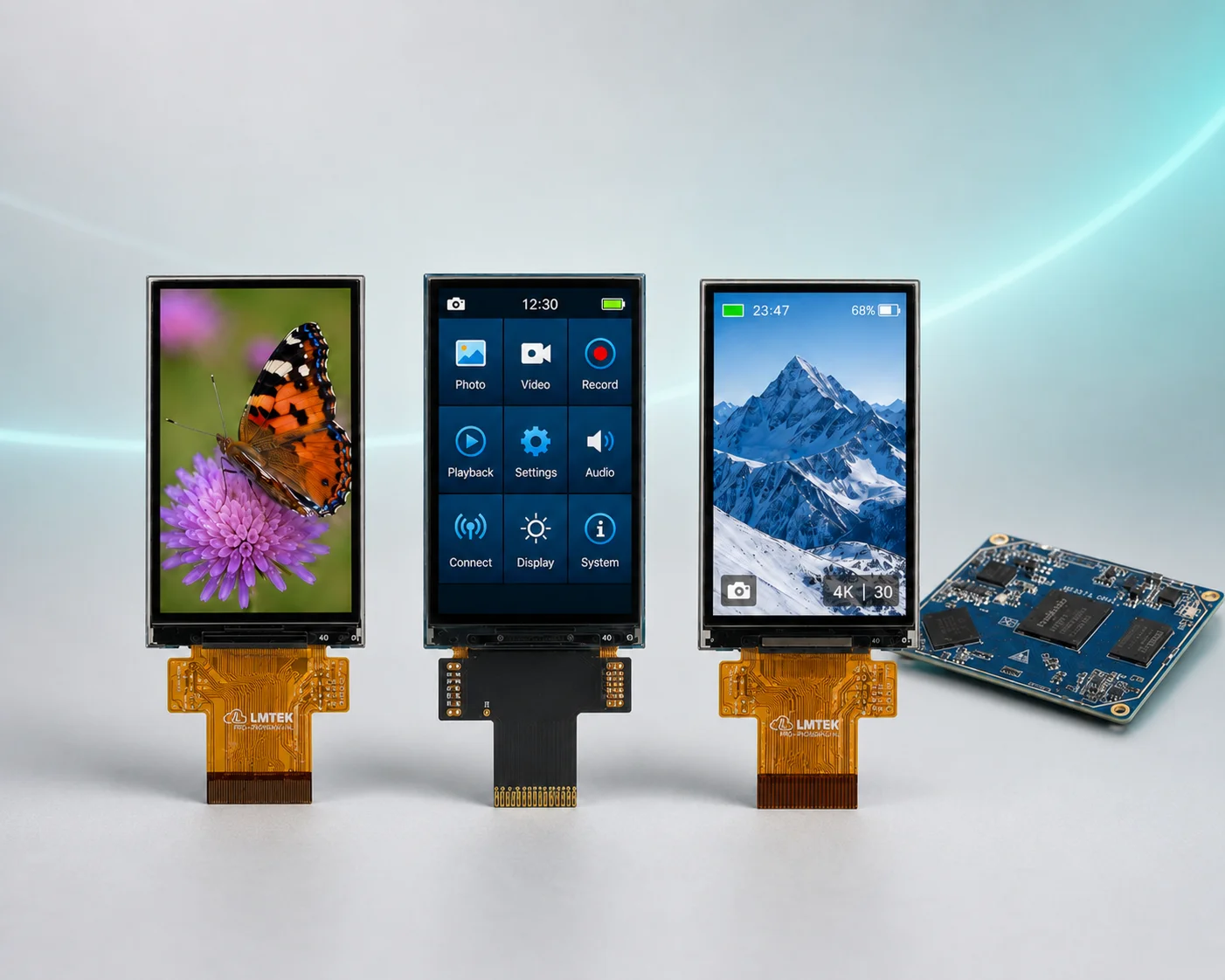
Vertical TFT Display for HMI Projects
Vertical TFT display modules are used in HMIs where menus, status lists or settings are arranged from top to bottom.
Check
Key Advantages of Portrait Displays
Understanding the technical and mechanical benefits that make portrait orientation the right choice for your application.
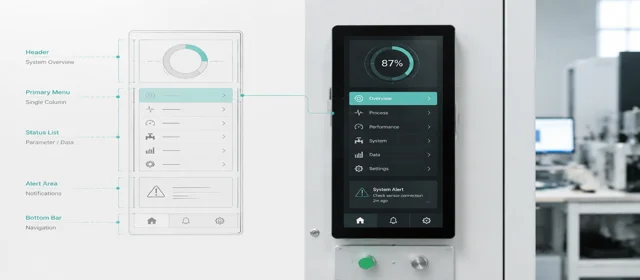
Vertical UI Layout
Portrait displays support single-column menus, values, alerts and status lists -- ideal for interfaces where information flows top to bottom.
Checklist
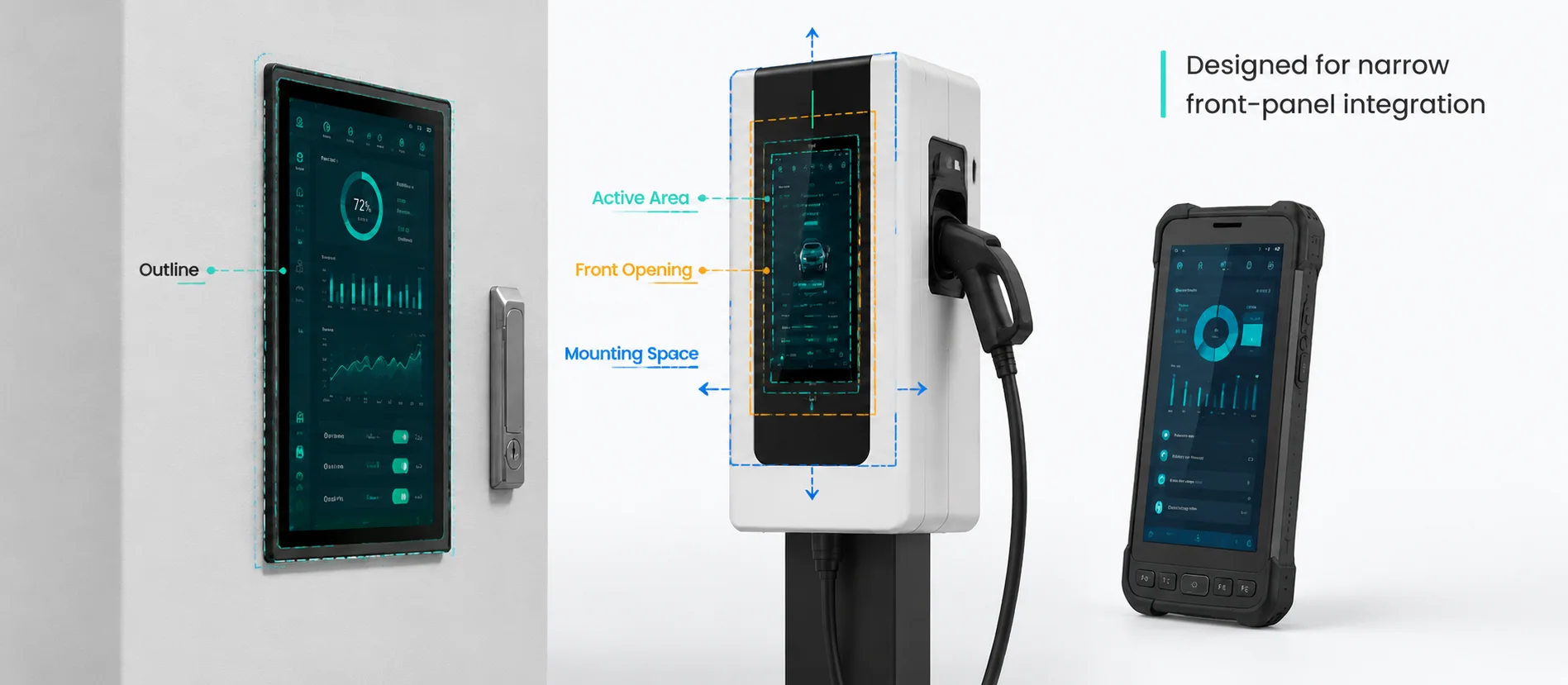
Narrow Front-Panel Fit
A vertical TFT LCD can fit wall controls, EV charger panels, access terminals and handheld equipment with limited panel width -- maximizing display area in constrained enclosures.
Checklist
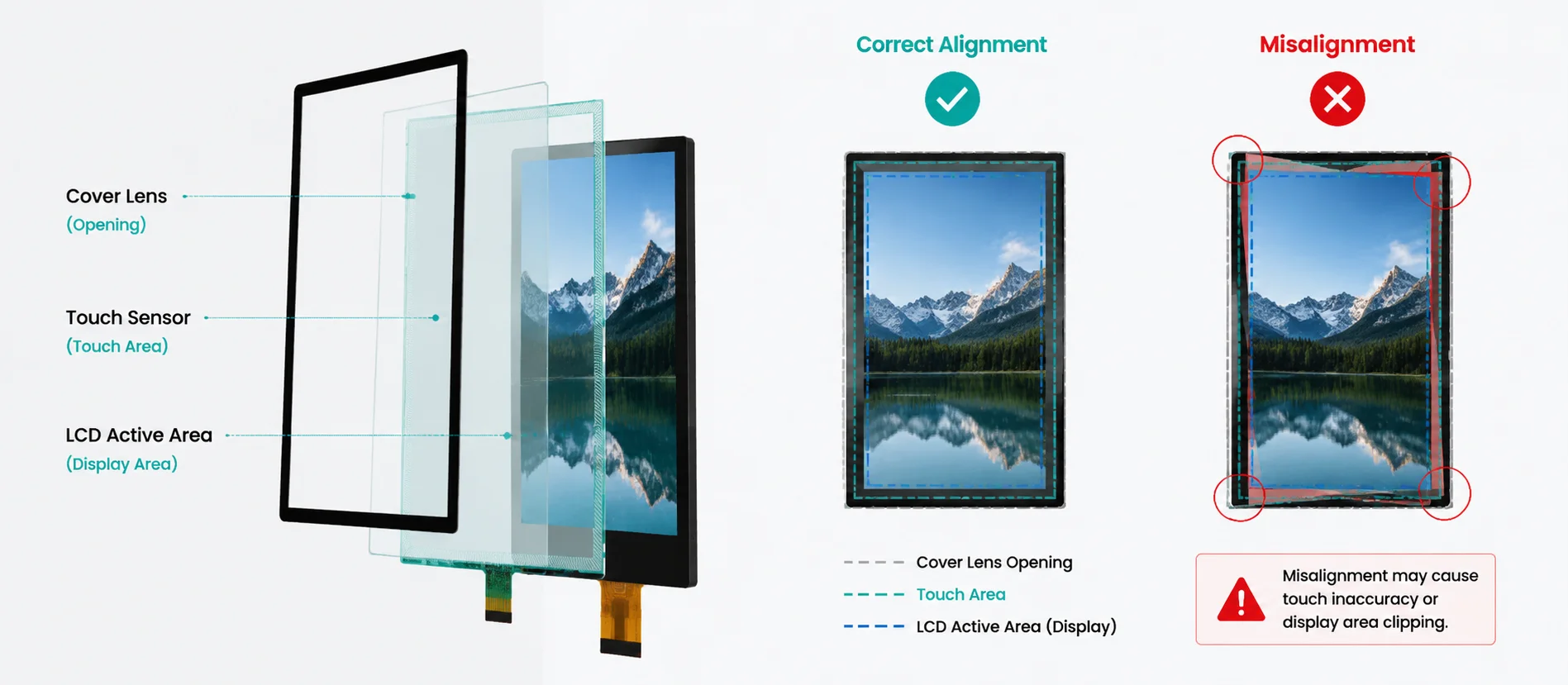
Touch and Display Alignment
Touch alignment must match portrait orientation. The display active area, touch area and cover lens opening should be checked together to avoid misregistration in the final assembly.
Checklist
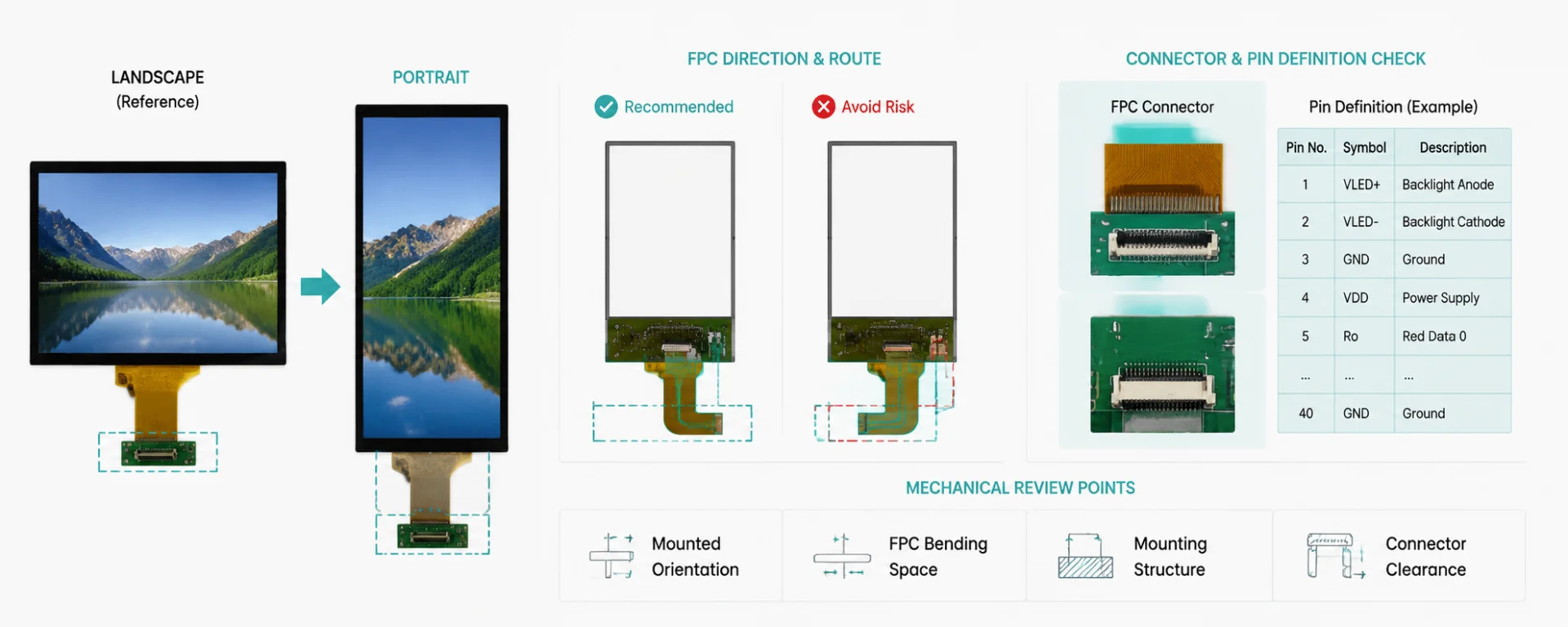
Interface, FPC and Mechanical Review
Portrait installation may change connector position and cable route. FPC direction and pin definition should be checked before PCB design to prevent costly layout revisions.
Checklist
Typical Applications of Portrait Displays
From smart buildings to portable instruments -- portrait displays power critical interfaces across industries.
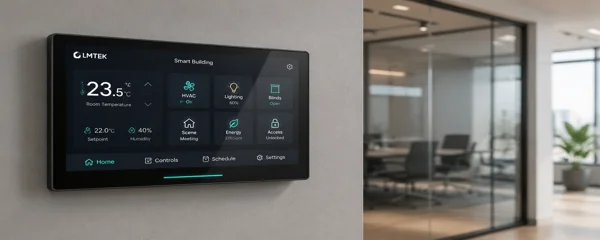
Portrait Display for Smart Building Controls
Used for thermostats, lighting controls, HVAC panels and BMS wall controllers where vertical layout maximizes usable UI space.
Common Checks

Vertical TFT Display for EV Charging Interfaces
Used for charging status, instructions, payment flow or energy information on public and private EV charging stations.
Common Checks
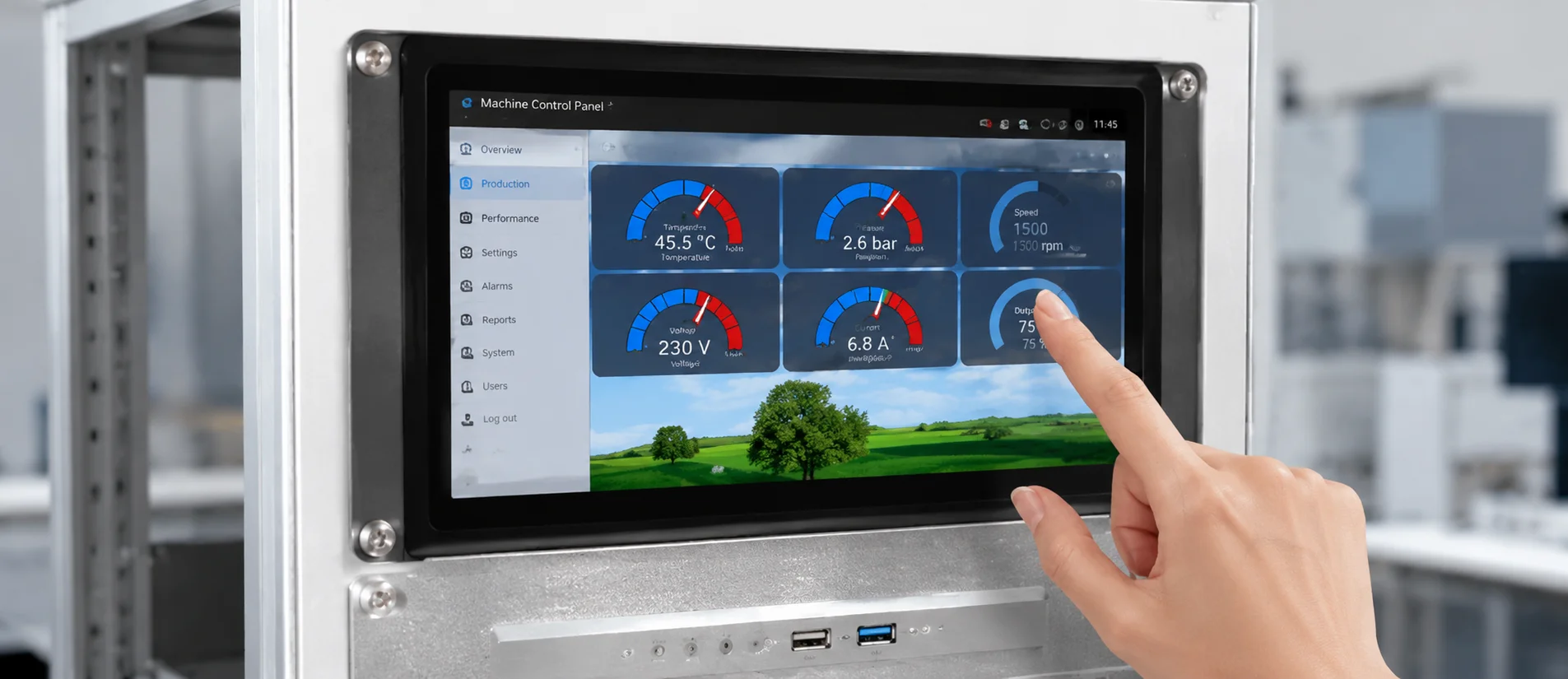
Portrait Touch Display for Industrial HMI Panels
Used for compact machine panels, operator setting panels and local control modules in factory automation environments.
Common Checks
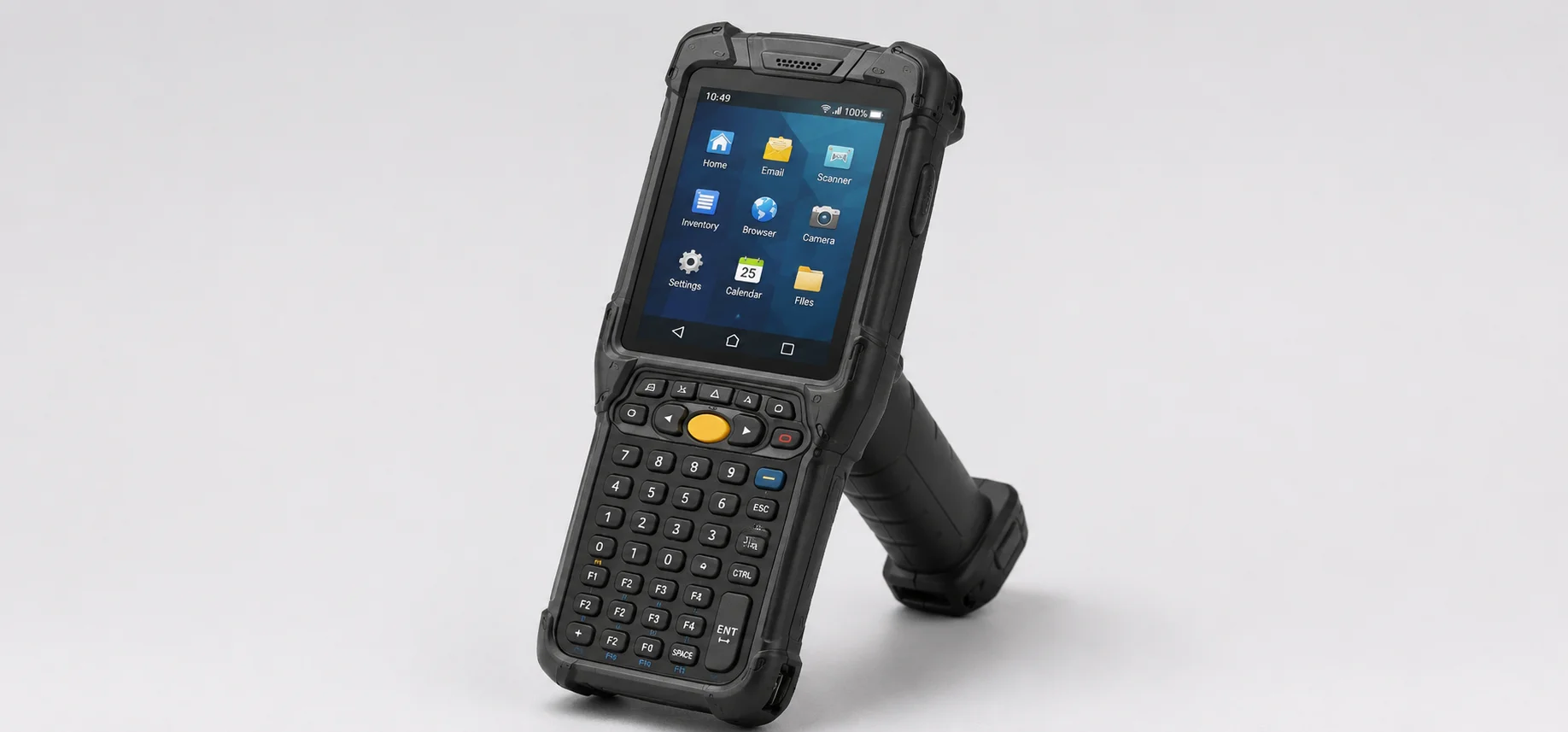
Portrait TFT LCD for Handheld and Portable Devices
Used for portable instruments, test tools and field terminals where compact vertical displays reduce device width and improve ergonomics.
Common Checks
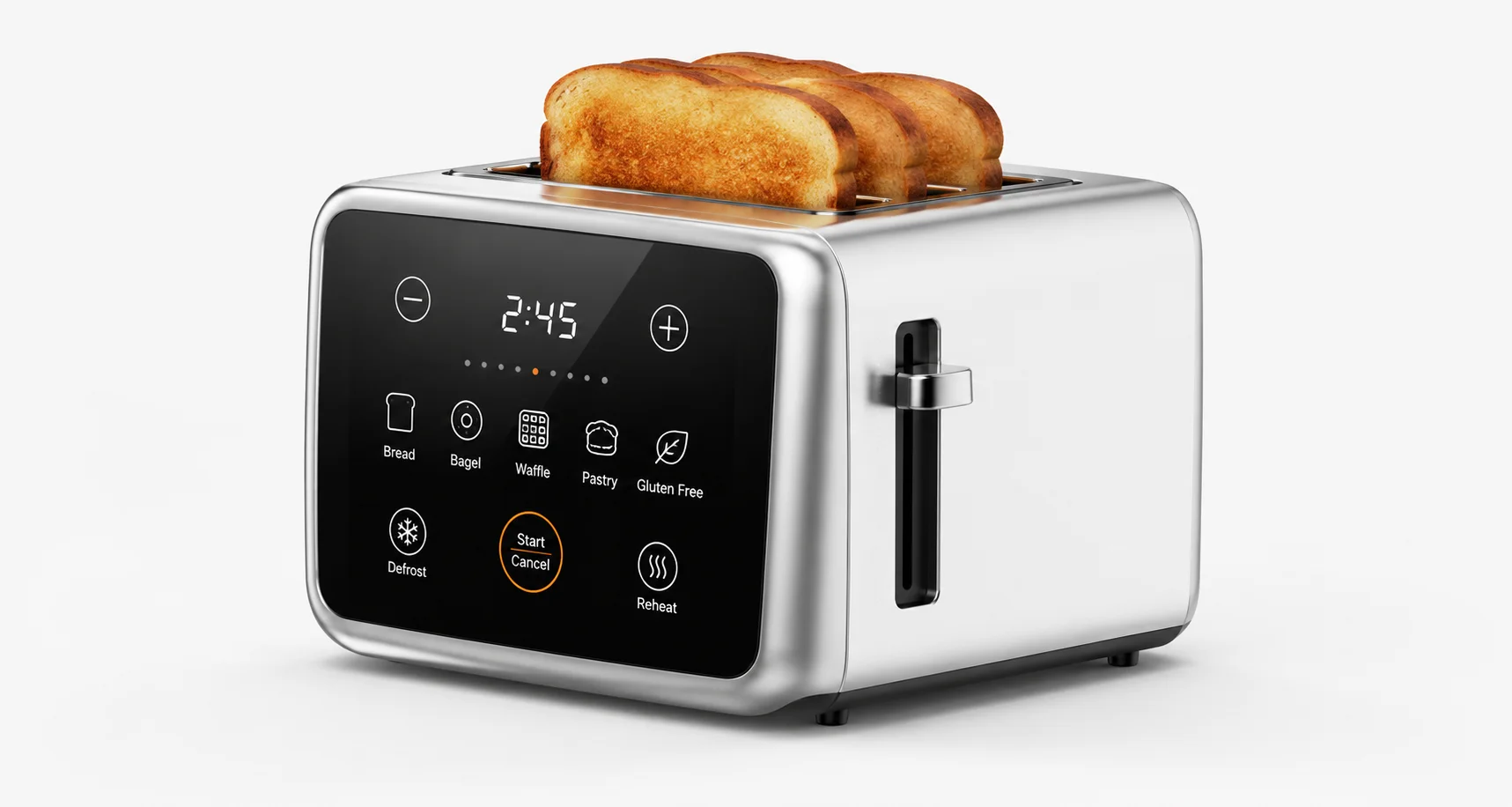
Portrait Display Module for Appliances and Commercial Equipment
Used for white goods, kitchen equipment, access control and commercial electronics where a sleek vertical display integrates into the product's front panel design.
Common Checks
How to Select a Portrait Display
A portrait display should not be selected by diagonal size alone. The orientation affects UI layout, touch mapping, FPC route and enclosure fit -- each factor requires deliberate verification.
Display Size and Resolution
Confirm size, resolution, active area, aspect ratio and UI content before shortlisting modules.
Native Portrait Orientation and Software Rotation
Confirm whether you need a native portrait display or a landscape module rotated by software -- each has different driver implications.
Viewing Direction and Installation Angle
Confirm viewing direction after vertical installation. TN panels can have direction-dependent viewing behavior; IPS or VA may be considered where viewing angle matters.
Touch Option and Touch Mapping
Confirm whether the project needs RTP or PCAP touch. Touch coordinates must match rotated or native portrait UI to avoid user interaction errors.
Interface and Host Platform
Confirm interface based on resolution, processor support, FPC length, EMI and software bring-up requirements.
FPC Direction, Connector and Mechanical Fit
Confirm FPC exit direction, tail length, connector position, mounting space and enclosure opening to ensure physical integration.
Brightness, Backlight and Operating Environment
Confirm brightness, dimming method, backlight current, thermal design and indoor / semi-outdoor readability for the deployment environment.
Sample Validation and Production Planning
Confirm datasheet, drawing, sample plan, UI test, touch test and production schedule before committing to volume orders.
Ready to Select Your Portrait Display?
Our engineering team is ready to help you match the right module to your application -- from initial sizing through sample validation and production.
Need a Custom Portrait Display?
Project-Based Support for Touch, FPC, Interface and Mechanical Fit
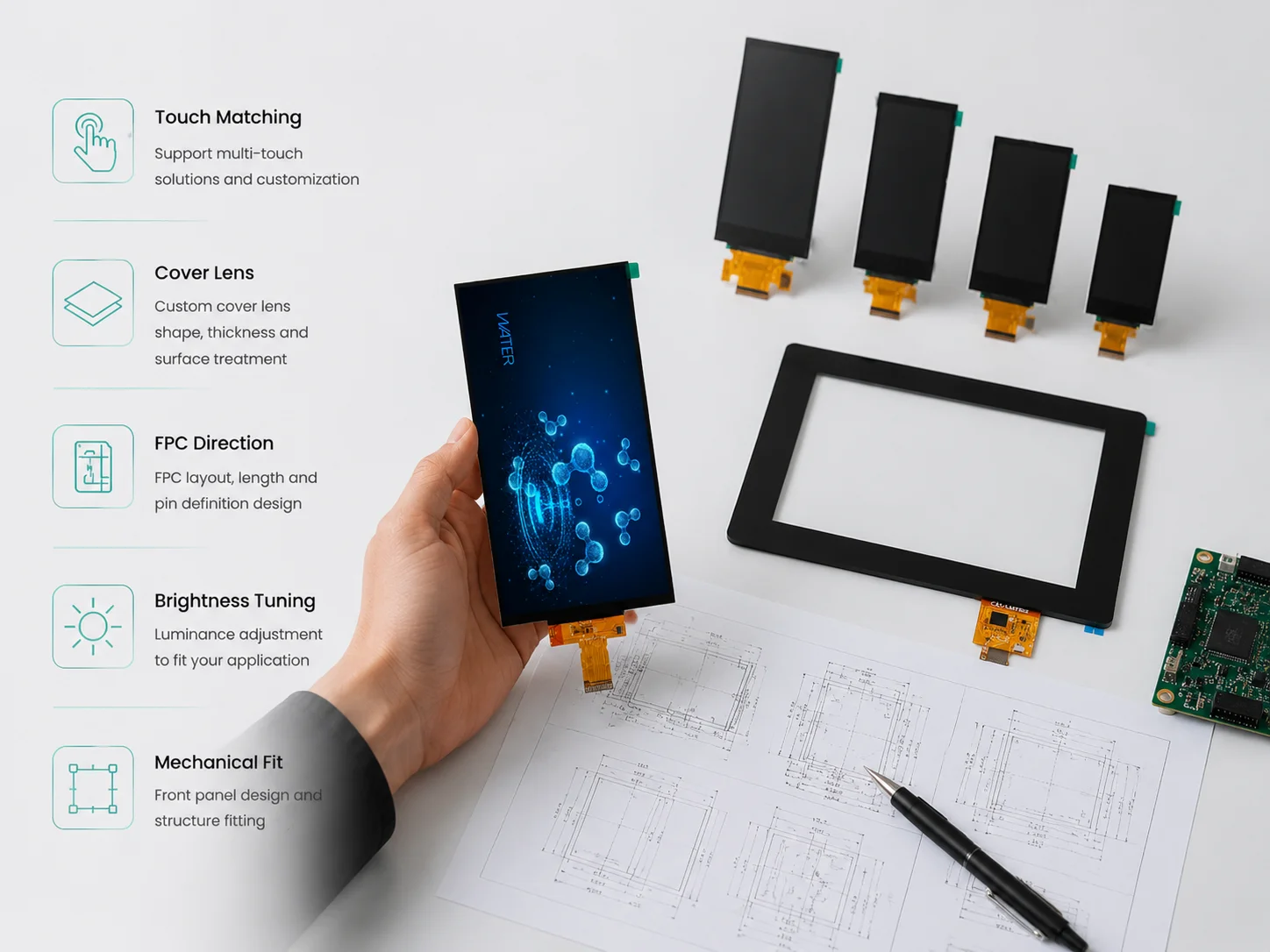
LMTEK can review selected customization requirements for portrait display projects. Typical items include touch matching, cover lens, bonding, FPC direction, pin definition, interface review, brightness tuning, front-panel structure and mechanical fit.
For detailed customization options, please visit our Custom TFT Display or Touch Screens page.
Related TFT Display Categories
Explore the full range of LMTEK display and touch solutions for your next project.
TFT Displays
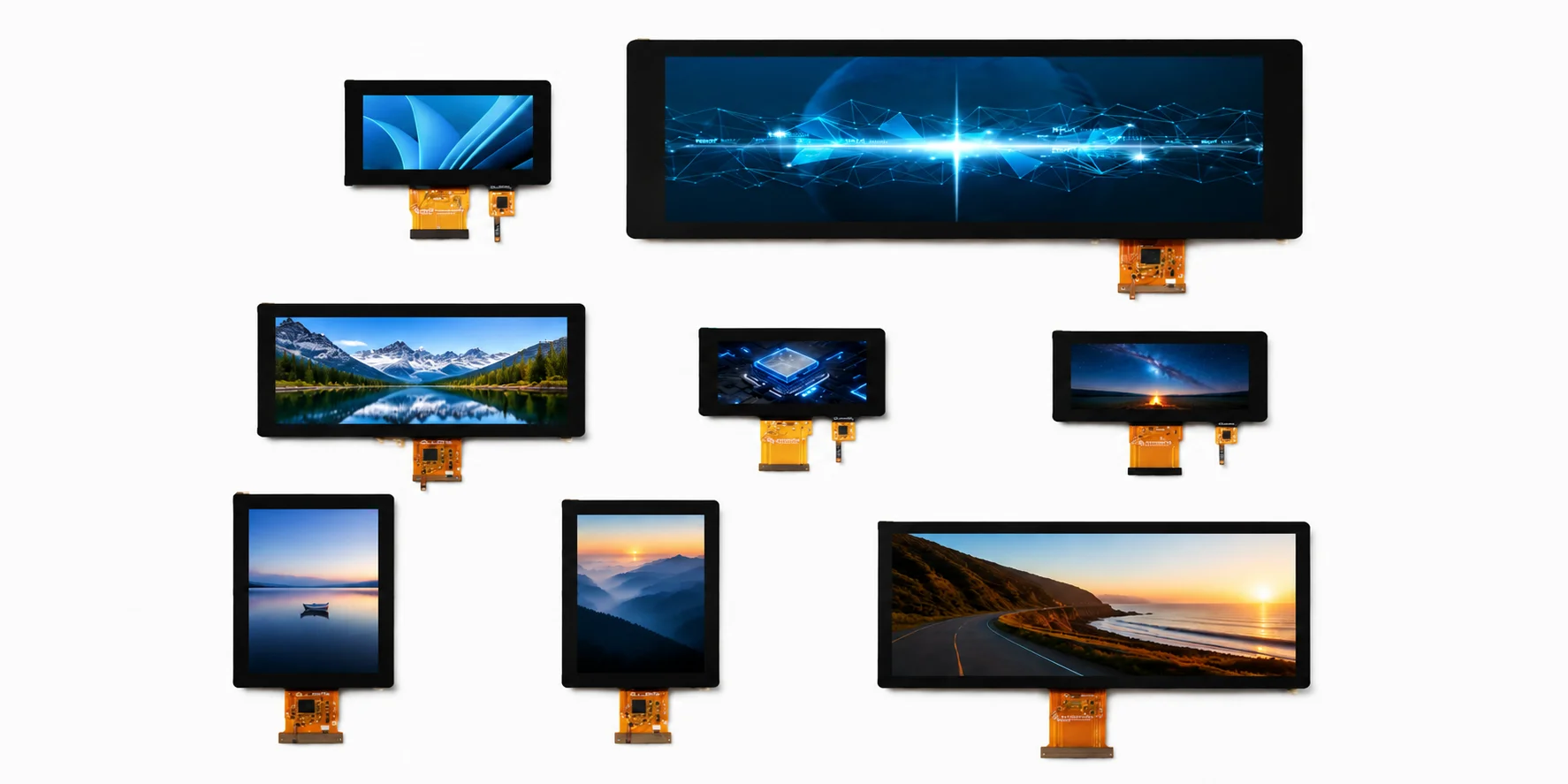
Review LMTEK TFT display modules by size, resolution, interface, brightness and touch option.
View TFT Displays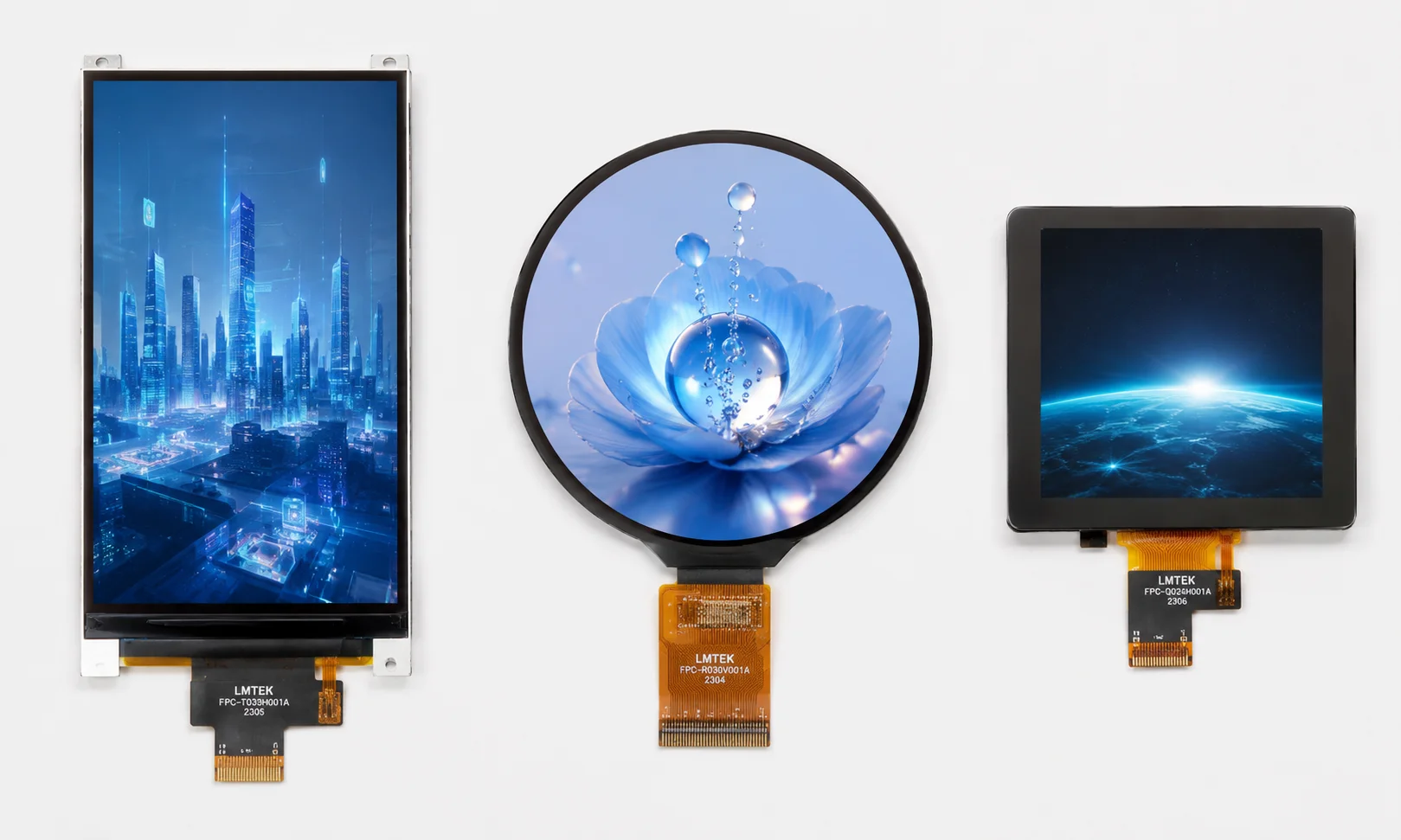
Custom TFT Displays
Review FPC, pin definition, touch matching, backlight and mechanical customization options.
View Custom TFT Displays
Touch Screens
Review RTP and PCAP touch options for portrait touch display projects.
View Touch Screens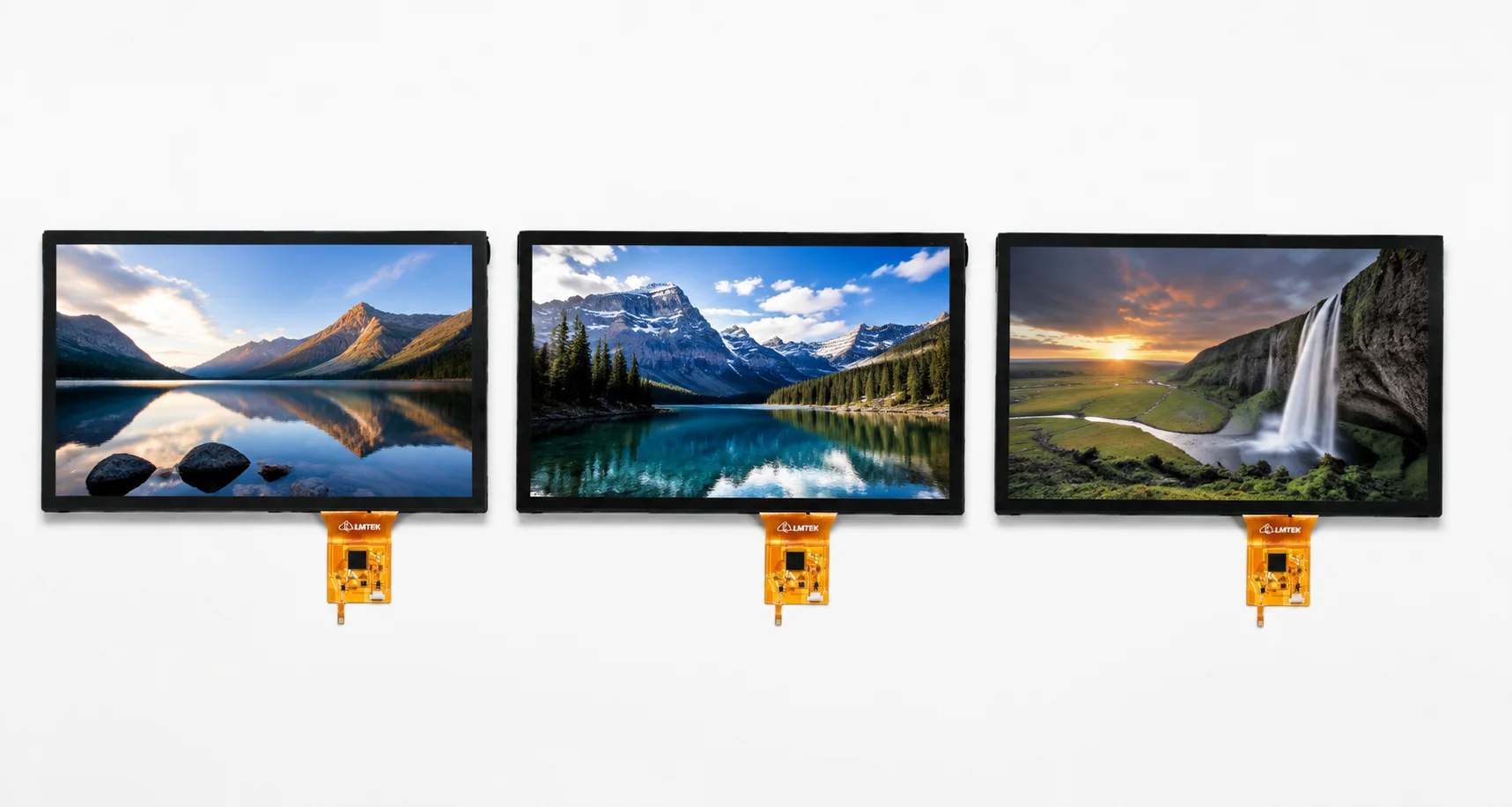
Capacitive Touch Screens
Review PCAP touch options for vertical HMI and smart control panels.
View Capacitive Touch Screens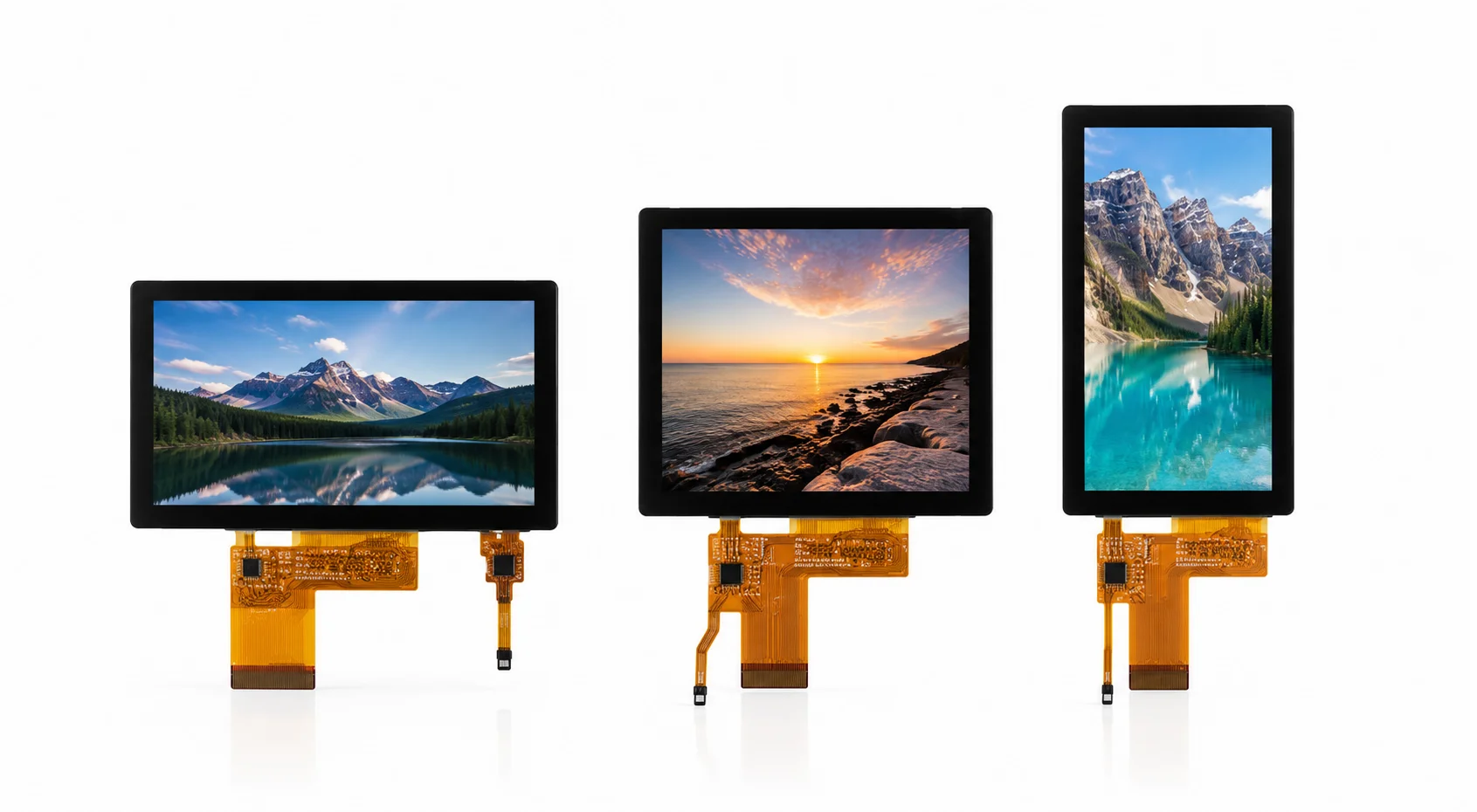
IPS TFT Displays
Review IPS TFT displays when viewing angle is important in vertical installation.
View IPS TFT Displays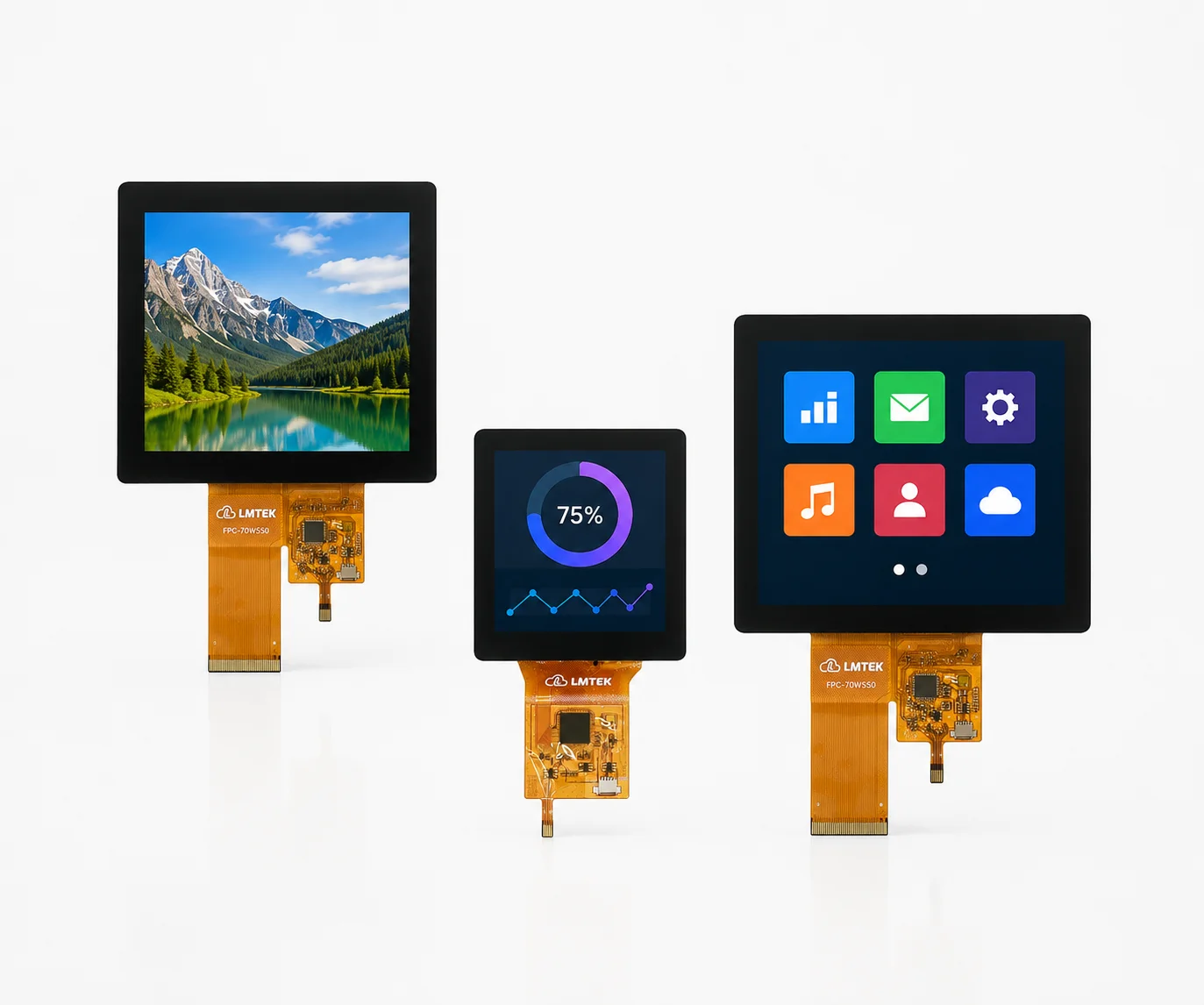
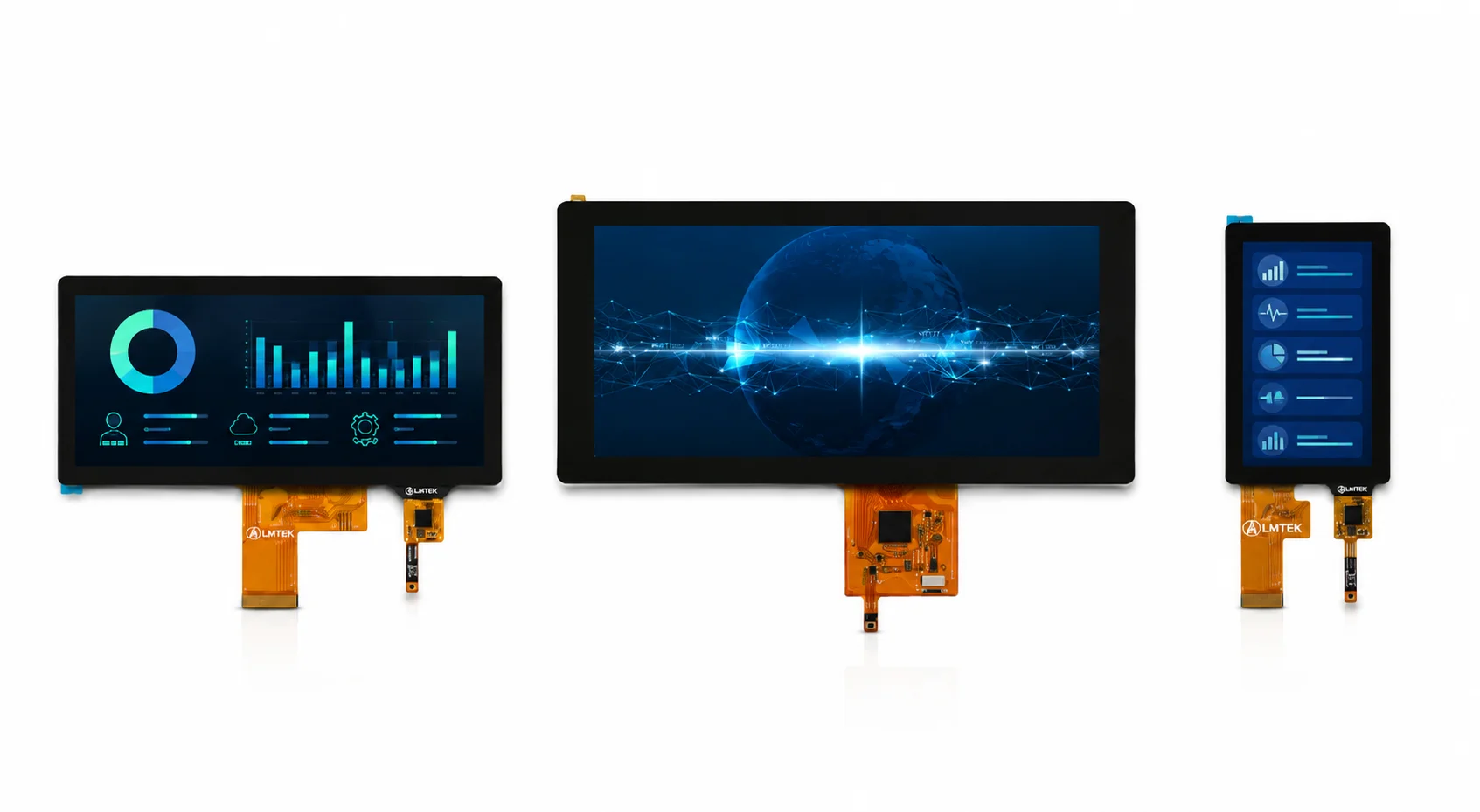
Bar LCD Displays
Review bar LCD modules for narrow horizontal or vertical information areas.
View Bar LCD Displays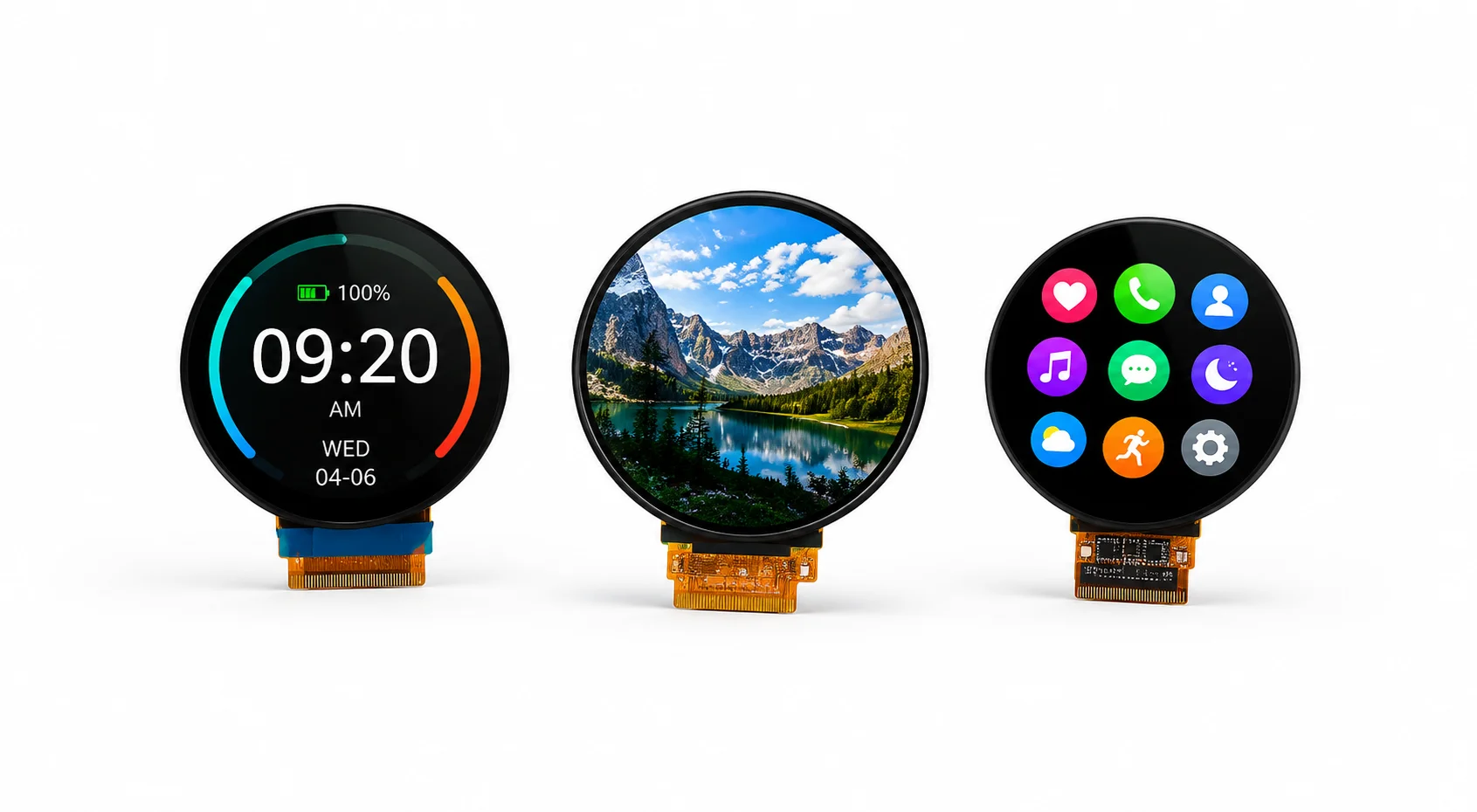
Round Displays
Review round display modules for knob interfaces, circular dashboards and compact control panels.
View Round DisplaysPortrait Display FAQ
Common questions about portrait displays, orientation, touch integration and customization.
What is a portrait display?
A portrait display is a TFT LCD module used in vertical orientation. It is selected when the UI uses vertical menus, values, status lists or touch controls.
What is the difference between portrait display and landscape TFT display?
A portrait display is arranged vertically. A landscape TFT display is arranged horizontally. The difference affects UI layout, FPC direction, viewing direction, touch mapping and enclosure fit.
Can a landscape TFT display be rotated to portrait mode?
Some landscape TFT displays can be rotated by software or host platform settings. For production, confirm controller support, framebuffer rotation, touch mapping, viewing direction and FPC position.
Can portrait displays support touch?
Yes, selected portrait displays can be matched with RTP or PCAP touch. Touch active area, touch interface, cover lens, bonding and coordinate mapping should be reviewed together.
Which interfaces are available for portrait displays?
Interface availability depends on model and panel platform. Typical options may include MCU, SPI, RGB, MIPI DSI, LVDS, HDMI or eDP.
What should be checked before selecting a portrait TFT LCD module?
Check size, resolution, active area, native or rotated orientation support, interface, touch option, viewing direction, FPC direction, brightness, enclosure limit and sample validation plan.
Can LMTEK customize the FPC, touch panel or cover lens for portrait displays?
LMTEK can review project-based requirements such as FPC direction, pin definition, touch matching, cover lens, bonding, brightness tuning and mechanical fit.
Have more questions about portrait displays or custom requirements?
Share Your Portrait Display Requirements
Send us your target specifications and application details. LMTEK will review your display size, resolution, UI orientation, interface, touch requirement and enclosure constraints to help recommend a suitable portrait display option or customization path.
Recommended Information to Submit
- Target display size
- Resolution requirement
- Native portrait or rotated display requirement
- UI orientation and touch layout
- Interface requirement: MCU SPI RGB MIPI LVDS HDMI eDP
- Host platform or controller board
- Touch requirement: No Touch RTP PCAP
- Touch interface requirement, if known
- Cover lens or bonding requirement
- Brightness requirement
- Viewing direction requirement
- FPC direction and connector location
- Module dimension or enclosure limit
- Operating environment
- Application and expected annual volume
- Existing datasheet or reference panel
- Sample and production timeline
Not sure what to include?
Share as much or as little as you have. Our engineers will ask follow-up questions and guide you toward the right portrait display configuration for your project.