Resistive Touch Screen Panels for Industrial Display Applications
4-wire and 5-wire resistive touch screens for industrial HMIs, embedded displays, handheld devices and pressure-based input applications.
Resistive touch screens help product teams build practical touch interfaces when pressure-based input, glove operation, stylus input or simple control interaction matters.
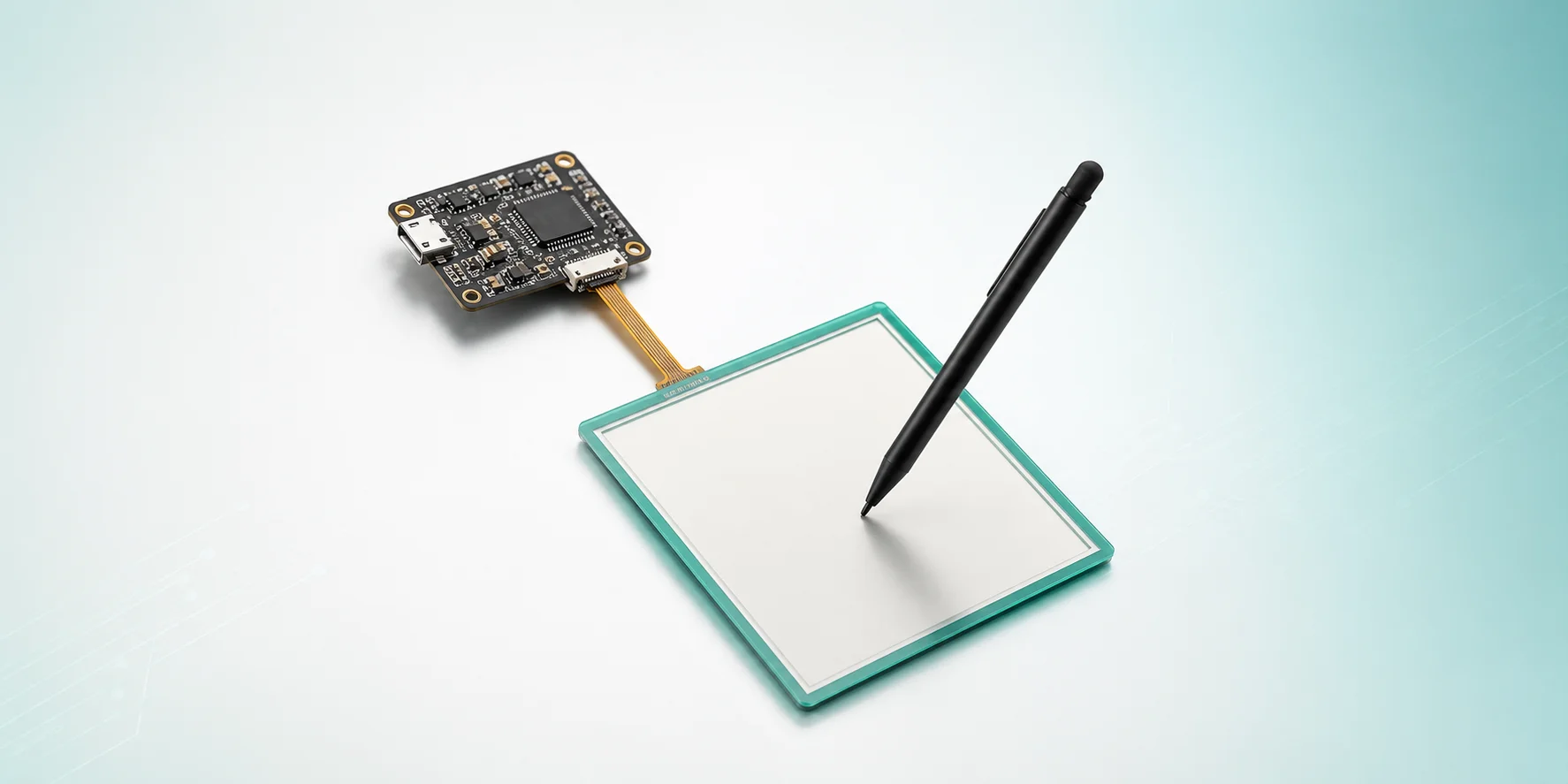
LMTEK provides resistive touch screen and RTP touch panel options for industrial HMIs, embedded displays, equipment panels, portable instruments and custom TFT touch projects. Your resistive touch screen project can be selected by size, 4-wire or 5-wire structure, active area, FPC direction, connector, RTP signal type, controller interface, bonding method, front protection, matched TFT display and mechanical stack-up.
Project Review Focus
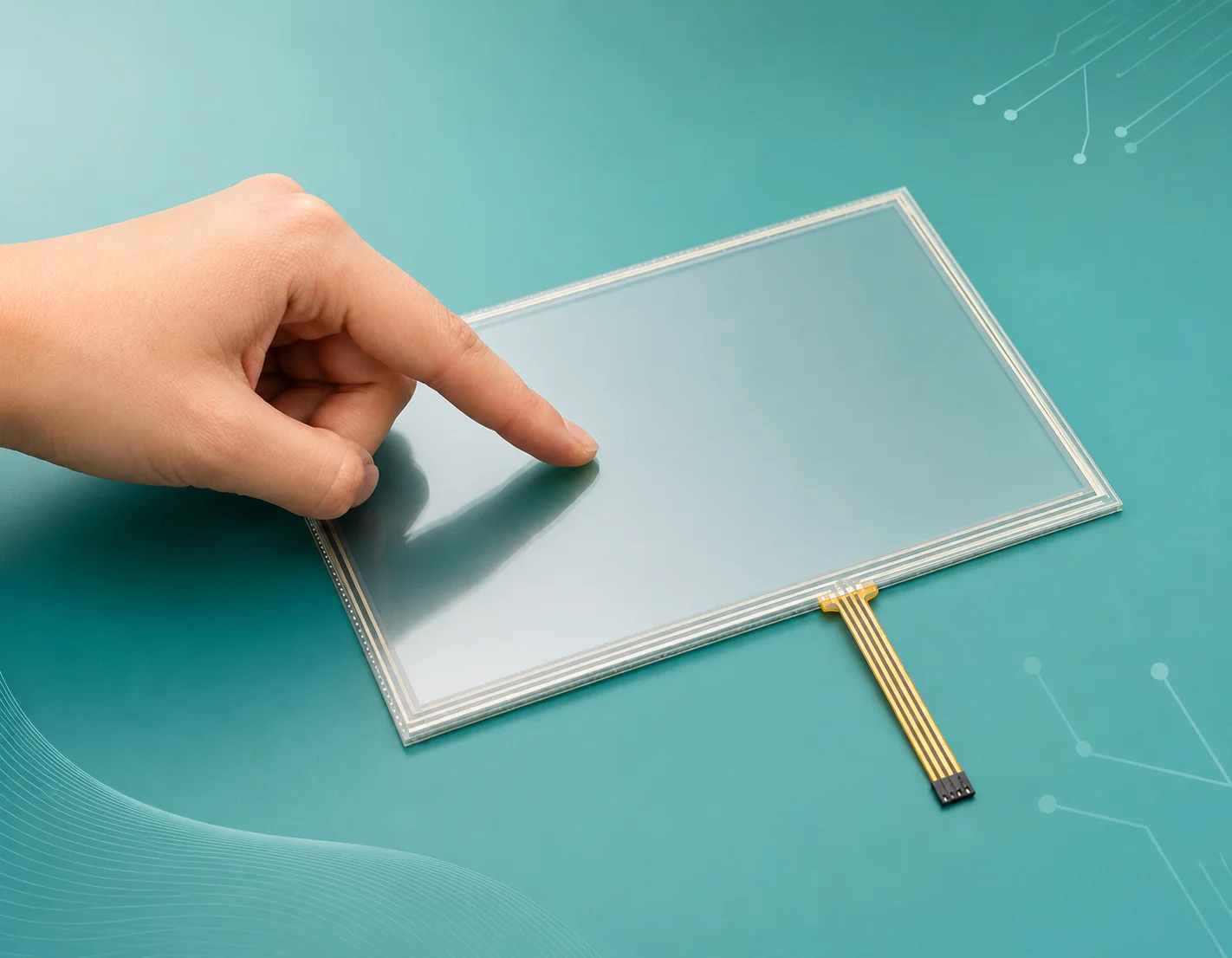
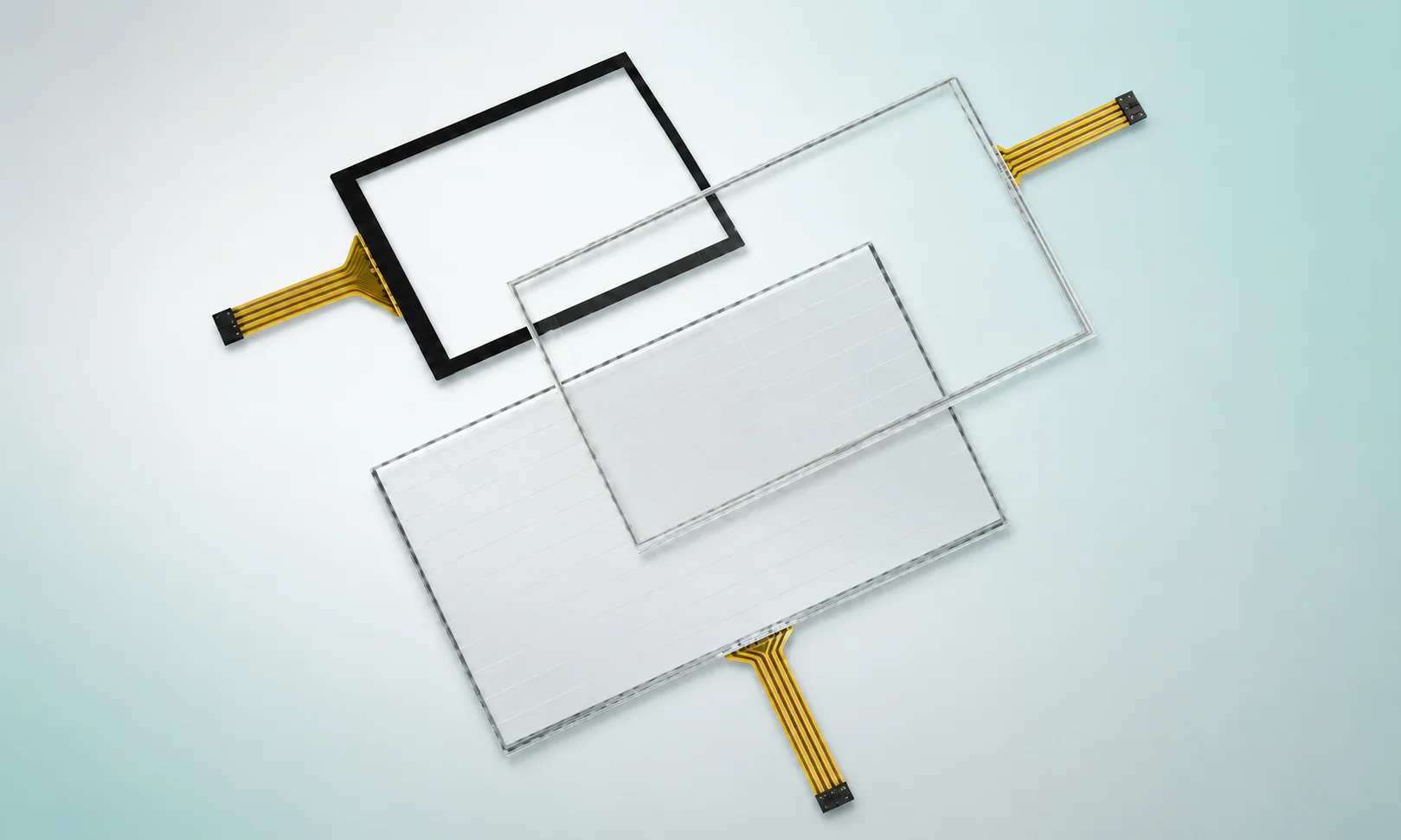
Resistive Touch Panels for Pressure-Based Industrial Input
LMTEK supplies resistive touch screen panels for product teams developing industrial HMIs, embedded displays, portable instruments and equipment control panels. A resistive touch panel is typically selected when your product needs pressure-based input and a simple touch interface for buttons, values, menus or settings.
Typical selection points include touch size, active area, 4-wire or 5-wire structure, RTP signal type, FPC direction, tail length, connector, bonding method, matched TFT LCD, front protection, operating environment and mechanical stack-up.
If you are looking for a resistive touch screen manufacturer for an OEM/ODM project, LMTEK can help match touch panel, TFT display, bonding, FPC, controller interface and mechanical options to your application and validation timeline.
This helps your team reduce:
- Touch-display mismatch
- FPC redesign cycles
- Controller interface confusion
- Mechanical stack-up risk
- Sample validation delays
What Is a Resistive Touch Screen?
A resistive touch screen is a pressure-based touch technology. When the user presses the touch surface, conductive layers inside the touch panel make contact and allow the system to detect the touch position.
Resistive touch screens are often used for simple control interfaces, industrial input panels, handheld devices and equipment terminals. Depending on structure and project requirements, they can be operated by a finger, glove, stylus or suitable non-sharp input tool.
Common options include 4-wire resistive touch screen panels and 5-wire resistive touch screen panels. Final structure, pinout, activation performance, durability and operating conditions should always be verified by the selected model datasheet.
4-Wire and 5-Wire Resistive Touch Options
The right choice depends on touch size, product structure, usage environment, lifecycle target, cost requirement and confirmed datasheet values.
4-Wire Resistive Touch
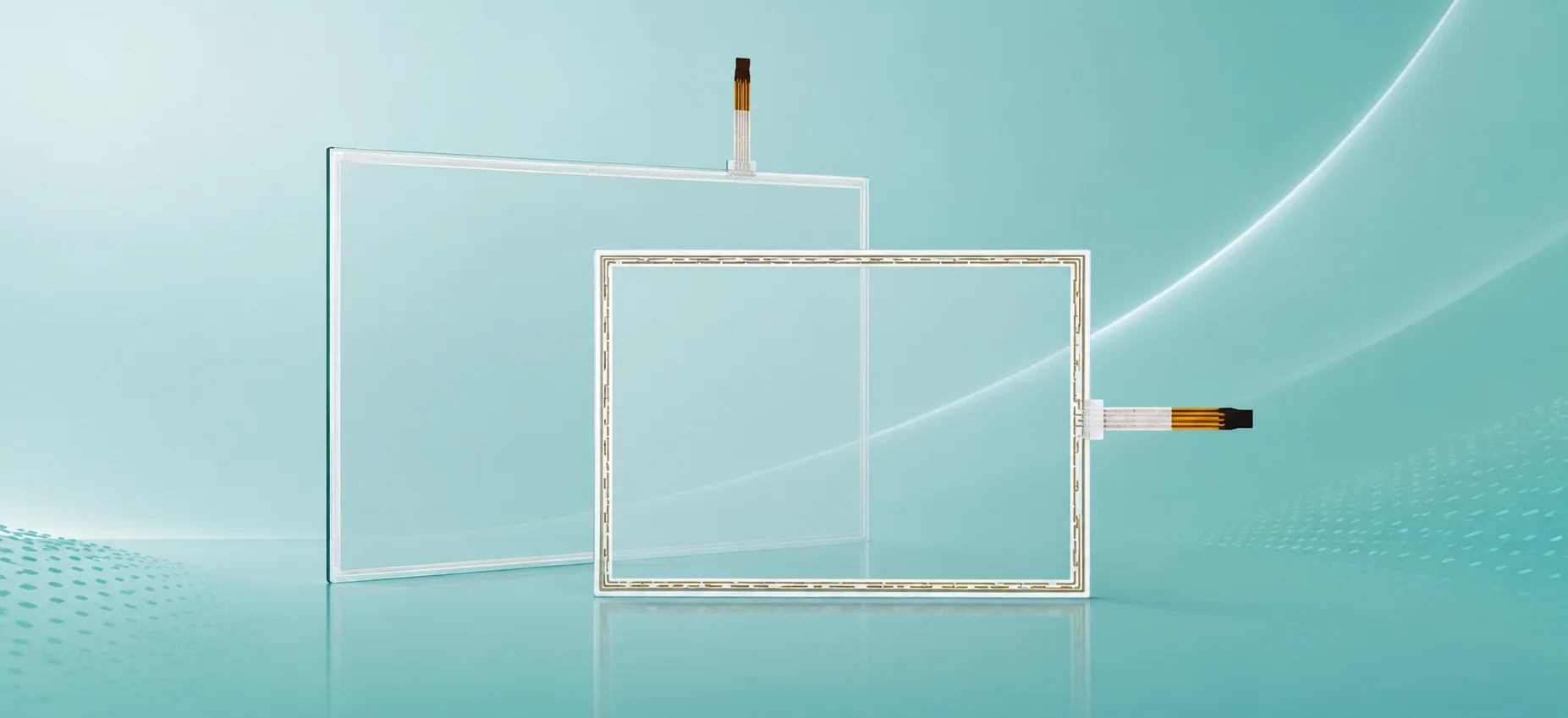
4-wire resistive touch panels are often considered for standard and cost-sensitive embedded display projects.
- Suitable for standard embedded display projects
- Often evaluated for cost-sensitive applications
- Verify structure, pinout and durability via datasheet
Final activation performance, operating conditions and lifecycle should be confirmed against the selected model datasheet.
5-Wire Resistive Touch

5-wire resistive touch options may be evaluated for selected industrial applications where structure, stability or durability requirements need further review.
- May be evaluated for selected industrial applications
- Considered where stability or durability needs review
- Structure requirements should be verified via datasheet
Final activation performance, operating conditions and lifecycle should be confirmed against the selected model datasheet.
Need help choosing? Share your project requirements and our engineers will recommend the right RTP structure for your application.
Get Engineering SupportWhen to Choose a Resistive Touch Screen
Choose a resistive touch screen when your product needs pressure-based input and the user interface focuses on simple, reliable control rather than multi-touch gestures.
Resistive Touch Fit at a Glance
| Choose Resistive Touch When | Consider PCAP Touch When |
|---|---|
|
Your application needs pressure-based input
|
Your UI requires multi-touch gestures
|
|
Users may operate with gloves or a stylus
|
Your product needs a glass-like touch experience
|
|
The interface uses buttons, values, menus or settings
|
Your interface uses gesture-based GUI interaction
|
|
Practical integration and cost control are important
|
Higher optical clarity and modern touch feel are priorities
|
|
The product is used in industrial controllers, instruments or handheld devices
|
The device is used in public-facing or high-frequency touch applications
|
Resistive touch screens are often selected for industrial and embedded products where pressure-based input, glove operation, stylus input or simple control interfaces are important. If your project requires multi-touch gestures, glass cover design or smartphone-like interaction, a capacitive touch screen may be more suitable.
4-Wire Resistive Touch Screen Panels
4-wire resistive touch screen panels are practical for selected embedded displays, compact controllers and simple industrial interfaces where pressure-based touch and cost control are important.
Request 4-Wire RTP Options5-Wire Resistive Touch Screen Options
5-wire resistive touch screen options can be reviewed for selected applications that require a different resistive touch structure. Final suitability should be confirmed by model datasheet and project conditions.
Check 5-Wire RTP AvailabilityResistive Touch Screen with TFT LCD Matching
A resistive touch screen with TFT LCD matching helps reduce alignment risk between touch area, display active area, front-panel opening and enclosure structure.
Review TFT Matching OptionsKey Advantages of Resistive Touch Screens
Pressure-Based Input
Resistive touch screens respond to physical pressure, making them useful when the interface may be operated by a finger, glove or stylus. Actual performance should be confirmed by touch structure and application conditions.

Practical for Simple Control Interfaces
RTP touch panels are suitable for buttons, menus, values, warning indicators, status pages and parameter settings. They are a practical fit for equipment interfaces that do not require multi-touch gestures.
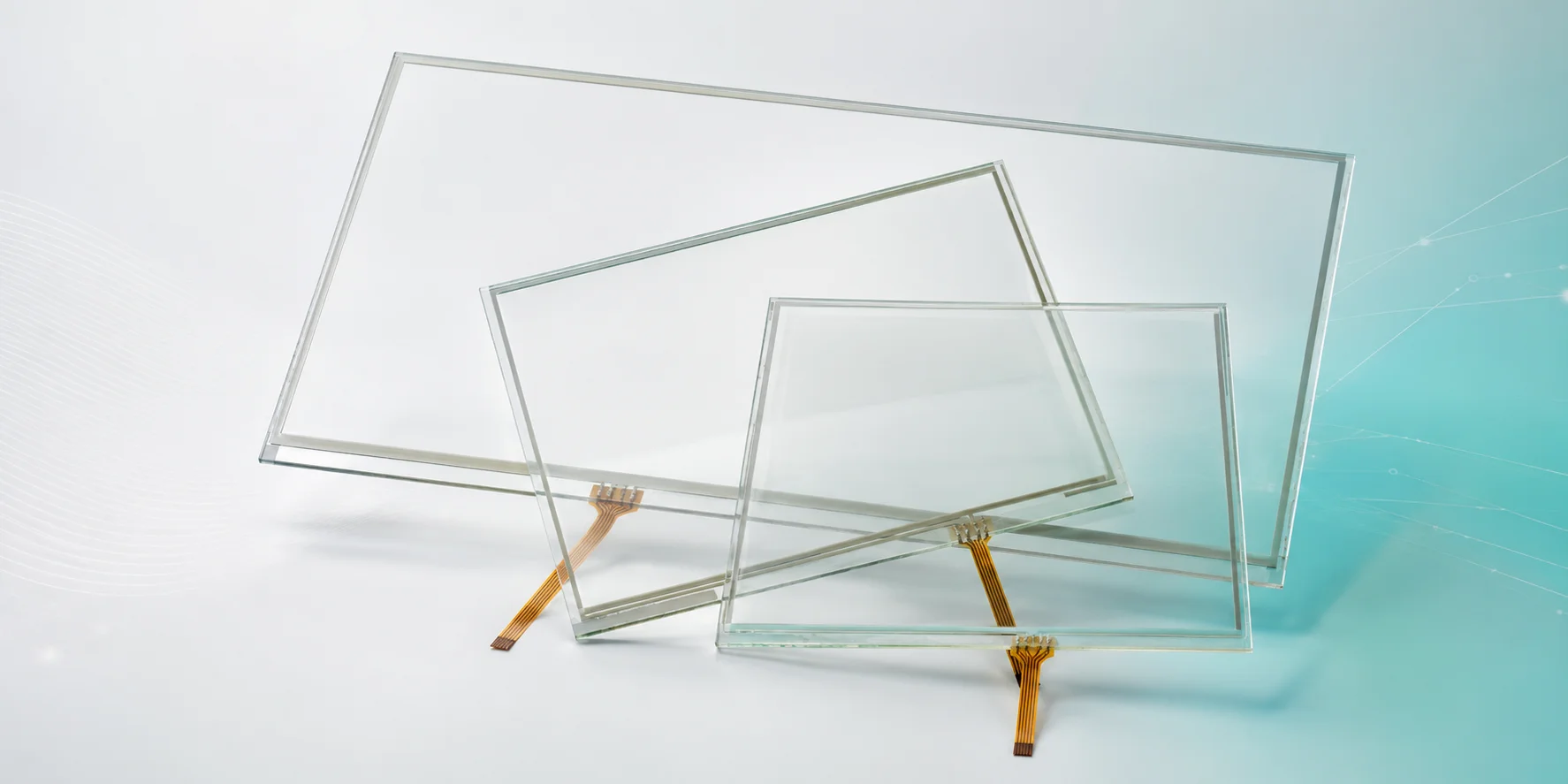
Useful for Industrial and Handheld Devices
Resistive touch panels are often considered for industrial controllers, handheld instruments, service terminals and equipment panels where simple input and practical integration are important.

Flexible Matching with TFT LCD Modules
LMTEK helps align resistive touch screen selection with TFT LCD size, FPC direction, pinout, bonding method, front-panel structure and mechanical stack-up.
Ready to Evaluate Resistive Touch Options?
Contact LMTEK to discuss your application requirements, request model datasheets, drawings and matched TFT display options for your project.
Typical Applications of Resistive Touch Screens
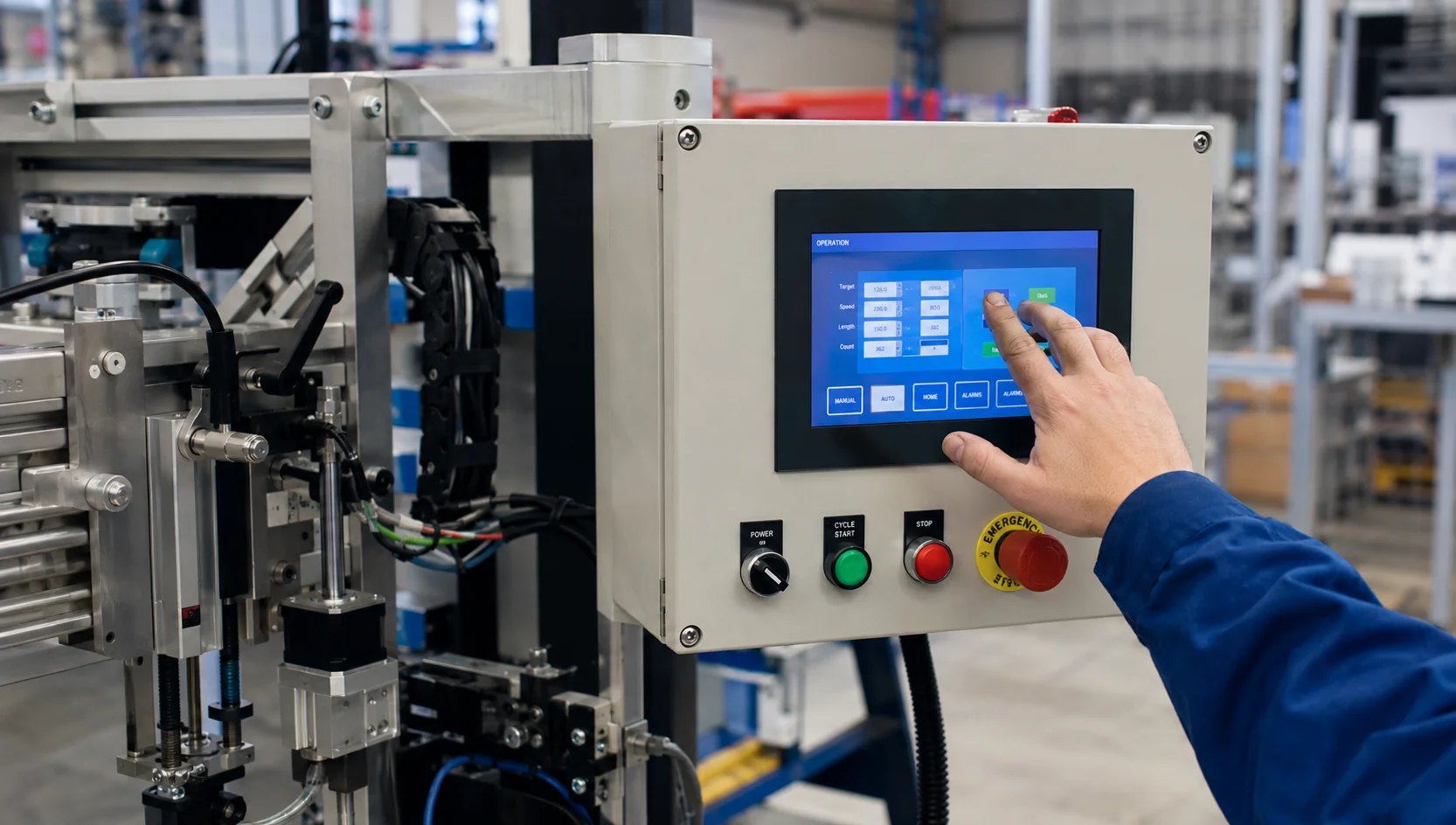
Resistive Touch Screen for Industrial Controllers
Resistive touch screens can be used in compact industrial controllers, equipment panels, local operator terminals and parameter setting interfaces.
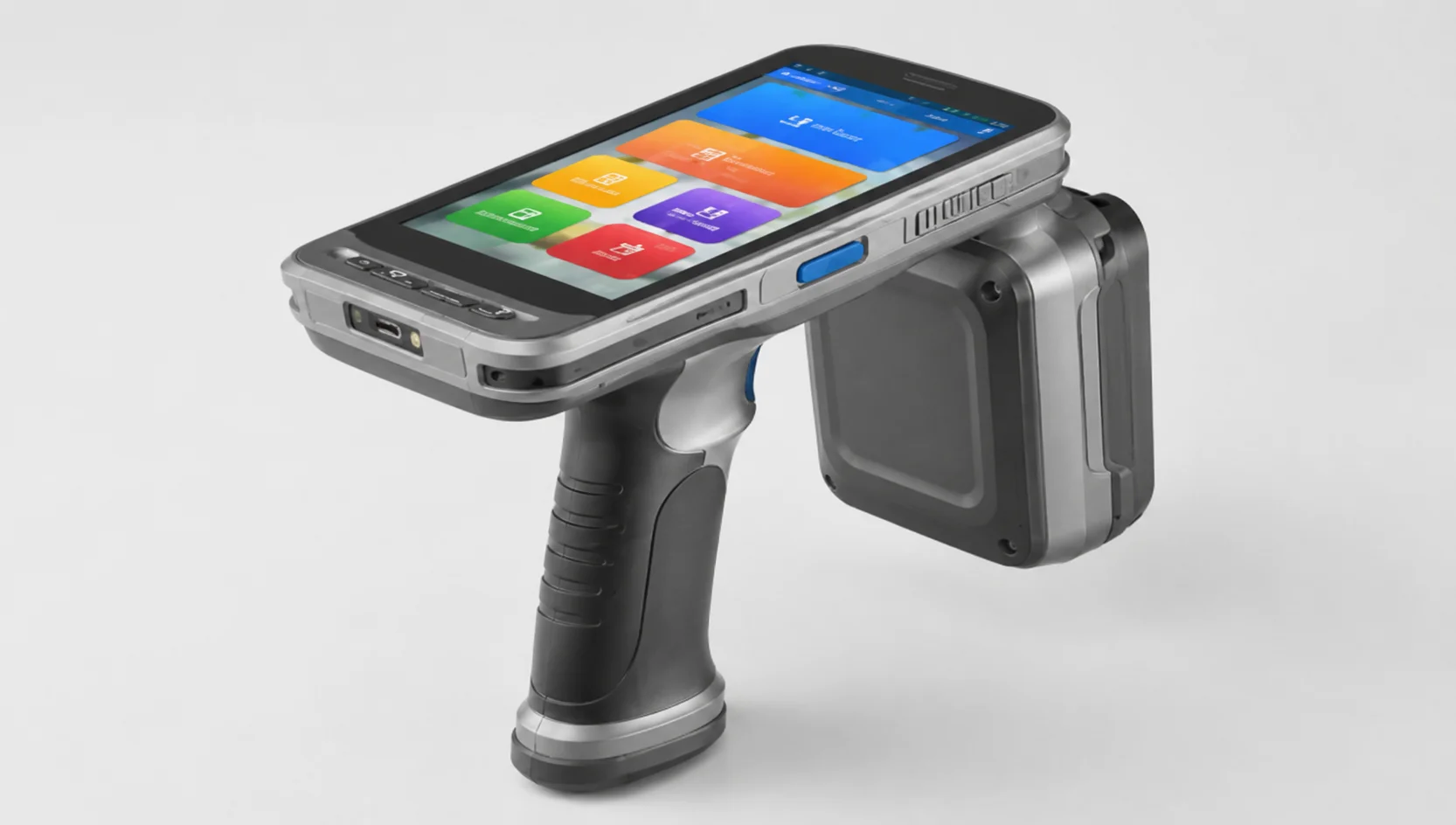
Resistive Touch Panel for Portable Instruments
Resistive touch panels are suitable for portable instruments, handheld devices, measurement tools and field maintenance equipment.
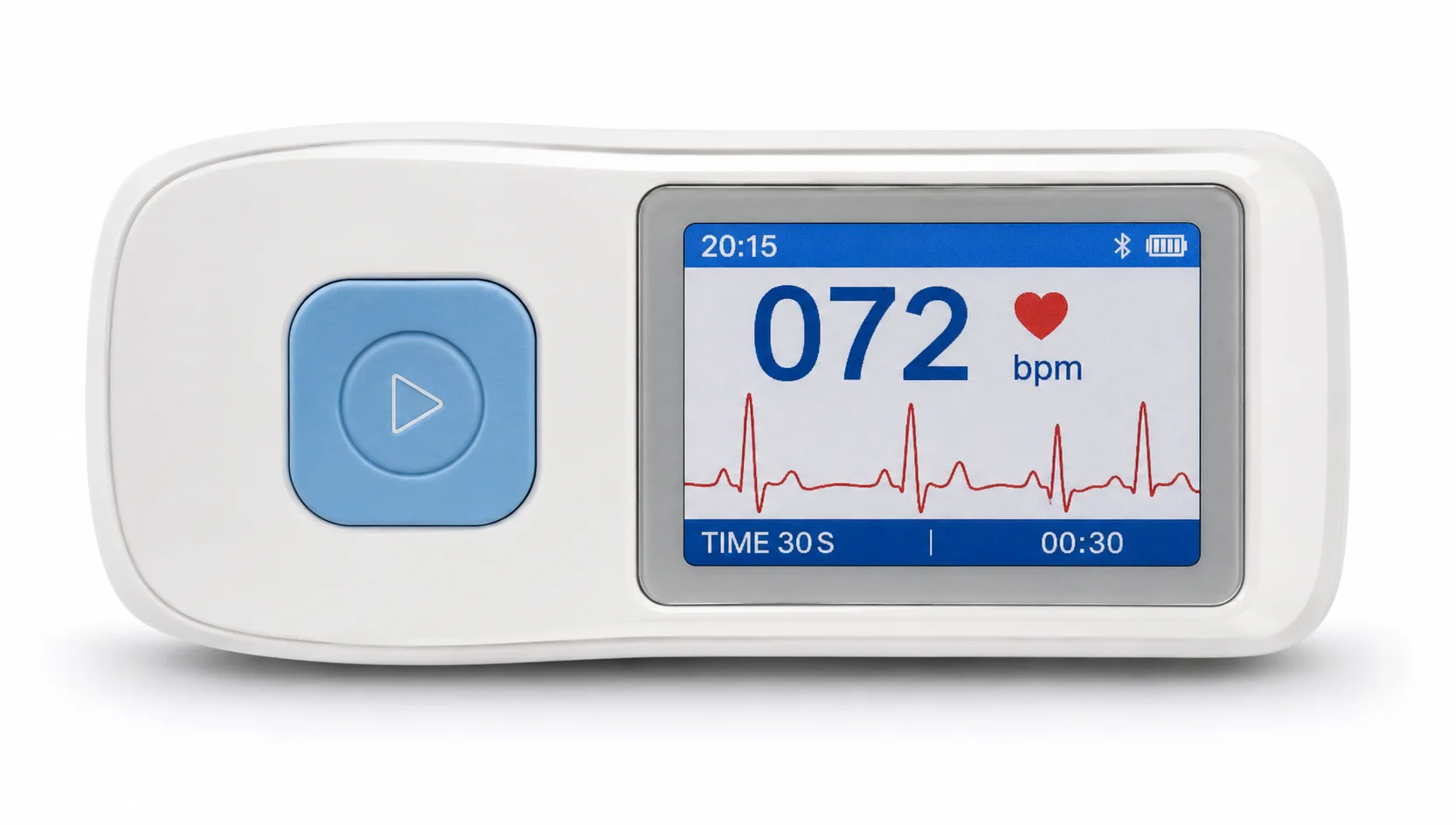
RTP Touch Screen for Healthcare-Related Interfaces
Selected healthcare-related devices may use RTP touch screens for simple menu input, setting adjustment or compact display interaction. Any medical or compliance requirement should be confirmed by project.
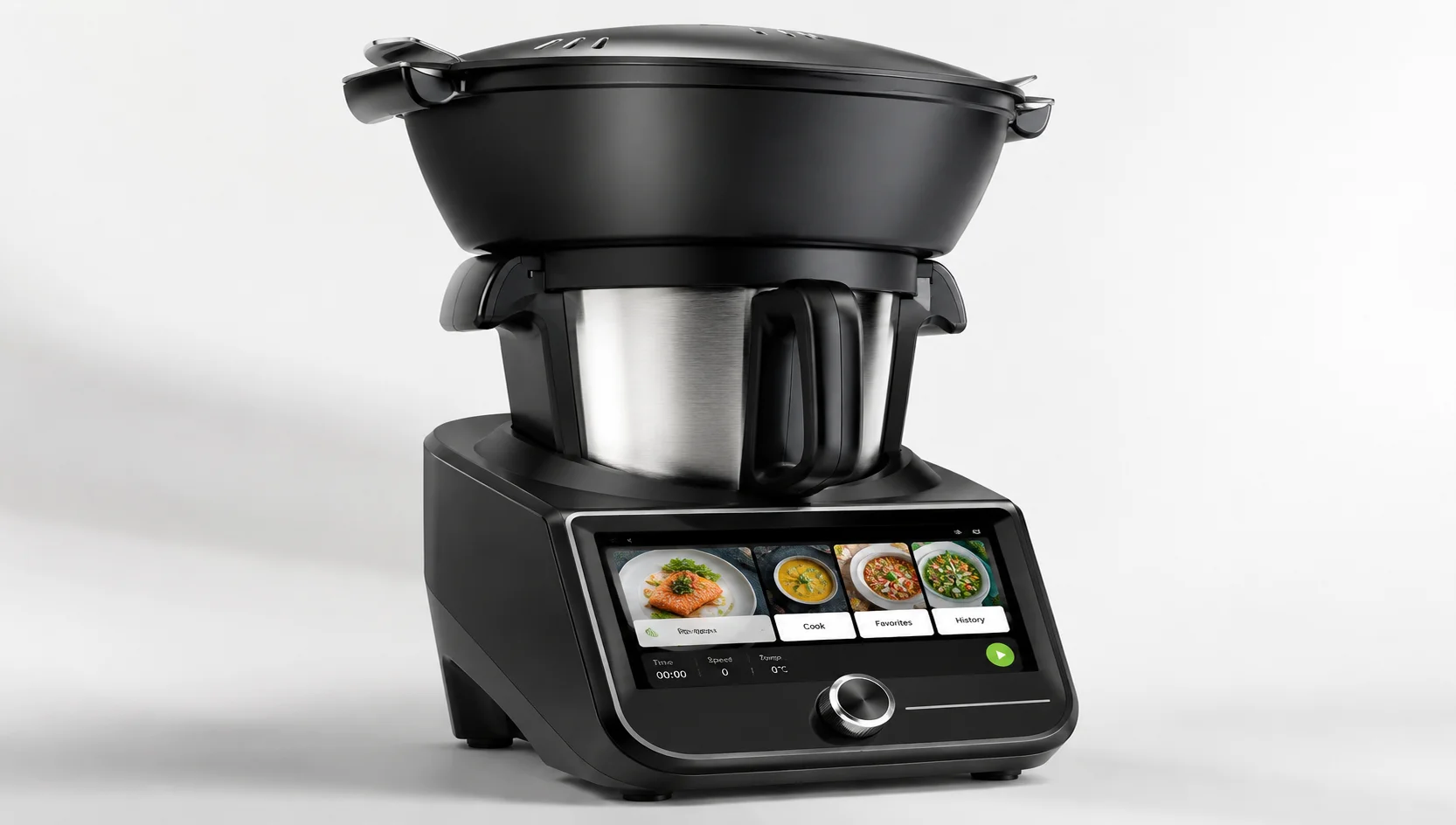
Resistive Touch Display for Appliances and White Goods
Resistive touch displays may be considered for appliance panels, kitchen equipment, white goods, mode selection interfaces and status feedback screens.
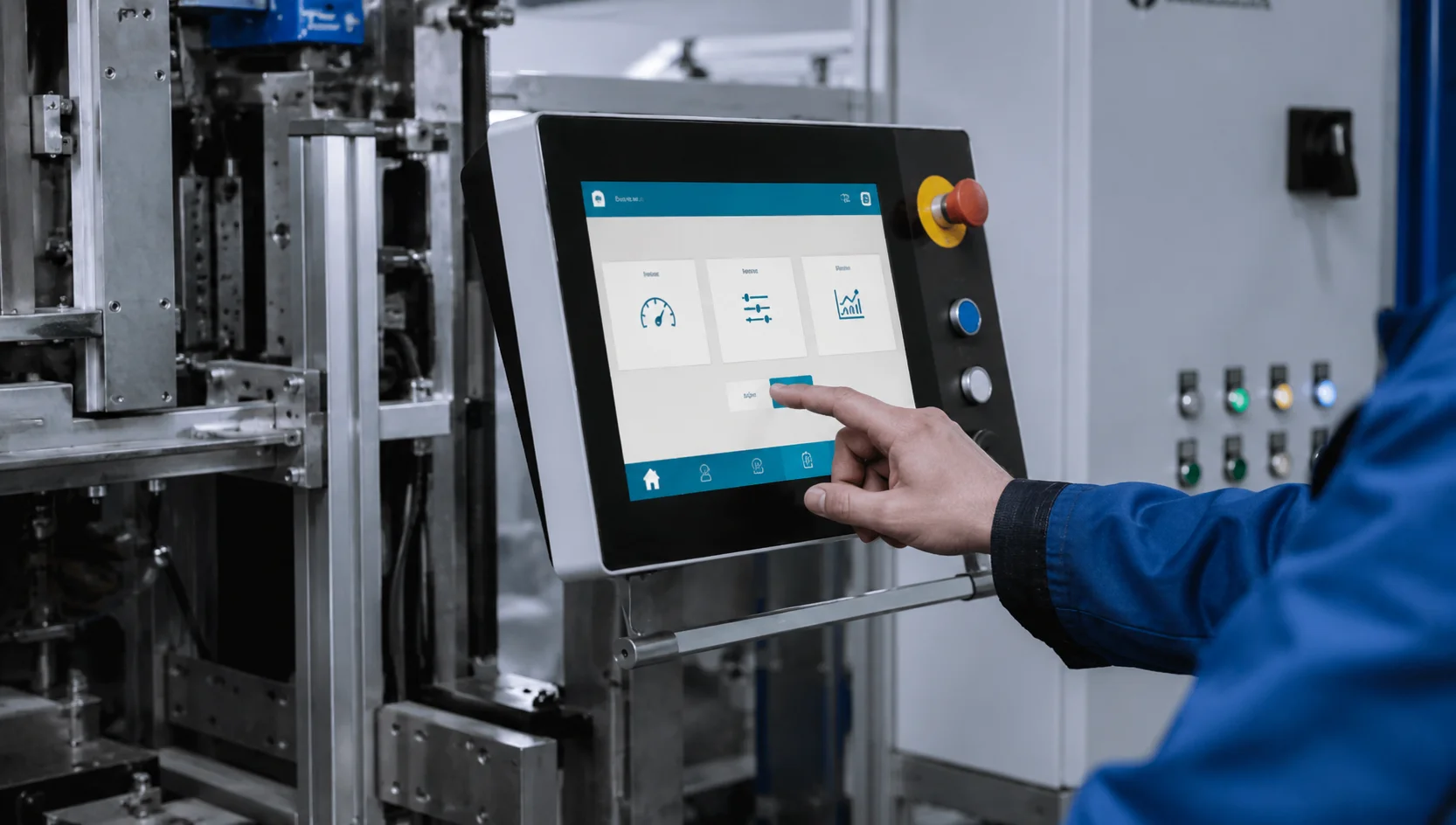
Resistive Touch Screen for Equipment Panels
Resistive touch screens can support machine panels, service terminals and local control modules where the user interface is simple and function-focused.
Not Sure Which Application Fits?
Our engineering team can help you evaluate the right resistive touch solution for your specific project requirements.
How to Select a Resistive Touch Screen
A resistive touch screen should not be selected by size alone. Your team should confirm the touch structure, active area, FPC, RTP signal, controller interface, bonding method, front protection, TFT matching and operating environment together.
Touch Size and Active Area
Confirm touch size, active area, viewing area, display active area and front-panel opening. Touch and display alignment should be reviewed before sample validation.
4-Wire vs 5-Wire Structure
Confirm whether your project requires 4-wire or 5-wire resistive touch. The decision should consider structure, lifecycle target, cost, availability and application environment.
FPC Direction, Tail Length and Pinout
Review FPC exit direction, tail length, connector, pin definition and mainboard position. This helps reduce PCB redesign and mechanical integration risk.
RTP Signal, Touch Controller and Host Interface
Raw resistive touch panels usually use 4-wire or 5-wire signal output and require a touch controller, ADC or host-side touch input circuit. If a controller solution is required, the host interface, controller IC, firmware support and calibration method should be confirmed by model and project design.
Bonding Method
Confirm whether the project needs air bonding, optical bonding or an undecided stack-up for early evaluation. For resistive touch projects, bonding should be evaluated together with touch feel, repairability, optical performance, mechanical strength and stack-up design.
Top Film, Front Protection and Cover Material Options
Review the top film, surface coating, front-panel protection and cover material requirements based on the resistive touch structure. Typical project discussions may include PET top film, protective overlay, printed front film, glass window, acrylic / PMMA panel or polycarbonate front protection.
For resistive touch projects, any cover or front protection design should be checked carefully because touch activation depends on pressure transfer. Material choice should be evaluated together with touch sensitivity, durability, chemical exposure, scratch resistance, optical performance, thickness, bonding method and enclosure design.
Selected surface or front-panel treatments such as anti-glare, anti-reflection, anti-fingerprint, hard coating, UV-resistant printing or sealing design may be reviewed by project.
Operating Environment
Confirm temperature, humidity, dust, liquid exposure, cleaning method, shock, vibration and expected operation method. Do not assume every RTP is suitable for outdoor or harsh environments without system-level review.
TFT LCD Matching and Mechanical Stack-Up
Check the resistive touch panel together with the TFT LCD, bonding layer, bezel, front protection and enclosure tolerance stack-up before moving into validation.
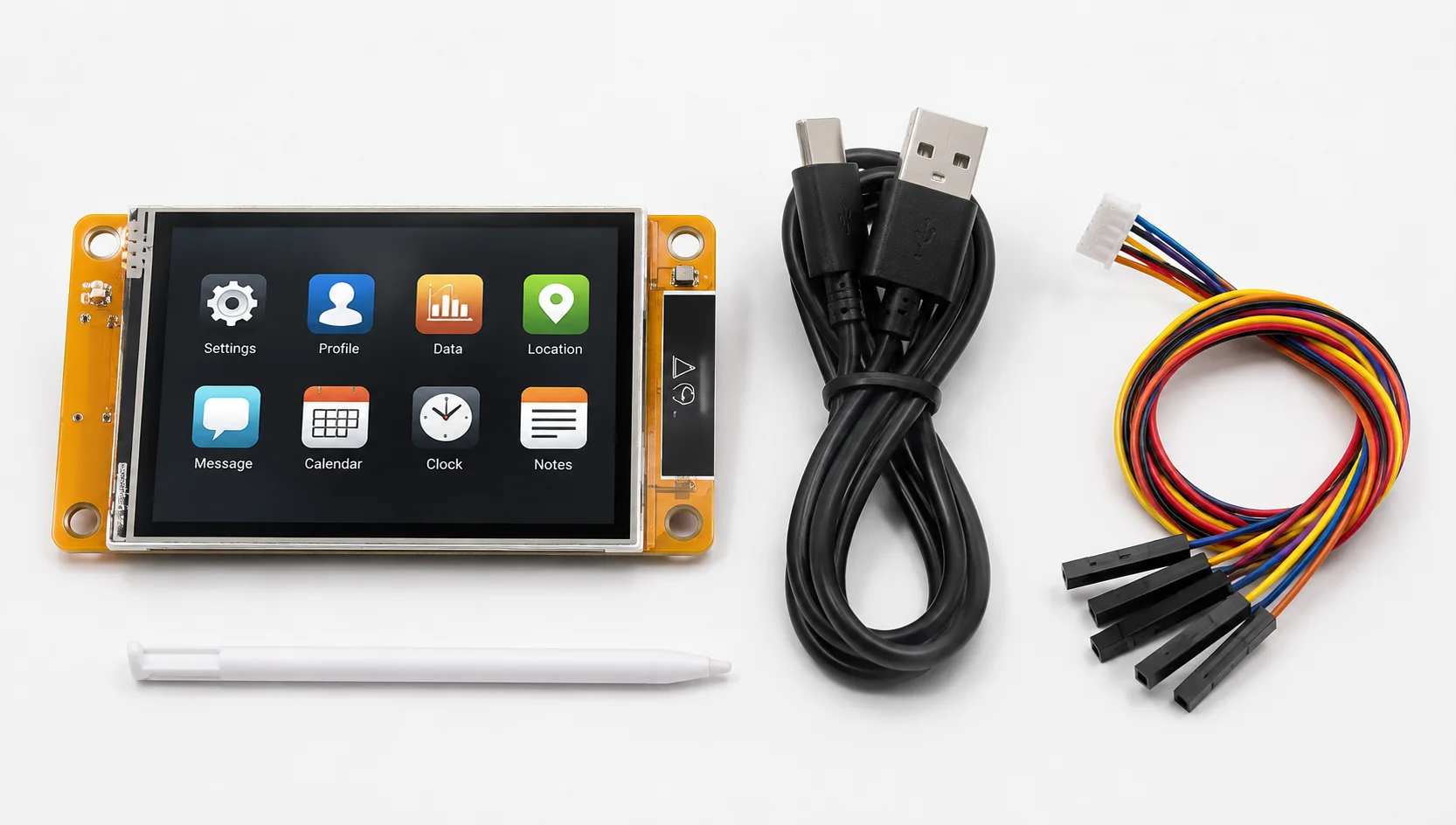
Review All Parameters Before Ordering Samples
Each parameter in the selection checklist above can affect system integration, mechanical fit and final performance. Confirming all items early reduces redesign risk and accelerates your product development cycle.
Need a Custom Resistive Touch Screen?
Project-Based Support for FPC, Size, Bonding and TFT Matching
If your project requires more than a standard resistive touch panel, LMTEK can evaluate selected customization needs based on project feasibility and production requirements.
Typical requirements may include custom outline, active area, FPC direction, tail length, connector, pinout, 4-wire or 5-wire selection, RTP signal review, controller interface discussion, bonding method, top film, front protection, cover material option, TFT matching and mechanical stack-up.
For detailed customization options, please visit our Custom Touch Screen or Custom TFT Display page.
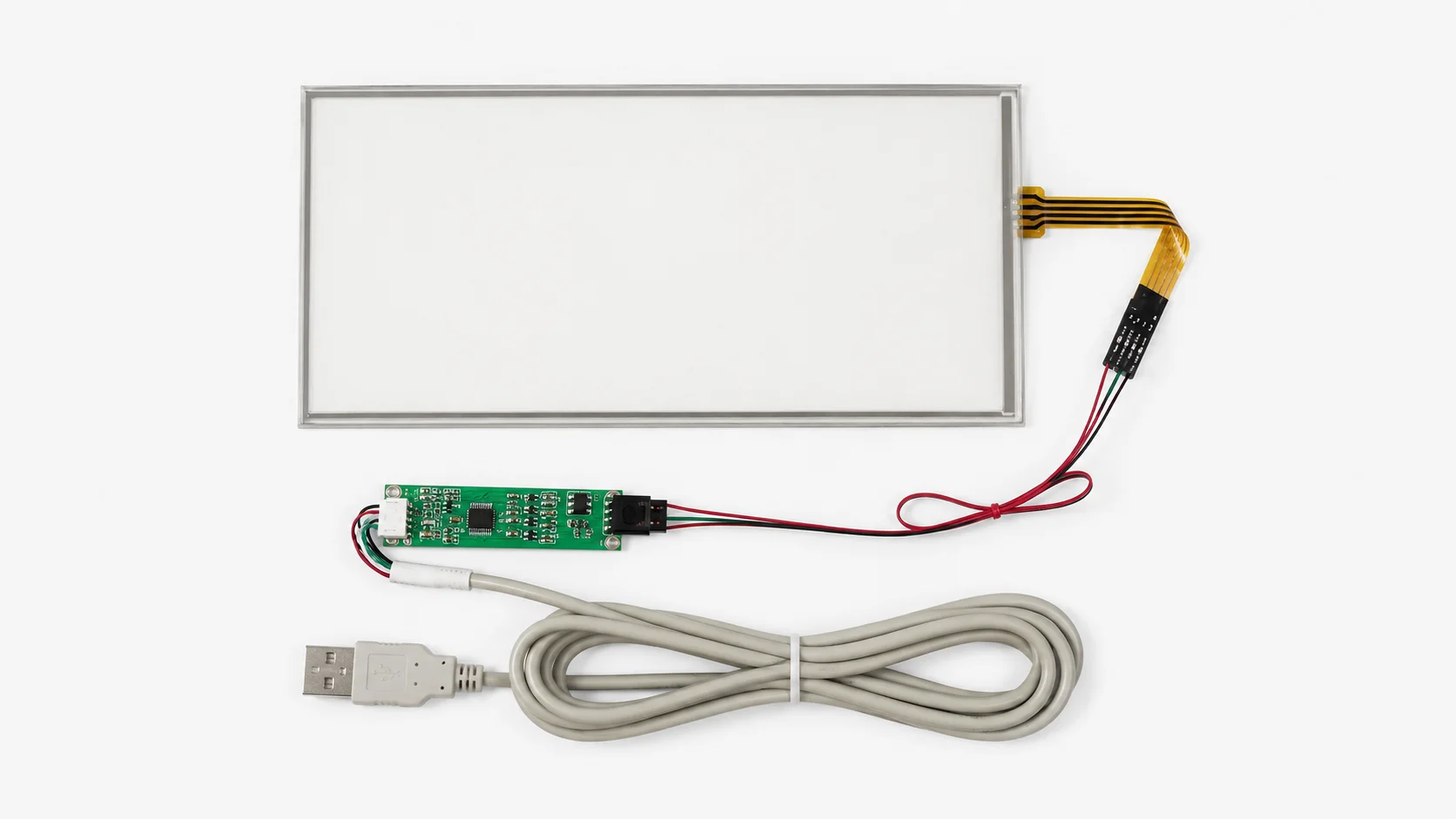
Typical Custom Parameters
Ready to Start Your Custom Project?
Contact our engineering team to discuss your resistive touch screen requirements. We support projects from early-stage evaluation through to production.
Related Touch and Display Categories
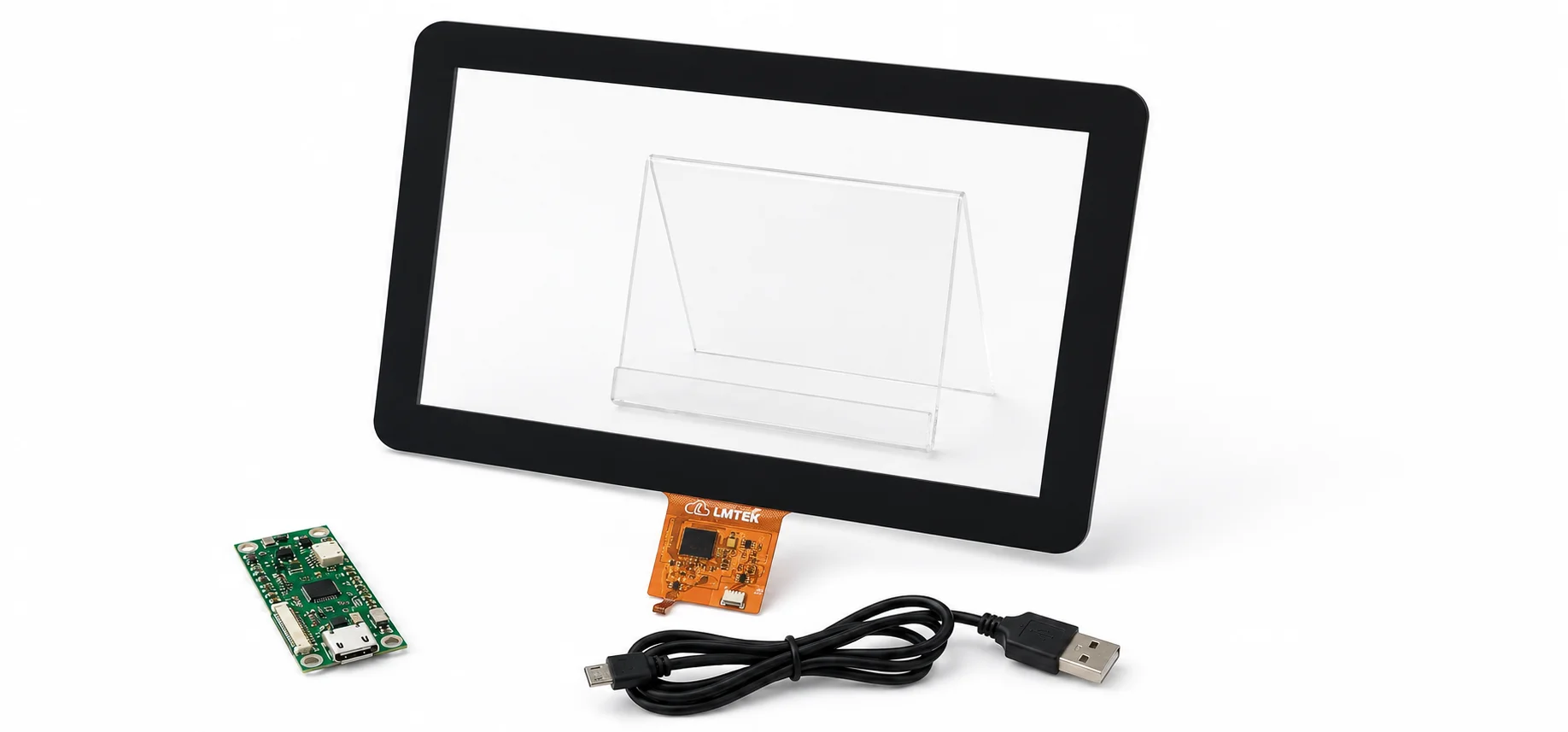
Capacitive Touch Screens
Review capacitive touch screen options for multi-touch, glass-like interaction, higher optical clarity and modern HMI interfaces.
View Capacitive Touch Screens
TFT Displays
Explore TFT display modules that can be matched with resistive or capacitive touch panels for embedded and industrial applications.
View TFT Displays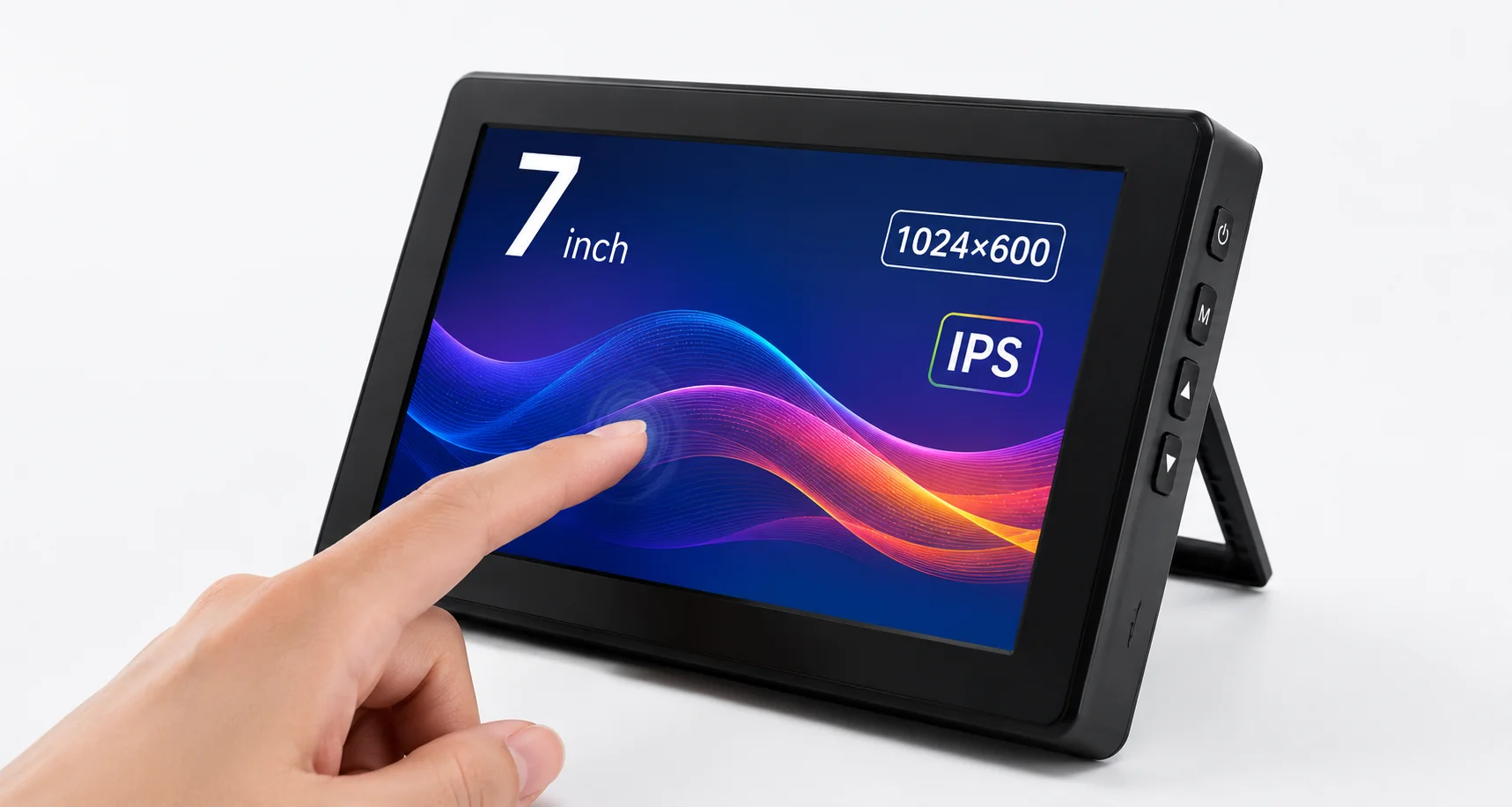
HMI / HMI-Ready Platform
Explore display, touch, embedded SBC, I/O and mechanical integration support for platform-based HMI development.
Explore HMI-Ready PlatformsResistive Touch Screen FAQ
What is a resistive touch screen?
A resistive touch screen is a pressure-based touch panel. When pressure is applied to the surface, internal conductive layers contact each other and allow the system to detect the touch position.
What is the difference between resistive touch screen and capacitive touch screen?
A resistive touch screen uses pressure-based input and is practical for simple control interfaces. A capacitive touch screen detects electrical changes and is often used for multi-touch, glass-like interaction and modern GUI applications.
What is the difference between 4-wire and 5-wire resistive touch screen?
4-wire and 5-wire resistive touch screens use different internal structures and signal layouts. The right option depends on size, cost target, durability expectations, application environment and confirmed datasheet values.
Can resistive touch screens work with gloves or stylus?
They can support pressure-based operation with a finger, glove or stylus depending on structure and application conditions. Final performance should be verified during sample validation.
Can a resistive touch screen support multi-touch?
Resistive touch screens are typically used for single-point or simple touch input. If your application requires multi-touch gestures, a capacitive touch screen may be more suitable.
Can resistive touch screens be bonded to TFT LCD modules?
Yes, selected resistive touch screens can be matched and bonded with TFT LCD modules. Bonding method, active area, viewing area, touch alignment and mechanical stack-up should be evaluated together.
Can cover materials be used with resistive touch screens?
Selected front protection or cover material options may be reviewed depending on the resistive touch structure. Because resistive touch depends on pressure transfer, material type, thickness, bonding method and touch feel should be confirmed during project evaluation.
Can LMTEK customize the FPC, size or bonding method for resistive touch screens?
LMTEK can review project-based requirements such as outline size, active area, FPC direction, tail length, connector, bonding method, front protection, TFT matching and mechanical stack-up. The available scope depends on the selected touch platform and production requirements.
Share Your Resistive Touch Screen Requirements
Send us your target specifications and application details. LMTEK will review your touch size, matched TFT display, FPC direction, RTP signal requirement, controller interface, bonding requirement and operating environment to help recommend a suitable resistive touch screen option or customization path.
Recommended Information to Submit
- Target touch size
- Matched TFT LCD size or model
- 4-wire / 5-wire requirement, if known
- Active area and outline dimension
- Viewing area and front-panel opening
- FPC direction and tail length
- Connector / pinout requirement
- RTP signal or controller interface requirement
- Touch controller, ADC or host interface requirement
- Bonding method: air bonding / optical bonding / undecided
- Top film, front protection or cover material requirement
- Surface treatment or printing requirement
- Operating environment
- Application and expected annual volume
- Existing datasheet or reference panel
- Sample and production timeline